ts-jest: [Bug]: Unexpected token 'export' when testEnvironment is `jsdom`
Version
29.0.2
Steps to reproduce
check out https://github.com/rburgst/test-ts-jest
pnpm install
pnpm jest
You will get
    SyntaxError: Unexpected token 'export'

    > 1 | import { createRef } from 'preact'
        | ^
      2 |
      3 |
      4 | export function foo() {

      at Runtime.createScriptFromCode (node_modules/.pnpm/jest-runtime@29.0.3/node_modules/jest-runtime/build/index.js:1678:14)
      at Object.<anonymous> (src/index.ts:1:1)
      at Object.<anonymous> (src/index.test.ts:1:1)
I tried switching the whole project over to ESM but that showed a similar problem (see esm branch).
Expected behavior
the test should run successfully
Actual behavior
You will get
    SyntaxError: Unexpected token 'export'

    > 1 | import { createRef } from 'preact'
        | ^
      2 |
      3 |
      4 | export function foo() {

      at Runtime.createScriptFromCode (node_modules/.pnpm/jest-runtime@29.0.3/node_modules/jest-runtime/build/index.js:1678:14)
      at Object.<anonymous> (src/index.ts:1:1)
      at Object.<anonymous> (src/index.test.ts:1:1)
Debug log
that file is rather large
Additional context
Repro repo: https://github.com/rburgst/test-ts-jest
Environment
System:
    OS: macOS 12.6
    CPU: (10) arm64 Apple M1 Pro
  Binaries:
    Node: 16.17.0 - ~/.volta/tools/image/node/16.17.0/bin/node
    Yarn: 1.22.18 - ~/.volta/tools/image/yarn/1.22.18/bin/yarn
    npm: 8.15.0 - ~/.volta/tools/image/node/16.17.0/bin/npm
  npmPackages:
    jest: ^29.0.3 => 29.0.3
About this issue
- Original URL
- State: closed
- Created 2 years ago
- Comments: 16
@ahnpnl thanks a lot for the explanation, with your config I can confirm that it works now. I am just flabbergasted that it takes so much configuration to get this to work when in ts-jest (and jest) 27 everything worked out of the box.
@ahnpnl I updated the sample where I started adding
.tsxfiles and tests for them. No I am presented withI couldnt find any project on the internet where preact/testing-lib/ts-jest and jest 29 were used. So any guidance would be highly appreciated.
FYI: the non-functional repo is here https://github.com/rburgst/test-ts-jest
I believe you see this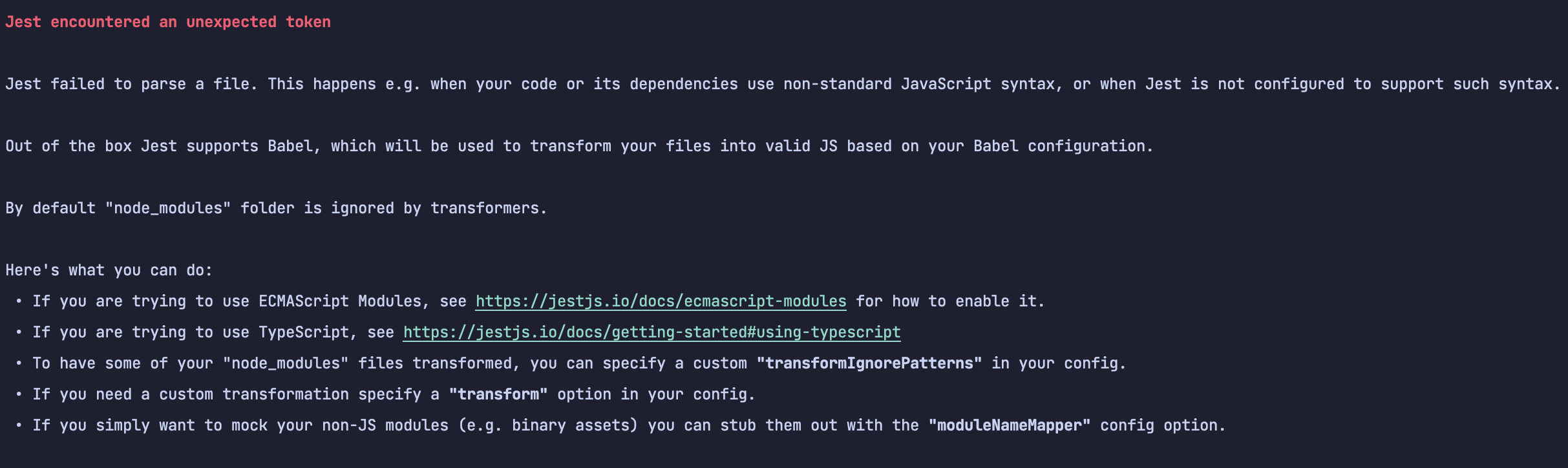 This is an error of Jest runtime that the files are not transformed. When Jest wants to run codes, it often asks the codes to be transformed first. That’s where
ts-jestcomes in. If Jest doesn’t give the files tots-jest,ts-jestwon’t transform and therefore Jest will fail.The problem hints is
This is the file which is not transformed yet for Jest to process.
To fix the problem, you need to tell Jest to give this file to
ts-jest, the final config isBy default, Jest has a default resolver. The resolver will try its best to find the correct file so Jest can load. However, in the case of
preact, the loaded file was not.mjsfile but the.module.js.This option https://jestjs.io/docs/next/configuration#transformignorepatterns-arraystring will also use quite often when encountering this kind of error.
You need to remove
presetin this case. Because when Jest mergespresetandtransform, yourtransformconfig becomes thisSince your regex is not the same as the regex of the
presetints-jestrepo, which Jest will produce that result which leads to your problem https://github.com/kulshekhar/ts-jest/blob/588c0d35d8099f261a56e736485178c817b62065/src/presets/create-jest-preset.ts#L25Documentation already includes the regex patterns
ts-jestuses https://kulshekhar.github.io/ts-jest/docs/getting-started/options I think documentation just needs a bit updates about this kind of merging behavior from Jest.