kompose: Cannot kompose up
Hi, I’ve been working on some docker project and wanna transform them into a kubernetes cluster.
➜  iotanode_dockerized git:(master) kompose -f docker-compose.yml convert
WARN Unsupported hostname key - ignoring
WARN Volume mount on the host "./volumes/iota/iota.ini" isn't supported - ignoring p
ath on the host
WARN Volume mount on the host "./volumes/iota/ixi" isn't supported - ignoring path on the host
WARN Volume mount on the host "./volumes/iota/mainnetdb" isn't supported - ignoringpath on the host
WARN Volume mount on the host "/etc/localtime" isn't supported - ignoring path on the host
INFO Kubernetes file "iri-node-service.yaml" created
INFO Kubernetes file "iri-node-deployment.yaml" created
INFO Kubernetes file "iri-node-claim0-persistentvolumeclaim.yaml" created
INFO Kubernetes file "iri-node-claim1-persistentvolumeclaim.yaml" created
INFO Kubernetes file "iri-node-claim2-persistentvolumeclaim.yaml" created
INFO Kubernetes file "iri-node-claim3-persistentvolumeclaim.yaml" created
The convert went okay but when I try to kompose up, here’s what happens:
➜  iotanode_dockerized git:(master) ✗ kompose -f iri-node-deployment.yaml up
ERRO Could not parse config for project iotanodedockerized : yaml: unmarshal errors:
  line 1: cannot unmarshal !!str `extensi...` into config.RawService
  line 2: cannot unmarshal !!str `Deployment` into config.RawService
FATA composeObject.Parse() failed, Failed to load compose file: yaml: unmarshal erro
rs:
  line 1: cannot unmarshal !!str `extensi...` into config.RawService
  line 2: cannot unmarshal !!str `Deployment` into config.RawService
➜  iotanode_dockerized git:(master) ✗ kompose up
WARN Unsupported hostname key - ignoring
FATA Error while deploying application: k.Transform failed: image key required withi
n build parameters in order to build and push service 'iri-node'
Here’s my docker-compose file :
version: '2'

services:
  iri-node:
    build:
      context: ./iri
      dockerfile: Dockerfile
    container_name: iri-running
    hostname: iota
    volumes:
      - ./volumes/iota/iota.ini:/iri/iota.ini:ro
      - ./volumes/iota/ixi:/iri/ixi:rw
      - ./volumes/iota/mainnetdb:/iri/mainnetdb:rw
      - /etc/localtime:/etc/localtime:ro
    expose:
      - "5556"
    ports:
      - "14600:14600/udp"
      - "15600:15600/tcp"
      - "14265:14265"
About this issue
- Original URL
- State: closed
- Created 6 years ago
- Comments: 33 (10 by maintainers)
Upvoting this one, same thing here:
FATA Error while deploying application: k.Transform failed: Unable to build Docker image for service core: Unable to create a tarball: archive/tar: write too longEDIT: Fixed this by manually removing
node_modulesdir and trying again.Putting "image: image-name"on the service to build solves this problem, but I have encountered other problem…
The other problem that appears after that is:
FATA Error while deploying application: k.Transform failed: Unable to build Docker image for service template-nodejs-backend: Unable to create a tarball: archive/tar: write too longMaybe you guys putting just the name on the image solves your problem. I am still trying to figure it out how to solve the next poblem, if you guys know anything please let me know…
For anyone else struggling, hopefully this helps:
Errors
image key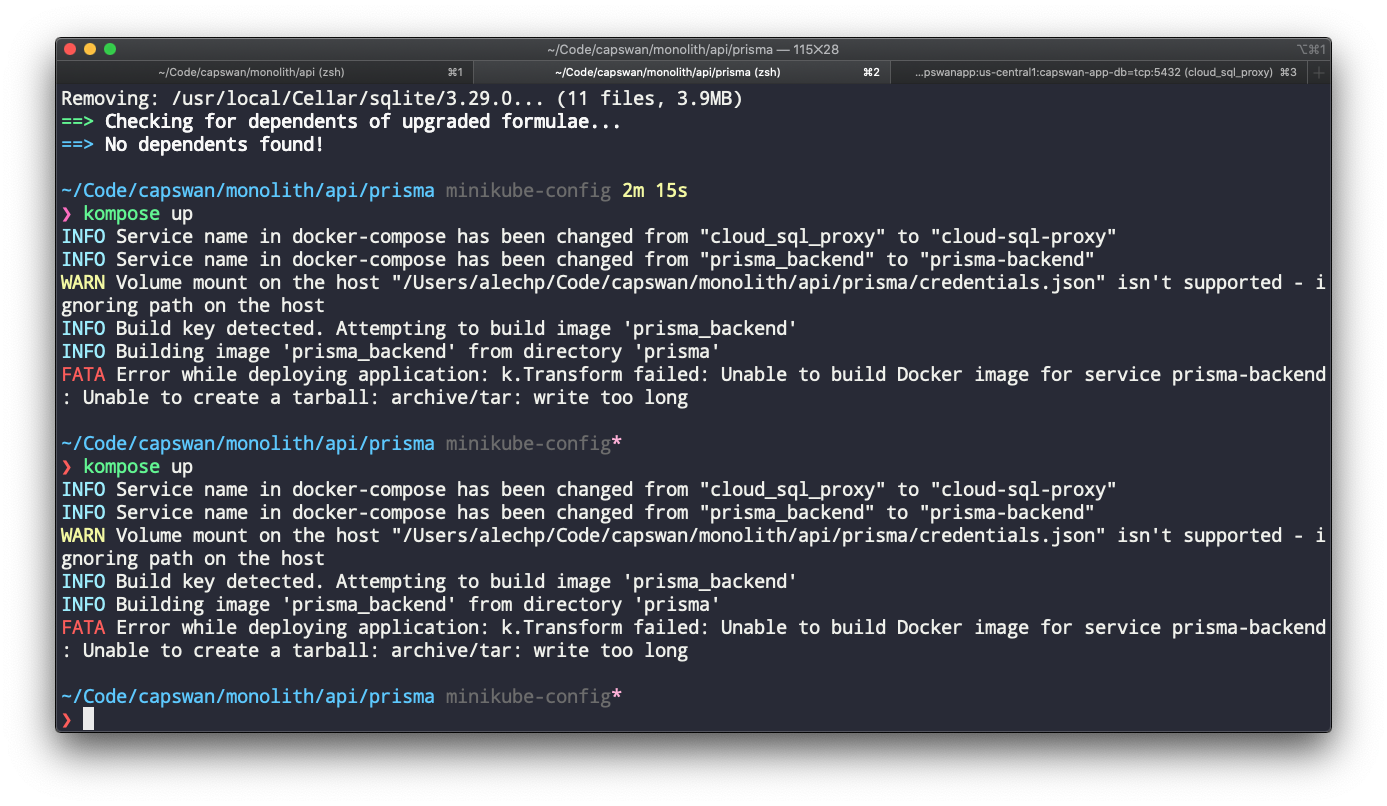
write too long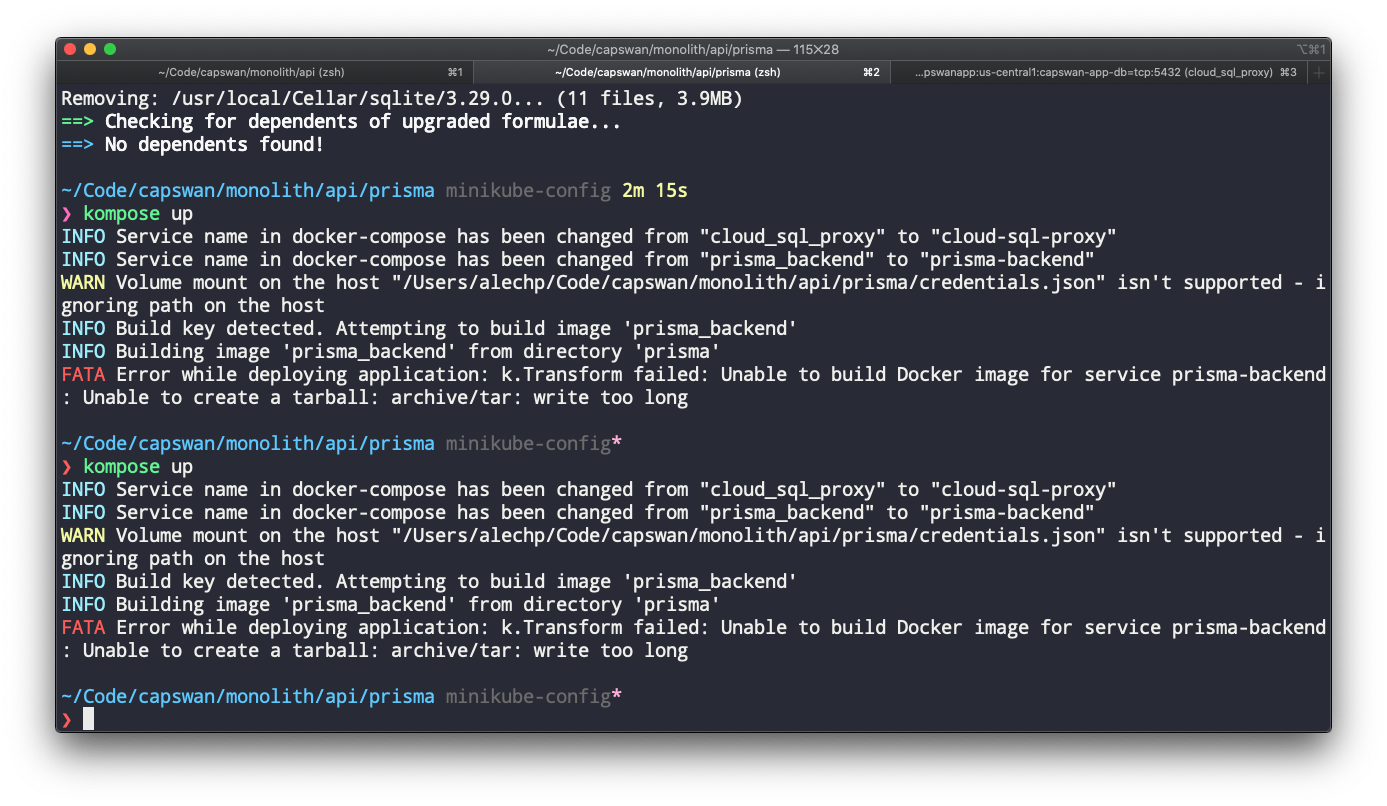
What worked for me
changes made to address
image key requiredandwrite too longerrorssame problem, Unable to create a tarball: archive/tar: write too long did you found a solution?
@huntal According to the docker-compose doc, https://docs.docker.com/compose/compose-file/#build, you need to specific the
imagekey