kiali: Rendering Problems on Graph with Big Meshes
Describe the bug There is a rendering issue with big meshes. Geometric elements (services, app) are not being rendered.
The search proved that the element was there but it was not displayed correctly.
Versions used Kiali-ui 1.7.0 (406b17787425c2a7bedfb8f0eb932f18bceaece9) Kiali v1.7.0 (1dfbbba93ea272b01f5ee17eb6a72ec589bf9513) Maistra: 1.0 Openshift: 4.2 Resolution: 2880 x 1800
To Reproduce Steps to reproduce the behavior:
- Deploy a big mesh (eg: 100 services).
You can do it by deploying the Scale Mesh on Kiali Test Mesh https://github.com/kiali/kiali-test-mesh/pull/55 - (Clone this pull request, run
make deploy-operatorand then runSCALE_MESH_NUMBER_SERVICES=100 SCALE_MESH_NUMBER_APPS=100 SCALE_MESH_NUMBER_VERSIONS=2 SCALE_MESH_NUMBER_NAMESPACES=1 SCALE_MESH_TYPE_OF_MESH=kiali-test-circle make deploy-scale-mesh
-
Click on Zoom in twice fast.
-
The geometric figures will not be rendered( triangles, squares) - pictures below
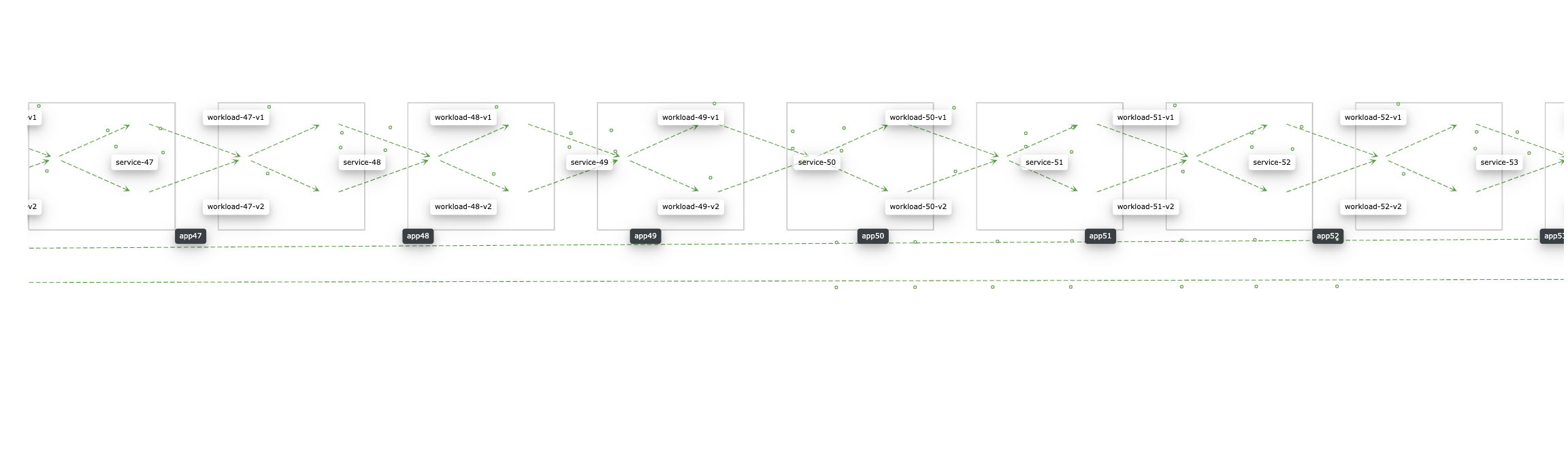
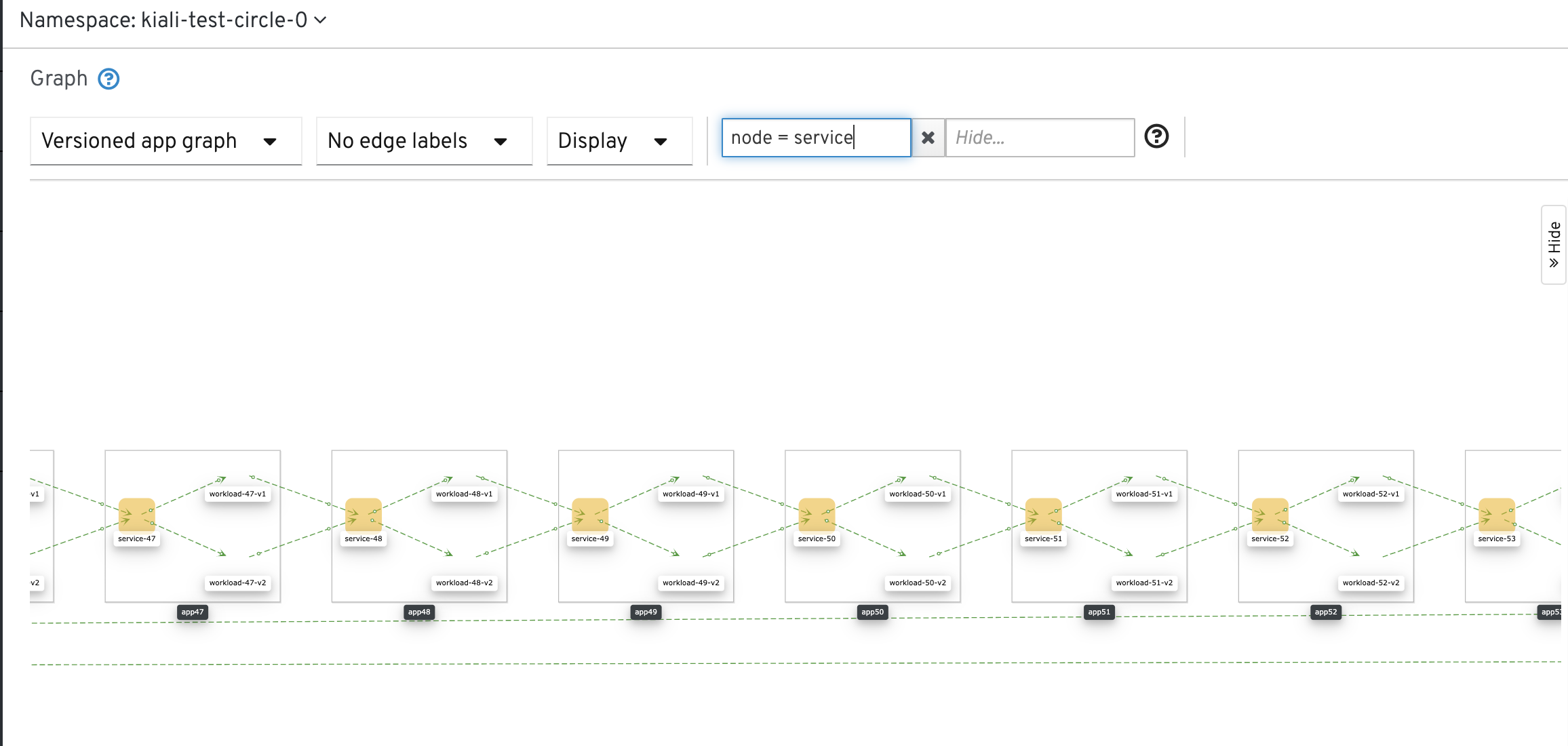
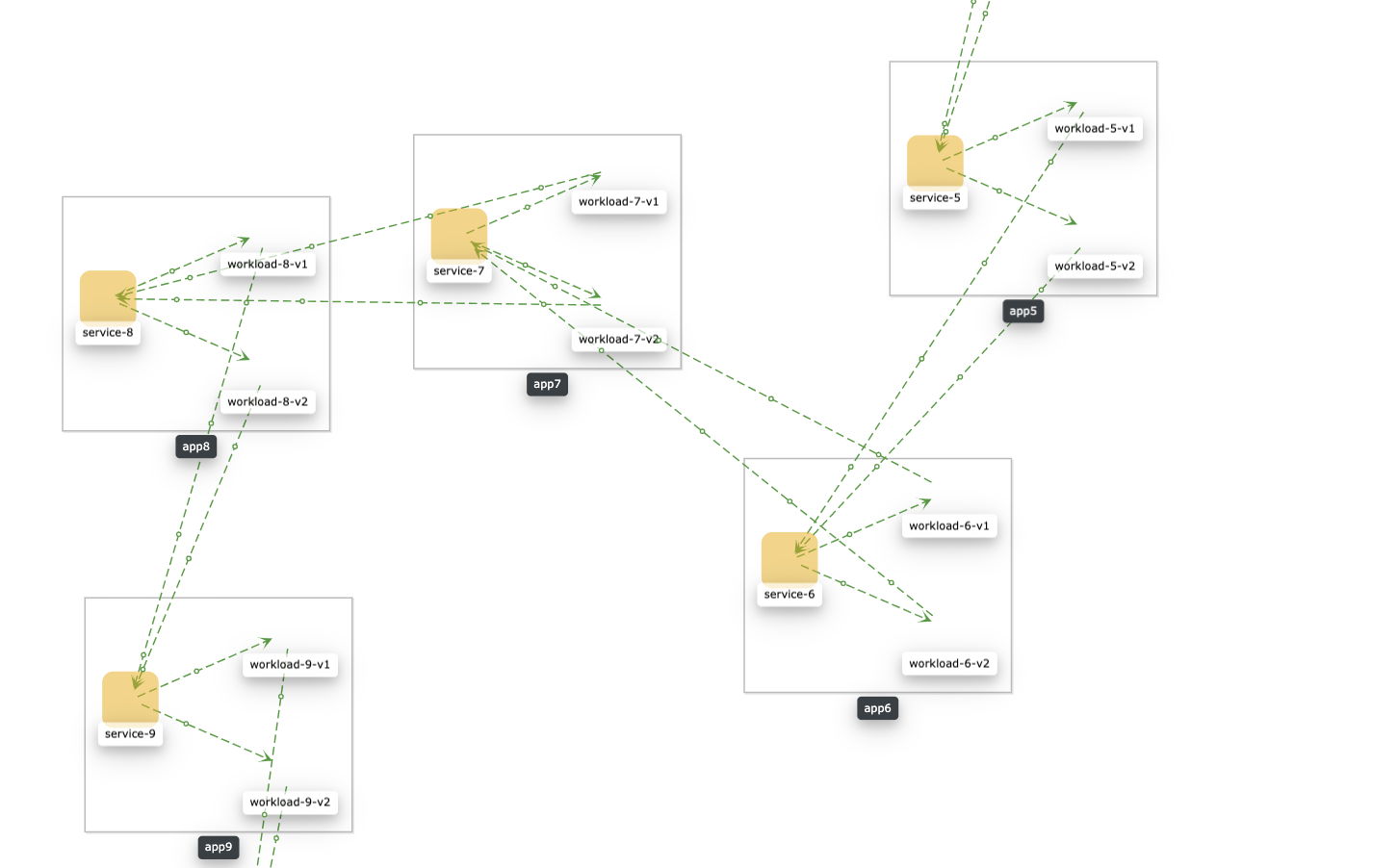
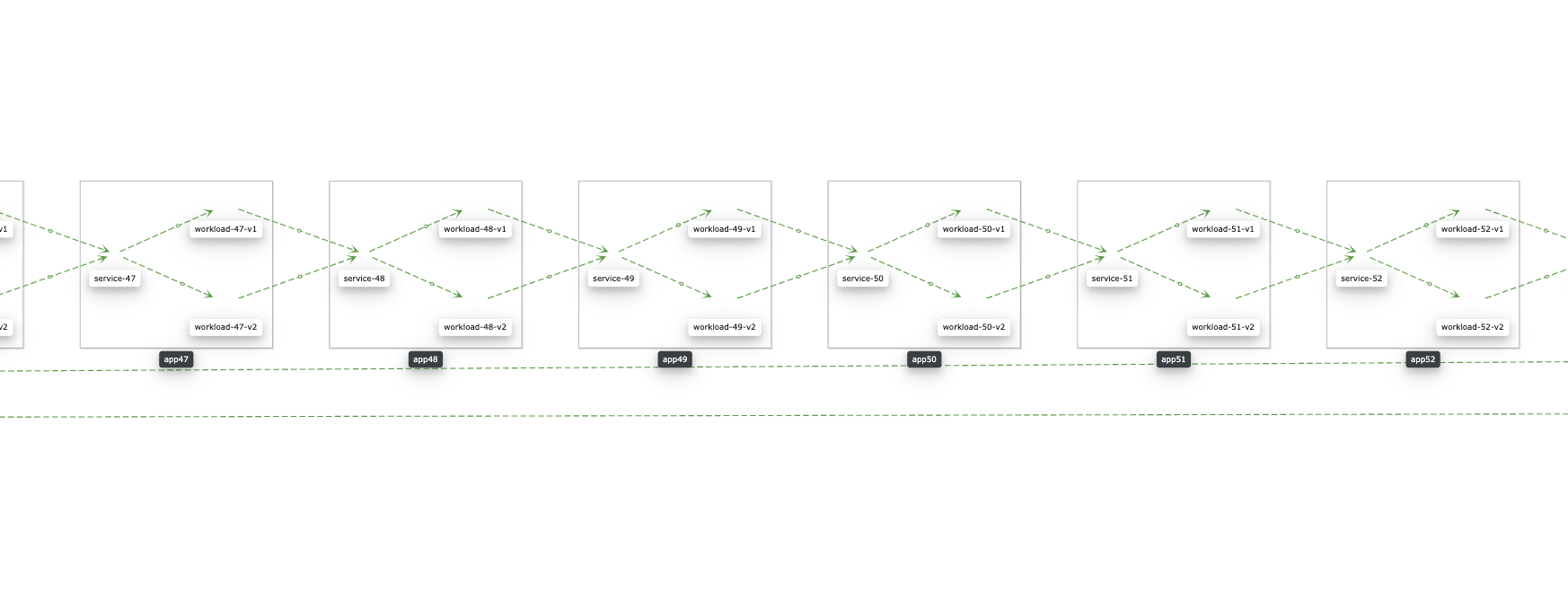
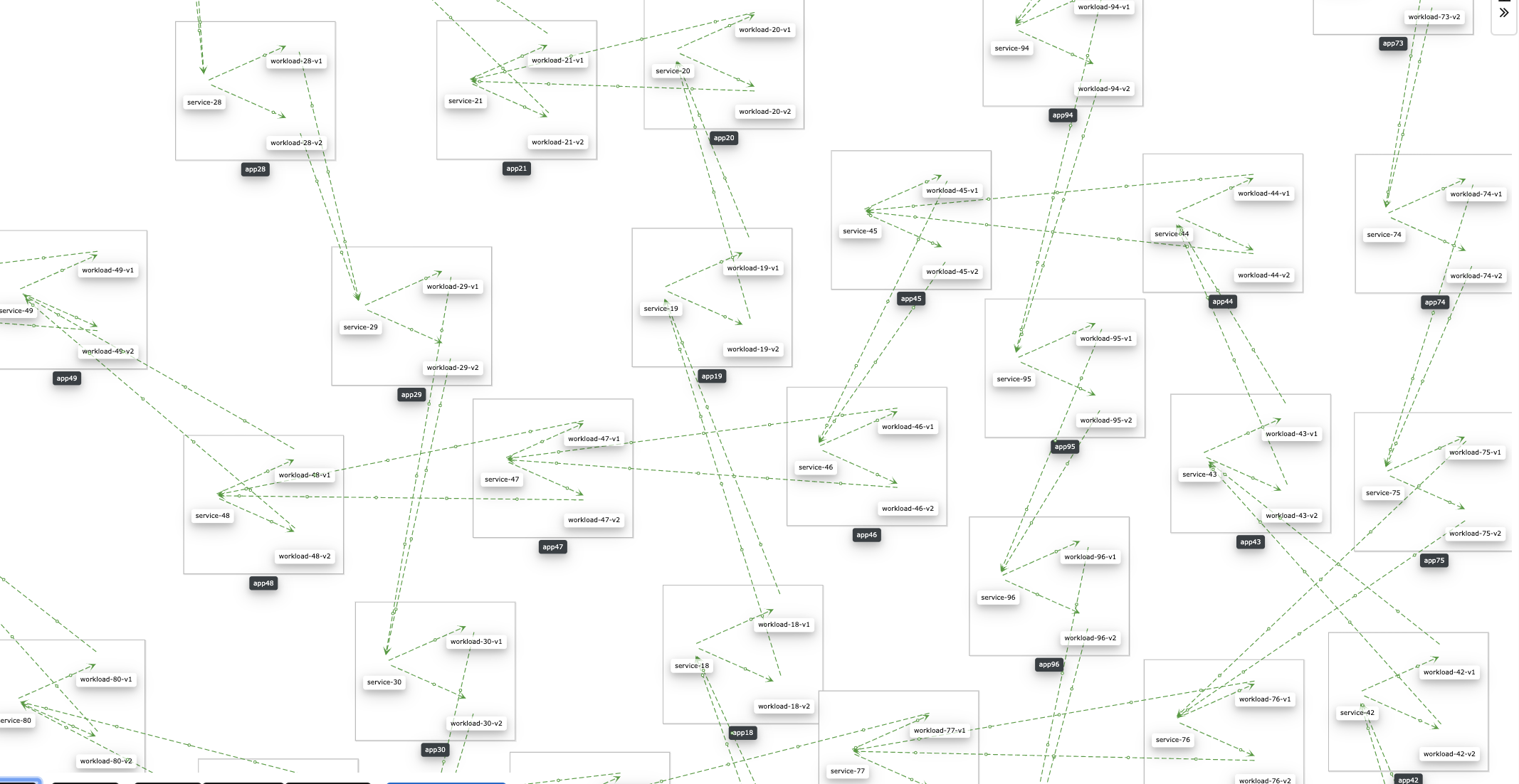
Expected behavior Elements of graph being correctly displayed.
About this issue
- Original URL
- State: closed
- Created 5 years ago
- Comments: 22 (17 by maintainers)
Ok, I was able to reproduce it on @gbaufake box, it looks like something related to cytoscape’s cache. I’m going to ask there for leads.
@josejulio Cytoscape 3.15.0 has been released. I’ll use this issue to perform the update. Maybe it will help. it may also have an effect on https://github.com/kiali/kiali/issues/2514. Or not…