kiali: kiali integration keycloak authentication failed
Versions used Kiali: v1.27.0 Istio: N/A Kubernetes: 1.19
To Reproduce Steps to reproduce the behavior:
-
about openid authentication
-
I had a keycloak service . Had a realm name is Keycloak Create a user test password 123456. other screen
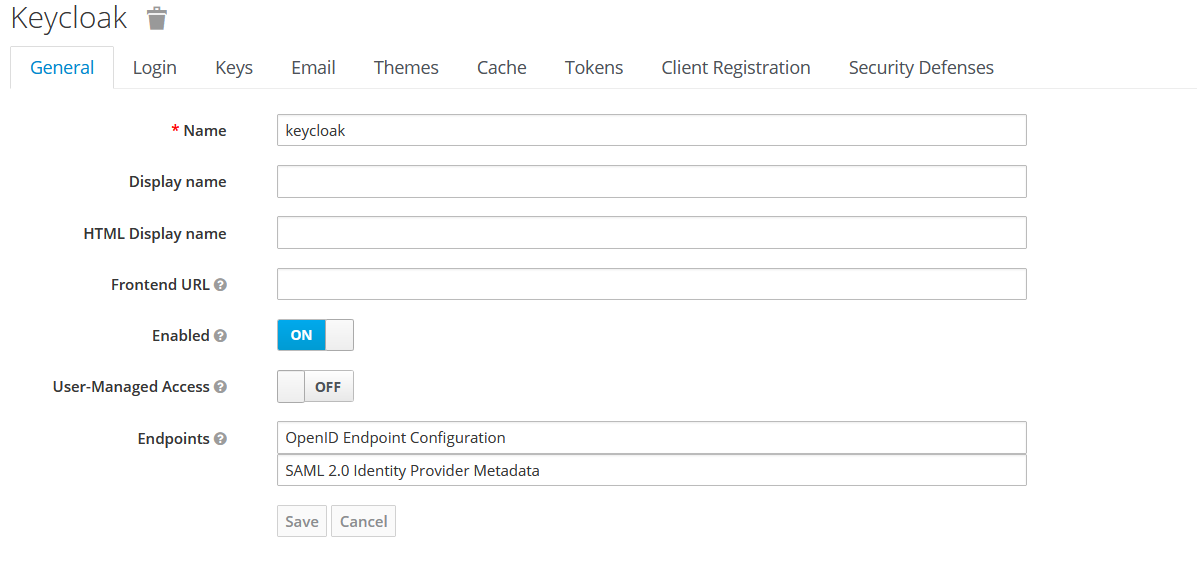
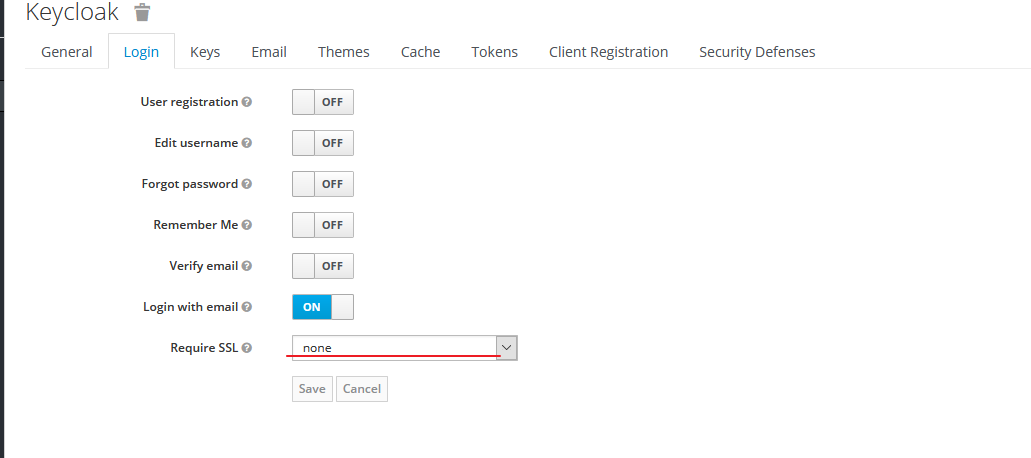
3.I set a client
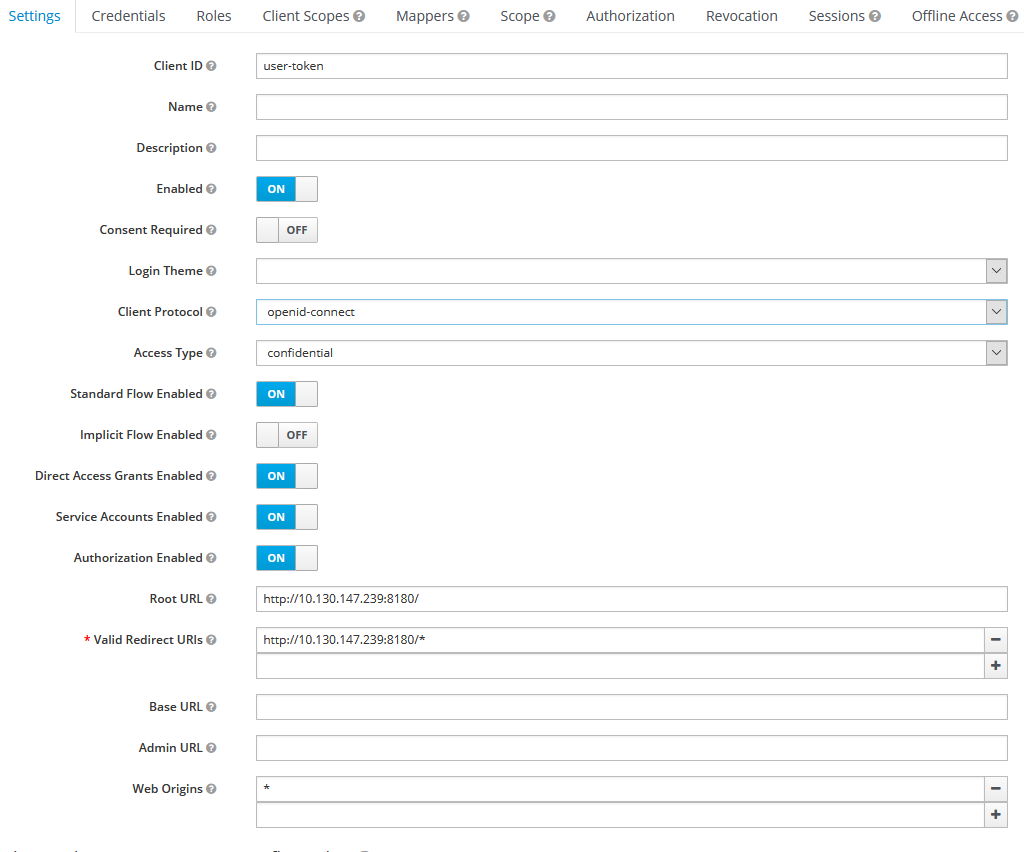

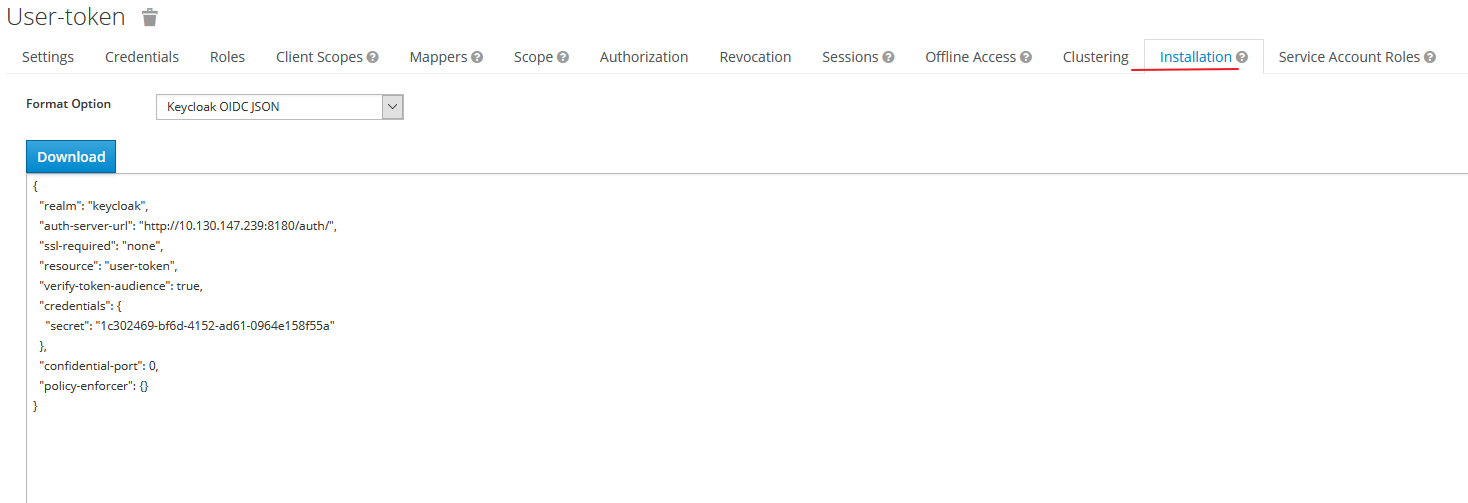
- I run command
curl --location \
--request POST 'http://10.130.147.239:8180/auth/realms/keycloak/protocol/openid-connect/token' \
--header 'Content-Type: application/x-www-form-urlencoded' \
--data-urlencode 'client_id=user-token' \
--data-urlencode 'client_secret=1c302469-bf6d-4152-ad61-0964e158f55a' \
--data-urlencode 'grant_type=client_credentials'
show me
{
    "access_token":"xxxxxx.........Too long to ignore content",
    "expires_in":300,
    "refresh_expires_in":1800,
    "refresh_token":"xxxxx.........Too long to ignore content",
    "token_type":"bearer",
    "not-before-policy":0,
    "session_state":"44f2d71c-f59e-4b10-939f-8e5e1fbd6761",
    "scope":"email profile"
}
5、I add a secret in k8s
kubectl create secret generic kiali --from-literal="oidc-secret=1c302469-bf6d-4152-ad61-0964e158f55a" -n istio-system
config.yaml file content
    auth:
      strategy: openid
      openid:
        insecure_skip_verify_tls: true
        client_id: "user-token"
        disable_rbac: true
        issuer_uri: "http://10.130.147.239:8180/auth/realms/keycloak"
        scopes: ["openid", "profile", "email"]
kubectl exec -it kiali-7bcbdcbbf-887fs -n istio-system -- /bin/sh -c "cat /kiali-secret/oidc-secret"
1c302469-bf6d-4152-ad61-0964e158f55a
kubectl exec -it kiali-7bcbdcbbf-887fs -n istio-system -- /bin/sh -c "cat /kiali-configuration/config.yaml"
auth:
  strategy: openid
  openid:
    insecure_skip_verify_tls: true
    client_id: "user-token"
    disable_rbac: true
    issuer_uri: "http://10.130.147.239:8180/auth/realms/keycloak"
    scopes: ["openid", "profile", "email"]
....
....
kubectl delete pod/`kubectl get pods --all-namespaces | grep "kiali" | awk '{print $2}'` -n `kubectl get pods --all-namespaces | grep "kiali" | awk '{print $1}'`

wait kiali running
6、when I click login with OpenID
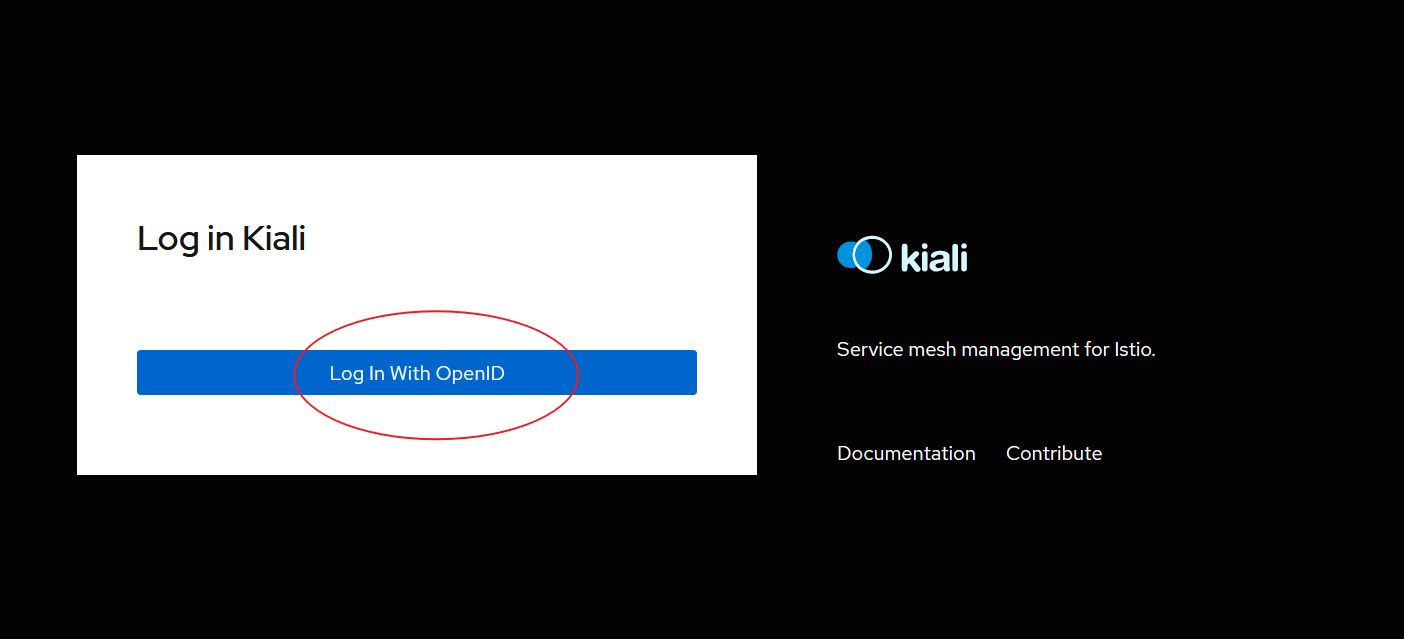
http://10.130.147.239:8180/auth/realms/keycloak/protocol/openid-connect/auth?client_id=user-token&response_type=id_token&redirect_uri=http%3A%2F%2F10.130.147.180%3A20001%2Fkiali&scope=openid+profile+email&nonce=8cc3b7183c72982b8c14f5093aa0abc60ecd526d629462a1ed8f654e&state=bb04dc1e9b793fda726c842cb99b04634121319f6abd1a08c1a40954-201208151100

It not work . Is a bug ? Or do I have something unconfigured ?
Is there any kiali integration keycloak tutorial ?I found every where.
About this issue
- Original URL
- State: closed
- Created 4 years ago
- Comments: 15 (5 by maintainers)
Last is config setp .
1、First you need setup a keycloak . then use docker run it . In my evn ,I found a some error . Probably due to a storage problem .So recommended that you use external storage
ps: This assumes that you have a mysql database . create a db name keycloak .and you had power access this db
command
2、access keycloak running host IP with 8180 port . 2.1 create a test realm named Keycloak
2.2 create a client that client kiali will use .
2.3 Write down the Secret
2.4 create a user
change password
3、edit kiali.yaml file . I use istio 1.8.0 unzip istio package . this file in
istio_unzip_dir/samples/addons/kiali.yaml
find code near .
change block code to your evn
4、I’m just testing it, so I edit this file service .
5、
this secret is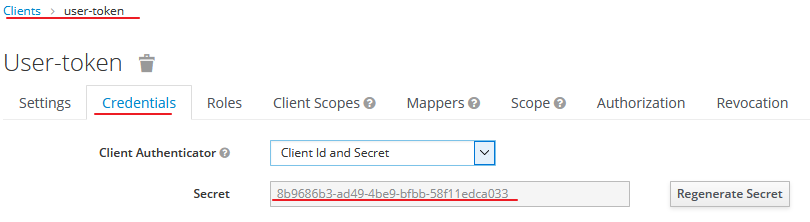
6、kubectl apply --filename=istio_unzip_dir/samples/addons/
7、access your k8s node IP with 20001 .
8、click this butten .
9 、input you set username and password
enjoy
@mengxifl How did you install Kiali?
I see that Keycloak is logging an error about “implicit flow” is disabled, which is right, because in the client settings I see this:
Apparently, given your current Kiali configuration, you need to turn on that option.