client: [macOS] Release 5.9.0 is not properly notarized
Trying to open 5.9.0 downloaded from the page produce this message:
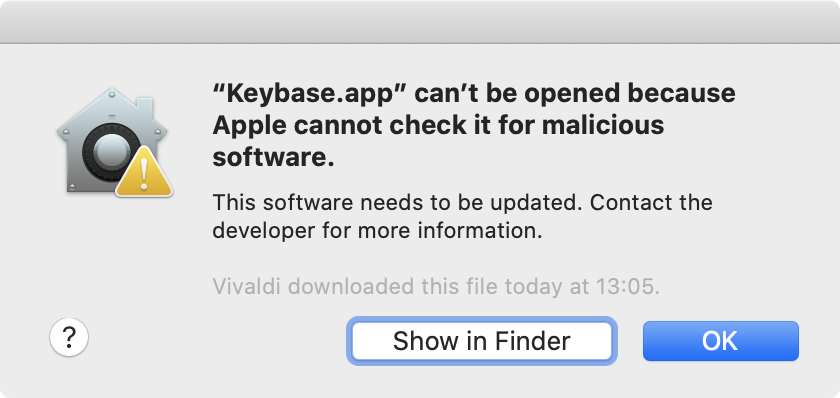
Upgrading from brew produces:
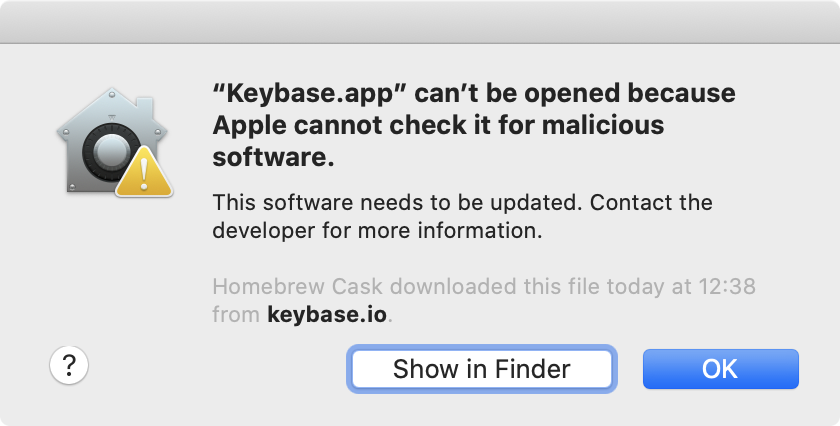
and after hitting OK:
Error: Failure while executing; `/Applications/Keybase.app/Contents/SharedSupport/bin/keybase install-auto` was terminated by uncaught signal KILL.
Comparison of notarization assessment of 5.9.0 vs 5.8.0
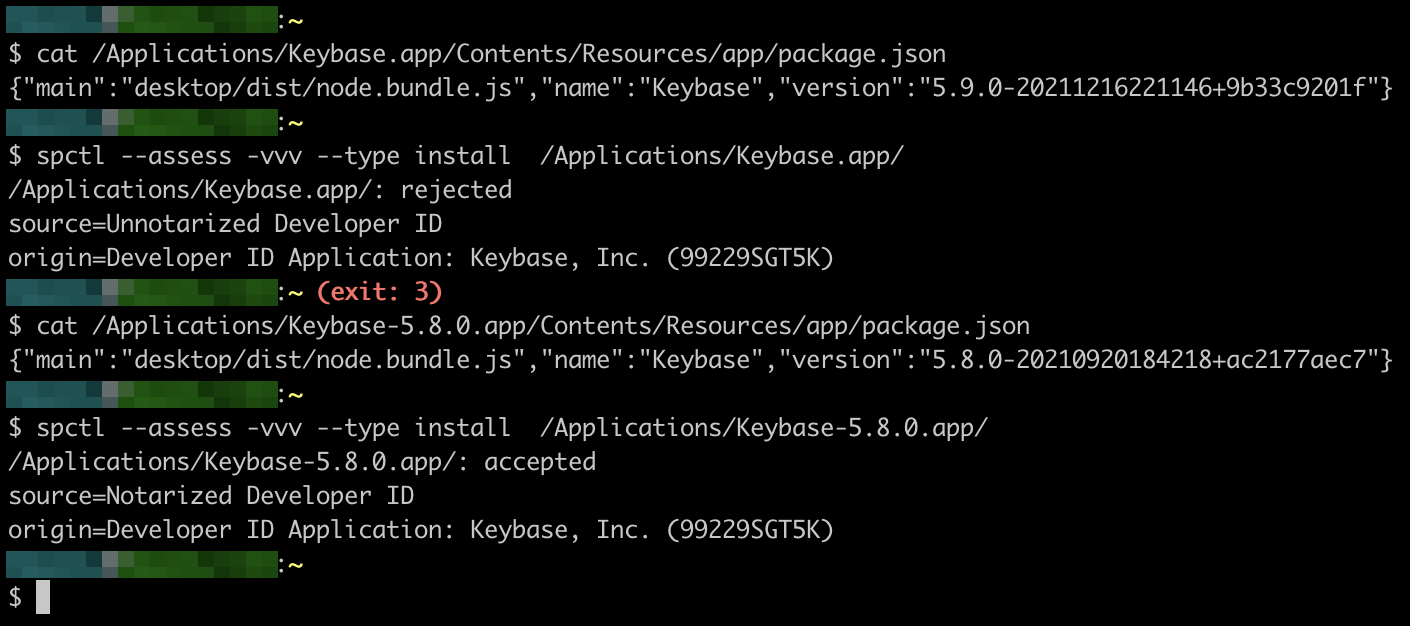
For 5.9.0 it says rejected and Unnotarized.
For 5.8.0 it says accepted and Notarized
About this issue
- Original URL
- State: closed
- Created 3 years ago
- Reactions: 11
- Comments: 18 (4 by maintainers)
Looks like this was disabled in commit cb632cb17c2bf86ac0c8bb5970076df3649f4eb0 by @joshblum, commit description “debug build scripts post modules”. Specifically
package_darwin.shwas changed to unconditionally setskip_notarize=1.@mdaloia The version you referenced is the last version that appears to install and signed properly. I tried a few of the newer ones with the same error. This is a bit concerning for a secure communications apps.
5.9.1 appears to fix this issue, but it has not been pushed to the brew cask. Please do so as soon as is possible.
hi all, we will be releasing a notarized version of 5.9 shortly. sorry for the issue.
https://github.com/keybase/client/issues/24741#issuecomment-999756157
Ya, this needs to be handled immediately. It isn’t reasonable to expect people to install a secrets management app that lacks signing by the publisher.
Could it be people are compiling from source and signing the client themselves?
Without at least comment from Keybase that the 5.9 binary hash is legit, I’d look at the currently available macos client with a leery eye.
@mdaloia @Kage1
Not sure if you sorted this out, but I managed to get it to work with a (I’m not sure if it can be considered remarkable, or just embarrassing that I didn’t try it sooner), let’s say, simple solution.
Basically I just right-clicked (two-finger) the keybase app in ‘Applications’, and opened it that way - instead of just double-clicking. This was for version 5.9.0, and it wasn’t working both on High Sierra or Big Sur. It now works on Big Sur for me (but not sure about previous macOS as I updated it just for this reason.
https://github.com/Homebrew/homebrew-cask/pull/118526
@joshblum 5.9.1 seems to still be missing from homebrew. Is there an automated release process for that?
@dotLou you could use: https://prerelease.keybase.io/darwin-updates/Keybase-5.8.0-20210920184218%2Bac2177aec7.zip
(extracted from the previous revision of the Homebrew formula: https://github.com/Homebrew/homebrew-cask/blob/1bbf52686e45b49deb10bcdd7067fcc3d5dd15da/Casks/keybase.rb)
I am also having this issue. On a Mac w/ intel processor
Also experiencing this issue.