label-studio: Images are not displayed when importing local tasks from JSON files
Describe the bug
I am trying to import tasks from local storage using the label studio Docker image for image annotation. For this purpose I am following the steps described in the documentation - described here and here.
While I am able to import tasks from JSON files the references images do not show up in the UI.
To Reproduce Steps to reproduce the behavior:
- Create local project structure - e.g.:
mkdir my_annotation_project
cd my_annotation_project
mkdir myfiles
mkdir myfiles/dataset1
mkdir mydata
- Copy an image and a task definition to
myfiles/dataset1. The task definition is given by the JSON file:
{
    "data": {
        "image": "/data/local-files/?d=dataset1/1005.jpg"
    }
}
- From the project root run the following Docker command using the latest label studio Docker image:
docker run -it -p 8080:8080 -v `pwd`/mydata:/label-studio/data --env LABEL_STUDIO_LOCAL_FILES_SERVING_ENABLED=true --env LABEL_STUDIO_LOCAL_FILES_DOCUMENT_ROOT=/label-studio/files --env LABEL_STUDIO_USERNAME="user1@user1.de" --env LABEL_STUDIO_PASSWORD="ipwd1234" -v `pwd`/myfiles:/label-studio/files heartexlabs/label-studio:latest label-studio
- In the label studio UI, create a new project and select the
Object Detection with Bounding Boxestemplate for theLabeling Setup. - In the project’s settings go to
Cloud Storageand configure the local file storage:
- Storage Type: Local files
- Storage Title: mylocalstorage
- Absolute local path: /label-studio/files/dataset1
- File Filter Regex: .*json
- Check
Treat every bucket object as a source file - Click
Check ConnectionandSave - Synchronise local storage by clicking
Sync Storageon the recently created local storage
- In the project’s task list you should now see a task being imported, without showing the data/ image referenced in the task’s JSON file.
Expected behavior
The image referenced in the task definition should be displayed in the UI/ label interface.
Screenshots
The following screenshot shows the result after following the steps described above:

Clicking on task source indicates that there might be a bug in the task import as you can see that the image reference has been replaced by the task reference:
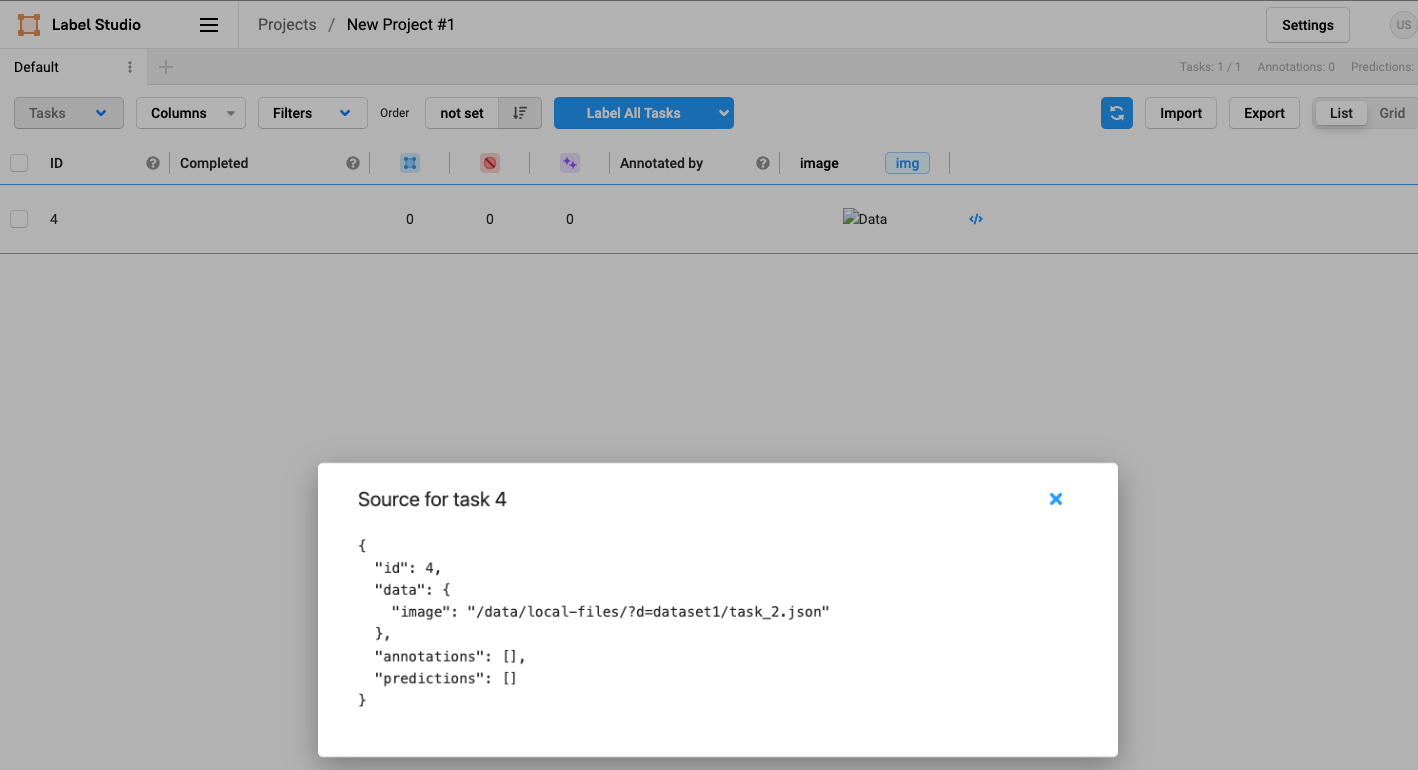
The issue can be solved by updating the task via the API:
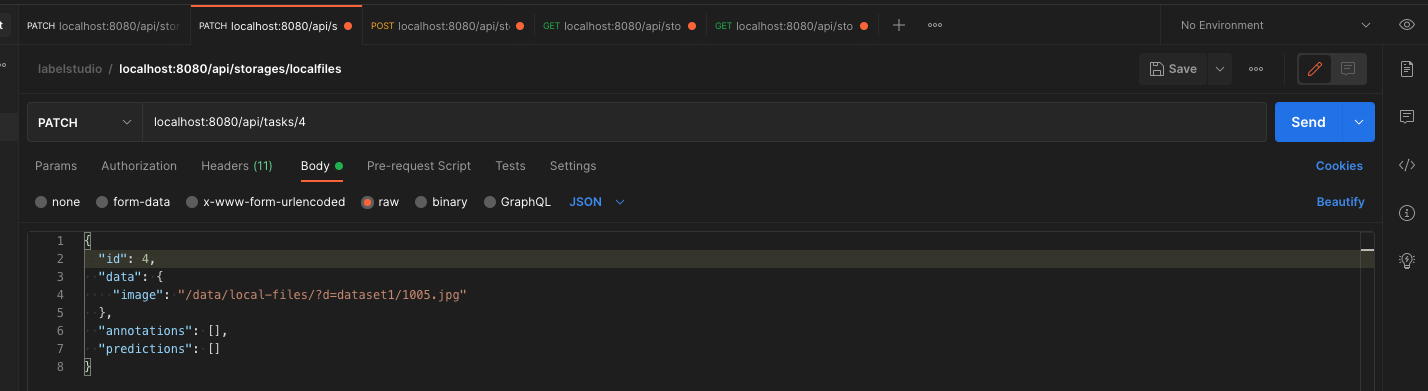
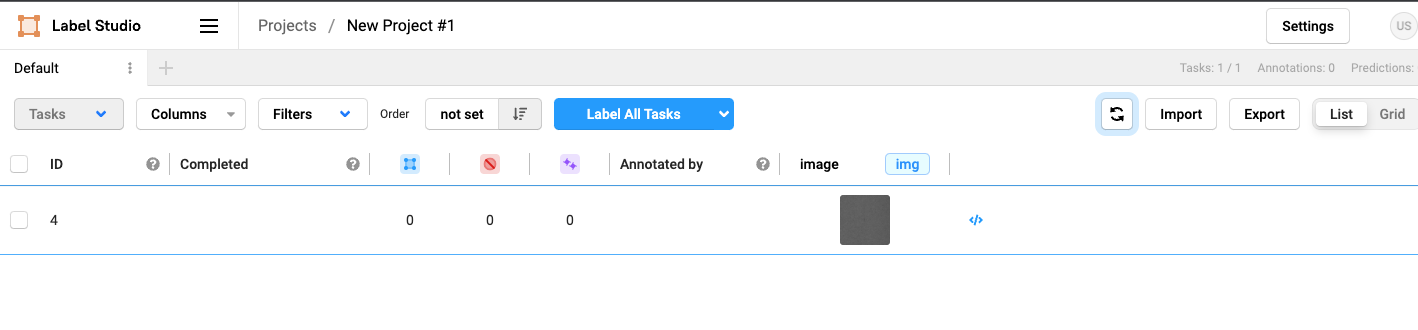
Now the task is showing the referenced image (after hitting refresh)
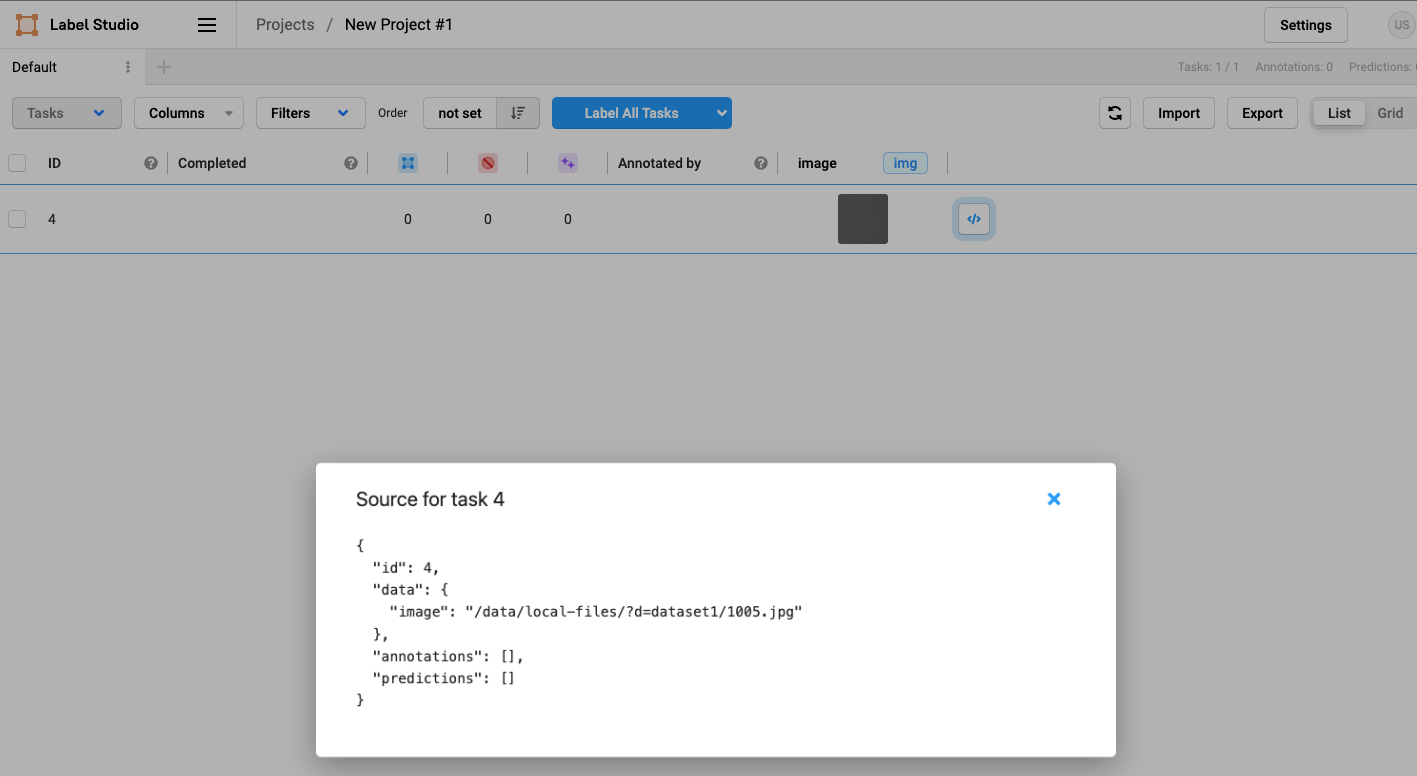
as well as the correct task source as specified in the task’s JSON definition
Environment (please complete the following information):
- OS: macOS Monterey
- Docker 4.3.2 (72729)
- Label Studio Version 1.4.1post1
Thanks a lot for your support!
About this issue
- Original URL
- State: closed
- Created 2 years ago
- Reactions: 2
- Comments: 41 (18 by maintainers)
Hi @dsmanl I fullly understand your problem, I spend over 2 days to find how it works. All that you show is not a bug, it just works in another way. Now I have my own instruction for this case without add task via API.
5. In the project's settings go to Cloud Storage and configure the local file storage:At this stage you have to pass File Filter Regex, rest it empty or add extension of your files (not task *json) .*jpeg or something else.Treat every bucket object as a source file, switch it off!Sync Storageimportat the project page). I sure you know where it is:)If your json file is correct and your template use correct data name from json task, everything will be downloaded correctly!
I also want to show the example of my .json task for multi-image classification, that was shown here because I can not find it before.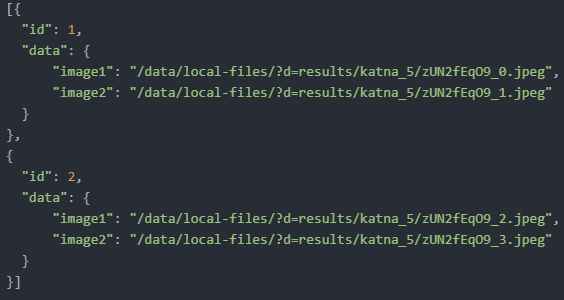 As you can see it contain list of dict. Each my path start with
/data/local-files/?d=results/katna_5/, because I use/label-studio/files/resultsas Absolute local path inside source storage, but all images are inside katna_5 folder.I hope it will help you
No I did not. I just switched to using another Annotation Tool.
It’s a shame because I really enjoyed using label-studio. And I don’t understand why it is so difficult to upload already annotated data. It seems like it is easier to deploy a whole ML model in the tool than just uploading its predictions.
But again, thanks for trying to help out. I’ll be looking at this thread every once in a while to see if there’s a solution.
Apologies @makseq, I should have checked that before: I was using LS v1.0.0, all data is fetched corretly when using the latest version (1.7.1). Thank you for the help!
You need only one storage.
Task data with “image” field should be resolved automatically. Hope this schema clarifies the flow a little: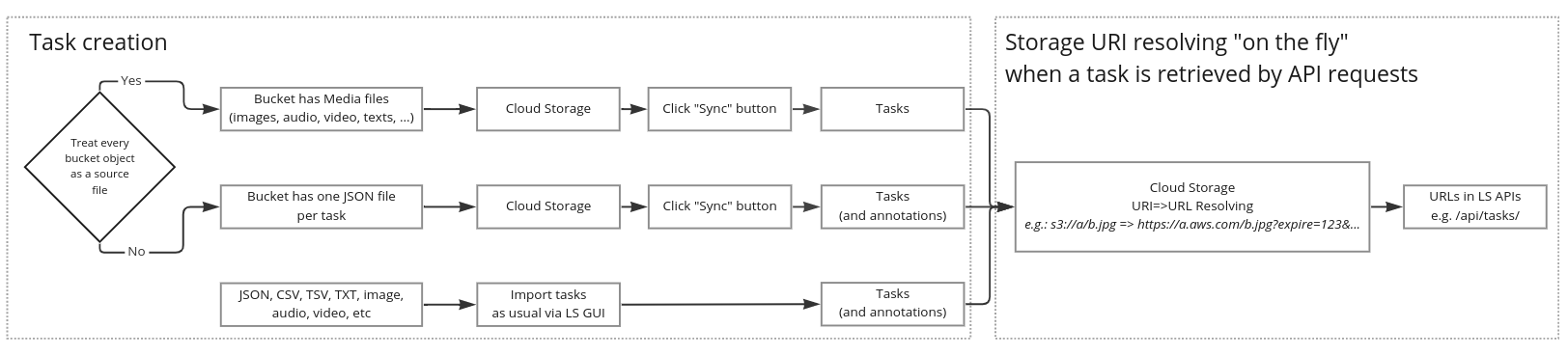
Hi @makseq ,
it is still not clear to me how pre-annotated data can be read in via cloud storage.
Suppose that in the source folder, there are JPEGs and the respective JSON files with the pre-annotations in the format described above:
So, for each image, there is JSON dict with the data.image key referencing the cloud storage object url, e.g. “s3://xxx/1.jpg” and also stores the predictions.
How should the data be read? I have tried the follwing:
In none of these cases, pre-annotated data was fetched for the respective image files. When only the pre-annotated data connector was synced with “Enable Treat every bucket object as a source file” switched off, the URLs were (of course) not presigned and thus fetching data failed. When the option was turned on, LS generated a presigned url for the JSON file (instead of the respective image file).
I am sure this is trivial as this is the most basic workflow I can imagine most people are using, but I would be very thankful for a short description on how this should be done.
Any help is greatly appreciated!
Hello ! Please, I need help on importing pre-annotated data from cloud storage. I have a bucket s3 where my images are stored. I can sync the source storage on labelstudio and can see all my images. The issue is coming when I want to import the associated annotations to each image. I have generated a JSON file, but I do not know where to put it in the bucket, what the field “data”: {“image”: …} should contain, … I would really appreciate some help. Thanks a lot in advance
@MrNightSky Could you write this instruction in the .md file?
https://github.com/heartexlabs/label-studio/blob/master/docs/source/guide/storage.md it will be compiled to this => https://labelstud.io/guide/storage.html#Local-storage
Please, put images here: https://github.com/heartexlabs/label-studio/tree/master/docs/themes/htx/source/images and you can reference them as follow:
You can create a PR and become a contributor 😉
It will be great!!!
And I want to say, that I’m very impressed by this instrument! I’m sure, that if you solve misunderstandings like that it will be better!
P.S. If you need better screenshots, or more detailed instruction for your documentation, message me.
Thanks for coming back to us, @makseq ! The goal is to import pre-annotated tasks (in Label Studio JSON format) and this is why I have used “File Filter Regex: .*json”. Each task is in a single JSON file. In the past it worked quite well using this approach.
If I use .*jpg, the image is displayed correctly. However, pre-annotations are not considered.
Thanks!