stretchly: Do not disturb is enabled and cannot be disabled
Prerequisites
- I’m using latest version: v 0.18.0
Description
Do not disturb is enabled and cannot be disabled
Operating system: Win 7 64 bit
Steps to Reproduce
- Open app
- Right click on its icon on tray.
- Click on “On do not disturb mode”
Expected behavior: Do not disturb is disabled and the app can work
Actual behavior: Do not disturb mode stays enabled.
Reproduces how often: 100%
Additional Information
I tried with the win release and with npm, same result. I can change settings, view about pages and all, but notifications never appear.
About this issue
- Original URL
- State: closed
- Created 6 years ago
- Comments: 24 (9 by maintainers)
Hi, this build was most likely win7>win10 upgrade.
I have, however found a possible workaround from: https://community.getstation.com/t/station-cannot-detect-turned-off-do-not-disturb-mode-on-windows-focus-assist-is-always-on/3445/12
The problem Station most certainly uses ‘windows-quiet-hours’ module to check if the user is using or not quiet hours. Module Here 8 This module is not checking the correct registry key in windows. Thus never knowing if it’s on or off.
Partial Solution Go to Registry Editor and put the value that it erroneously checks to 1: Computer\HKEY_CURRENT_USER\Software\Microsoft\Windows\CurrentVersion\Notifications\Settings Put NOC_GLOBAL_SETTING_TOASTS_ENABLED to 1
exit and restart stretchly.
Good job Jan! Seems to work. cheers
Hi! I’m running stretchly version 0.18.0 on Windows 10 home edition 1803, and I have the same exact problem as this. The stretchly program is stuck in “Do Not Disturb” mode and clicking on the setting in the tray menu does nothing.
There is now “Do Not Disturb” setting on my computer, just a windows settings function called “Focus Assist.” I have the setting turn “off” in the windows settings and in the Action Center icon on the task bar. It’s still won’t work.
I’ve uninstalled and reinstalled the app, i’ve restarted my laptop several times, I’ve checked the settings config, and nothing is working.
I didn’t even get to try the app out, because it was like this automatically the first time I downloaded it and installed it.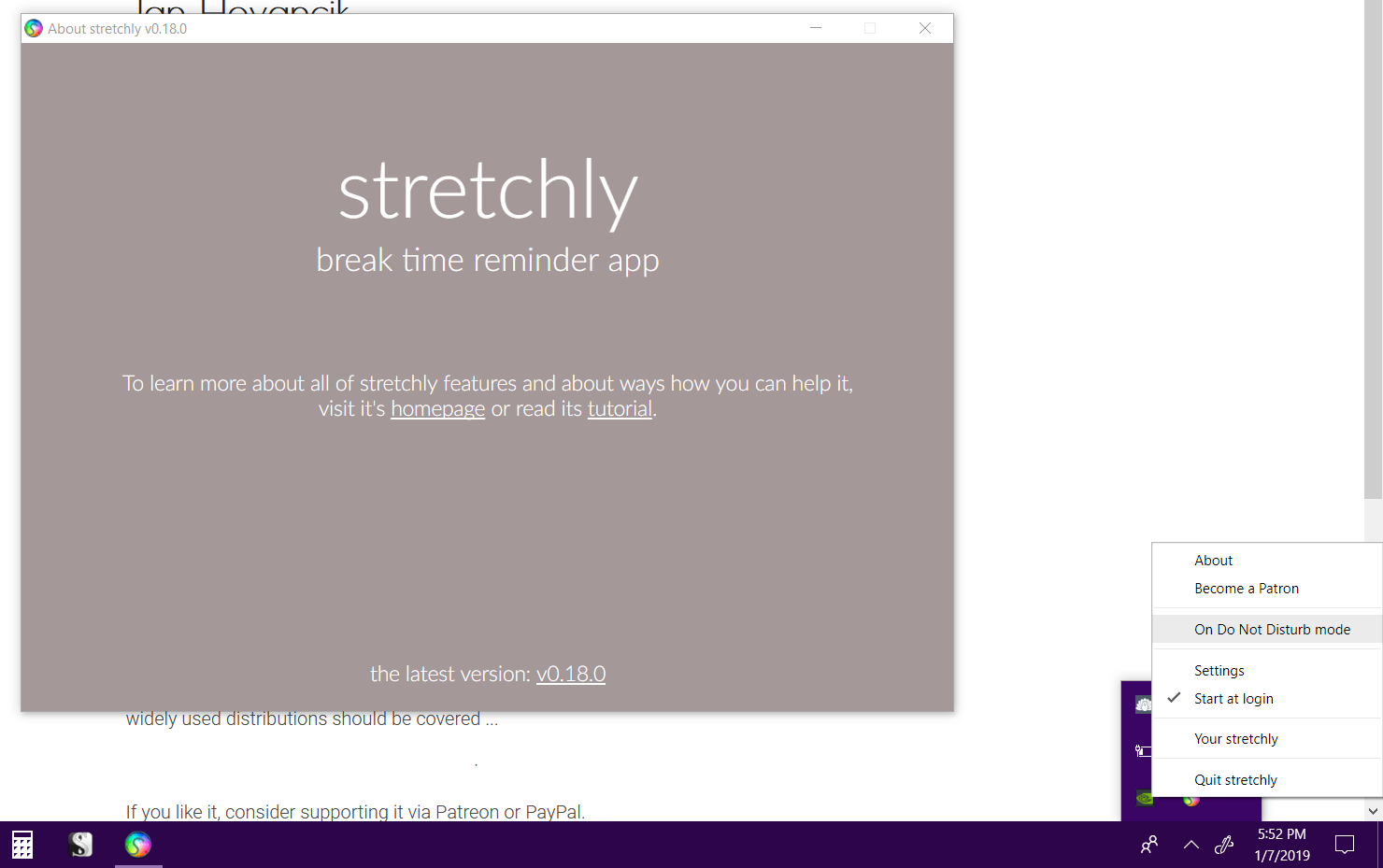
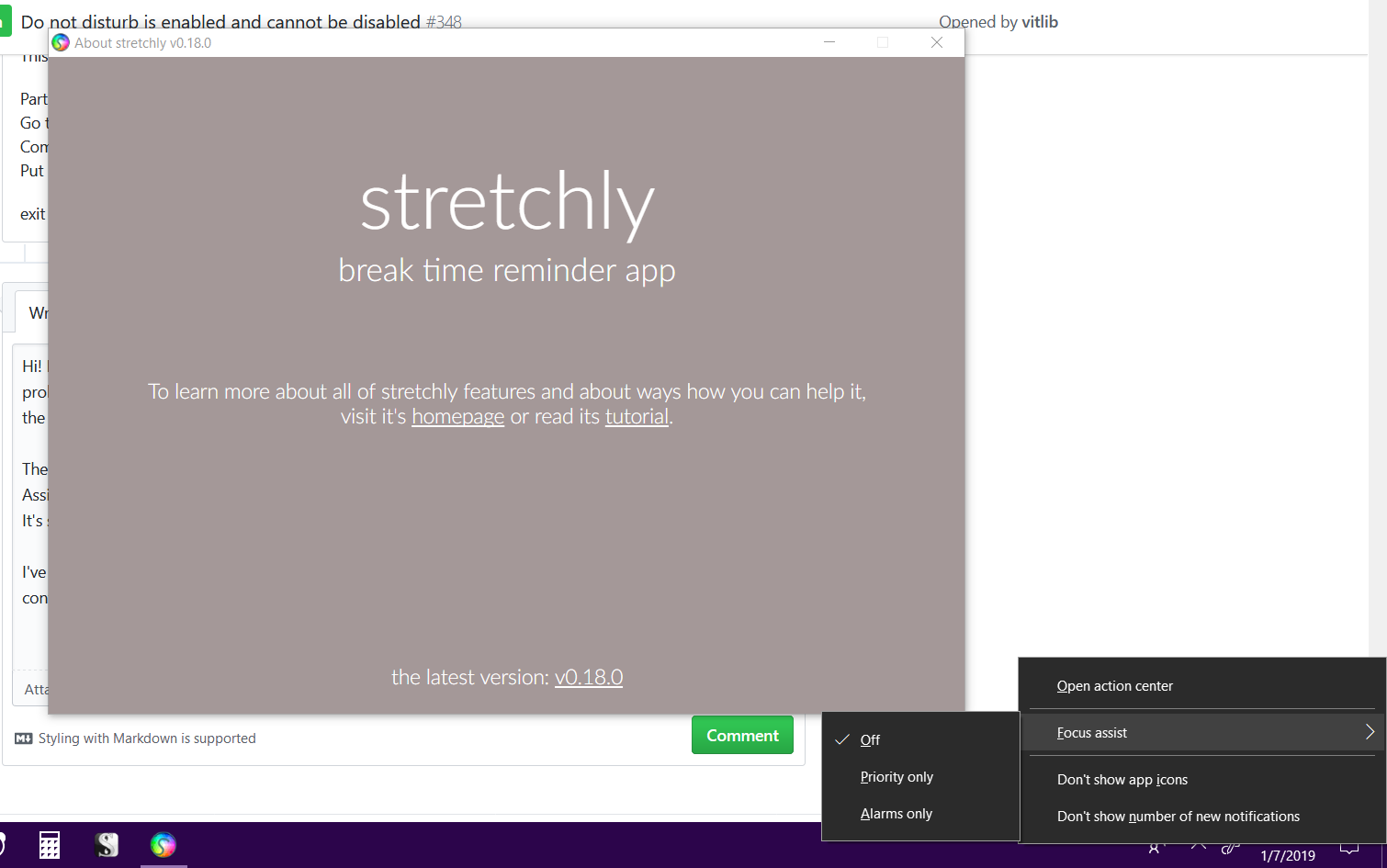
I dunno if this helps, but i’m also on an Acer Aspire E5-575 Signature Edition laptop, and already came with Windows 10 Pre-installed. I didn’t upgrade from an older version of windows.
Very disappointed so far. 😦
By the way, Jan should not have needed to program this functionality into his app. The “Focus Assist” feature in Windows 10 allows you to add exception rules for apps that you do want to allow to send notifications even with “Do Not Disturb” mode enabled / active.
But this feature [as usual Microsoft] is half-assed and does not work for this case because for some reason you only have a choice of a few apps to allow to interrupt Do Not Disturb mode - i.e. you don’t have a full list of the apps on your computer to choose from, and programs are not available at all either.
cheers
thanks! I guess I’ll have to re-install the OS to use it in the meantime. Or switch to Linux 😉
‐‐‐‐‐‐‐ Original Message ‐‐‐‐‐‐‐ On Wednesday, December 26, 2018 9:30 AM, Jan Hovancik notifications@github.com wrote: