core: Google Calendar Event integration error - Authentication code expired, please restart Home-Assistant and try again
The problem
Hi
So i have done this before, on many different hardware and installations. https://www.home-assistant.io/integrations/calendar.google/
I got a new NUC today and made a new application in the google developers console, but i was greeted with “Authentication code expired, please restart Home-Assistant and try again”
I thought i had used an old application clientid and secret but everything was correct. I tried many times with old apps etc, but nothing worked.
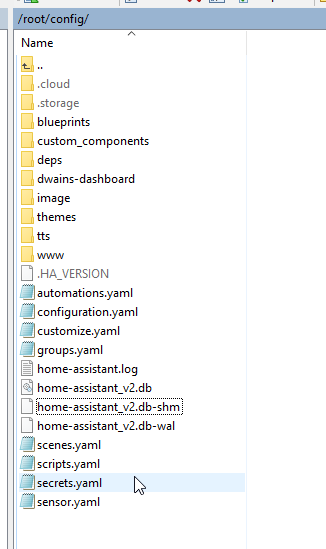
Since this was a fresh install of homeassistant i didnt have a hidden .token file, so i dunno what to do.
I just tried making a new google account, with a fresh app, but i get the same message, so something somewhere needs to be refreshed. I tried deleting the database, also no help.

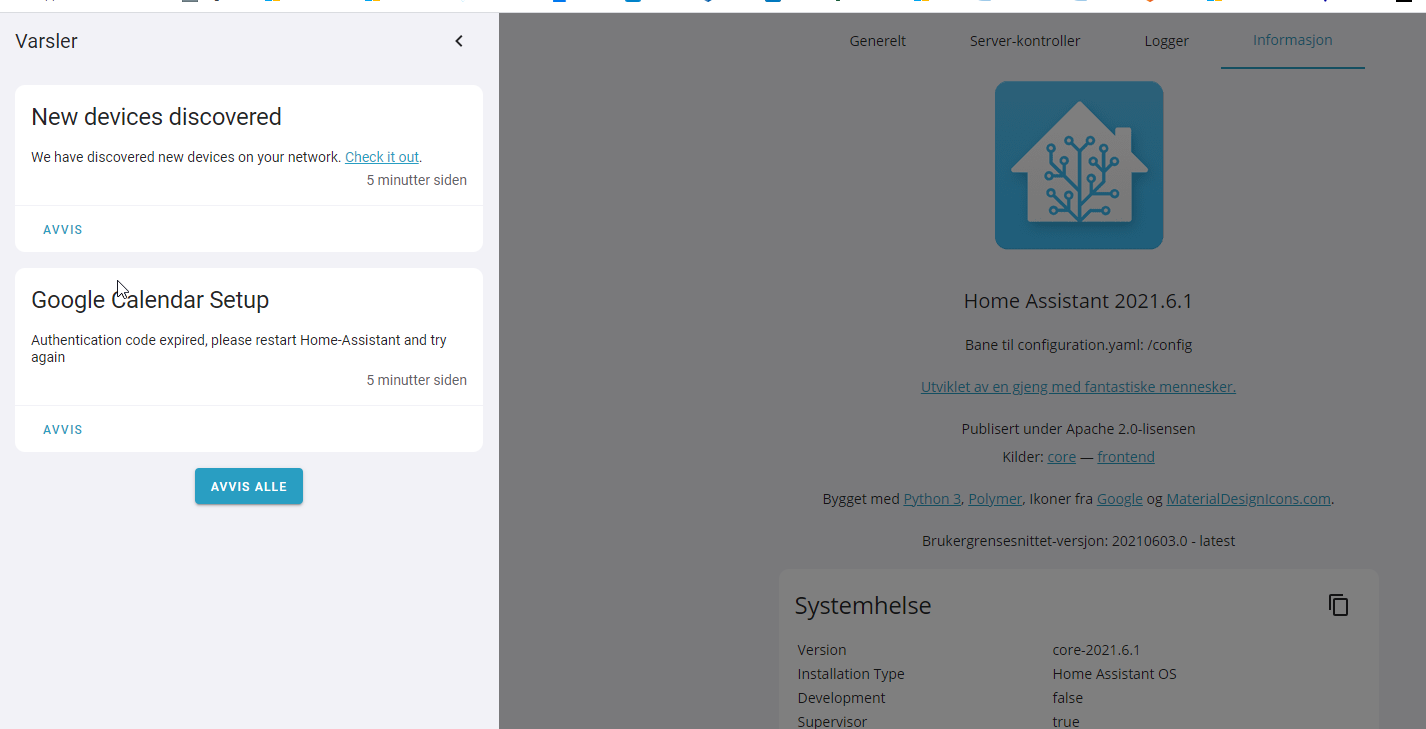

What is version of Home Assistant Core has the issue?
core-2021.6.1
What was the last working version of Home Assistant Core?
No response
What type of installation are you running?
Home Assistant OS
Integration causing the issue
Google Calendar Event
Link to integration documentation on our website
https://www.home-assistant.io/integrations/calendar.google/
Example YAML snippet
configuration.yaml

google:
  client_id: xxx
  client_secret: xxxx
Anything in the logs that might be useful for us?
Dont see any error message regarding it
Additional information
No response
About this issue
- Original URL
- State: closed
- Created 3 years ago
- Reactions: 14
- Comments: 37 (8 by maintainers)
Commits related to this issue
- Fix Google OAuth expire time comparison Related to #51490. — committed to slovdahl/core by slovdahl 3 years ago
- Fix Google OAuth user code expire time comparison Fixes #51490. — committed to slovdahl/core by slovdahl 3 years ago
- Fix Google OAuth user code expire time comparison Fixes #51490. — committed to slovdahl/core by slovdahl 3 years ago
- Fix Google Calendar auth user code expire time comparison (#54893) Fixes #51490. — committed to home-assistant/core by slovdahl 3 years ago
@SgtBatten thanks, your brought me on the right idea. What the problem is, is that HA is change something with the timezones. I have set my configuration to the timezone: Etc/GMT. Restart HA, and it is working again.
Version | core-2021.6.3 Installation Type | Home Assistant OS Host Operating System | Home Assistant OS 5.13
Worked for me here too. In General Configuration, swapped from Europe/London to Etc/GMT, restarted HA, validated then switch timezone back to Europe/London and restarted HA again.
perfect, workaround works.
After activation, the time setting can be changed back again.
Same problem here. The notification with the code to authorize the app is received just before the “code expired” but overwritten in the gui, so by looking at the websocket traffic I could follow the link and input the code, but even that does not solve the issue.
Having the same issue.
I think I’ve figured it out now. The
dev_flow.user_code_expiryreturned bydev_flow = oauth.step1_get_device_and_user_codes()is adatetimeobject without anytzinfo. I added some extra logging and got this out of it:The
dt.as_localhelper assumes that thedatetimeobject already is in the current timezone iftzinfo is None, which means that the comparison will always fail if the timezone in Home Assistant is GMT+1 or more. So anyone in the US will never experience this 😁I’ll submit a PR with a fix.