core: Call Service button fails - Zwave_js
The problem
When trying to update some parameters on my Aeotec ZWA005 Motion-Light-Temperature sensor with zwave_js.set_config_parameter.
When I use the UI or the YAML with the correct information and click the “Call Service” button nothing happens. Not even a confirmation. I tried going from the UI to the YAML and removed the single quotation marks the UI imposed and I get the same result.
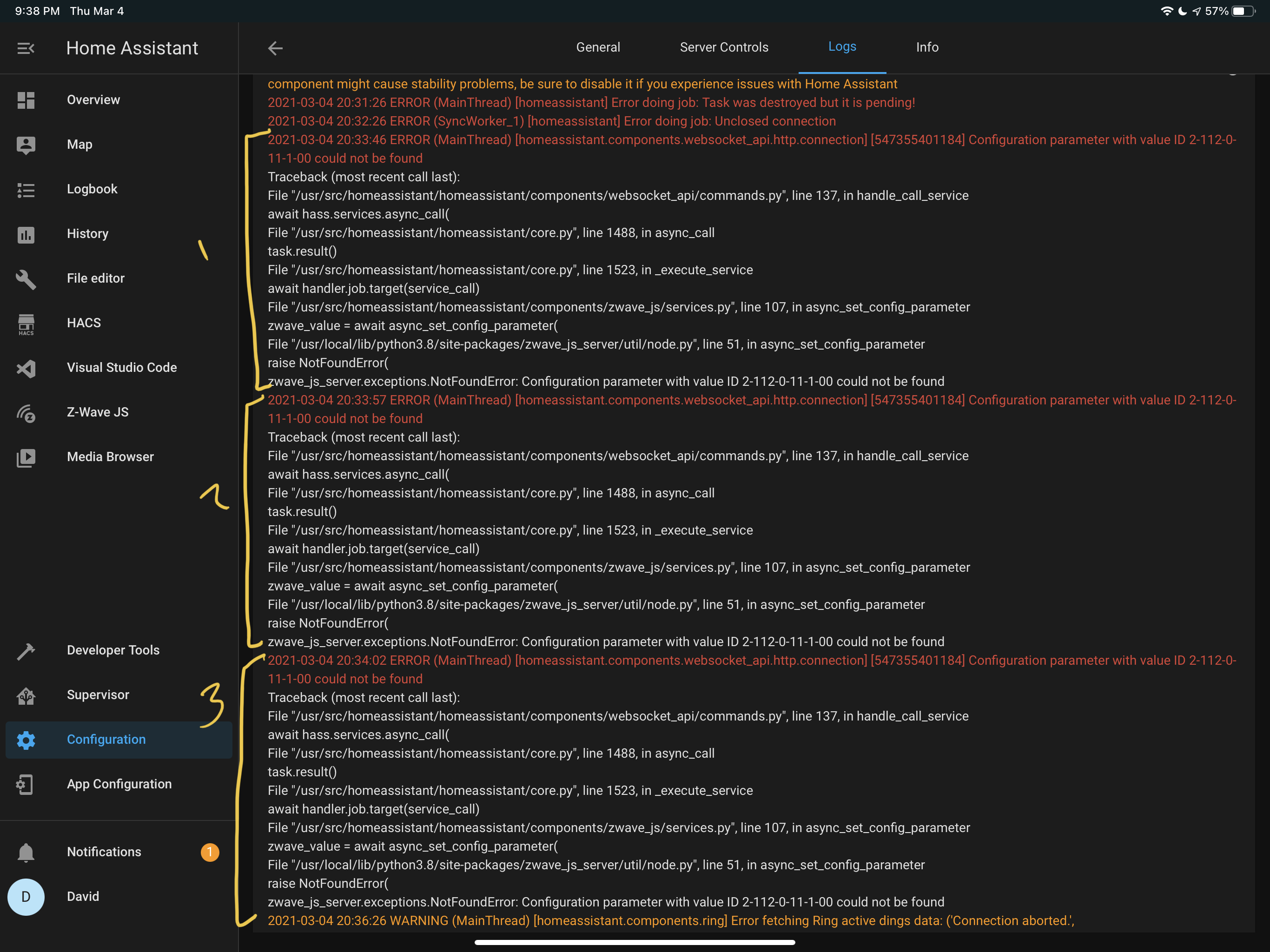
To further test, I entered in a parameter that does not exist for the device, and when I clicked “Call Service” I received an error. So the service knows when I’m using a non-existing parameter, but the problem is I’m receiving no confirmation of success, and when I test my device it is clear the parameter has not been updated.
For reference, the parameter I am testing is changing the LED light from Green to Purple when motion is detected. I figured I should learn with a parameter I could physically see if the update was successful.
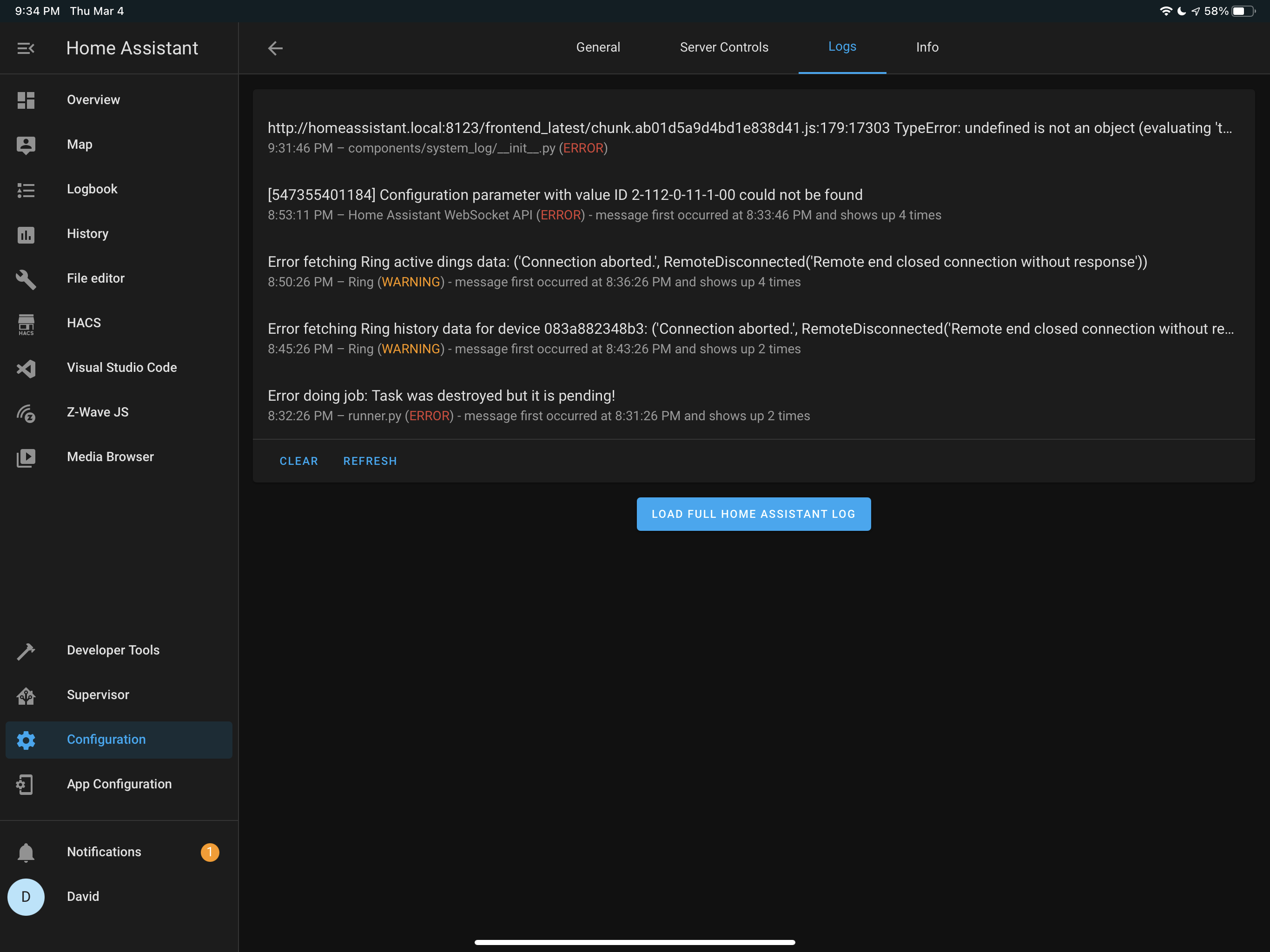
The logs only show my intentional incorrect parameters that failed as seen in the video. There is no log for the other times the “Call Service” button was clicked with no error message.
What is version of Home Assistant Core has the issue?
2021.3.0
What was the last working version of Home Assistant Core?
No response
What type of installation are you running?
Home Assistant OS
Integration causing the issue
Zwave-JS
Link to integration documentation on our website
https://www.home-assistant.io/integrations/zwave_js/
Example YAML snippet
# Put your YAML below this line

service: zwave_js.set_config_parameter
Anything in the logs that might be useful for us?
# Put your logs below this line
About this issue
- Original URL
- State: closed
- Created 3 years ago
- Comments: 15 (7 by maintainers)
A little off topic but: This got brought to my attention this morning (DB Browser). I am going to be checking
allowManualEntryin future, and if that is true, I will be showing the range + any options if there are any.Currently, options takes priority (if they exist), over the valid range, so I’ll get it changed.