terraform-provider-google: google_bigquery_data_transfer_config.query_config example is not working
Community Note
- Please vote on this issue by adding a 👍 reaction to the original issue to help the community and maintainers prioritize this request
- Please do not leave “+1” or “me too” comments, they generate extra noise for issue followers and do not help prioritize the request
- If you are interested in working on this issue or have submitted a pull request, please leave a comment
- If an issue is assigned to the “modular-magician” user, it is either in the process of being autogenerated, or is planned to be autogenerated soon. If an issue is assigned to a user, that user is claiming responsibility for the issue. If an issue is assigned to “hashibot”, a community member has claimed the issue already.
Terraform Version
Terraform v0.12.8
- provider.google v2.14.0
- provider.google-beta v2.14.0
Affected Resource(s)
- google_bigquery_data_transfer_config.query_config
Terraform Configuration Files
resource "google_project_iam_member" "permissions" {
  project = google_project.project.project_id
  role    = "roles/iam.serviceAccountShortTermTokenMinter"
  member  = "serviceAccount:service-${google_project.project.number}@gcp-sa-bigquerydatatransfer.iam.gserviceaccount.com"
}

resource "google_bigquery_dataset" "my_dataset" {
  depends_on    = [google_project_iam_member.permissions]
  dataset_id    = "my_dataset"
  friendly_name = "foo"
  description   = "bar"
  project       = google_project.project.project_id
  location = "EU"
}

resource "google_bigquery_data_transfer_config" "query_config" {
  project       = google_project.project.project_id
  depends_on = [google_project_iam_member.permissions]
  display_name = "my-query"
  location = "EU"
  data_source_id = "scheduled_query"
  schedule = "every day at 01:00"
  destination_dataset_id = google_bigquery_dataset.my_dataset.dataset_id

  params = {
    destination_table_name_template = "my-table"
    write_disposition = "WRITE_APPEND"
    query = "SELECT * FROM xxxx.LandingZoneDev.xxxx limit 10"
  }
}
Debug Output
Panic Output
Expected Behavior
The scheduled query is created.
Actual Behavior
An error is raised.
Steps to Reproduce
terraform apply
Important Factoids
References
About this issue
- Original URL
- State: closed
- Created 5 years ago
- Reactions: 12
- Comments: 45 (20 by maintainers)
I recently tried to create a biquery_data_transfer_config and got
I tried the workaround described by @Gwen56850 to no avail. Got this error
Then I tried to go the other route, create one manually and terraform import. After filling out all relevant fields and hitting the create button, a window popped up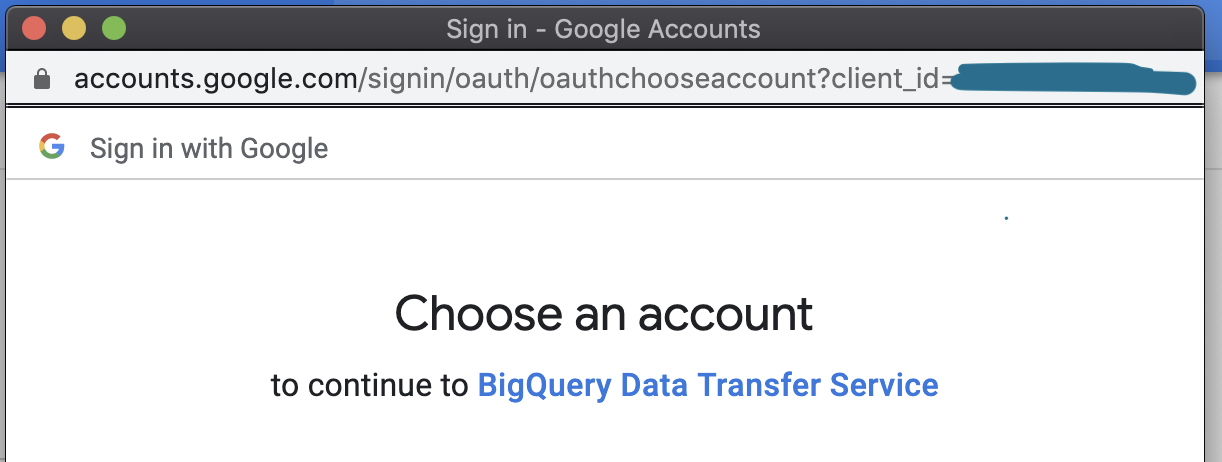 Clicked Allow, and a second window popped up
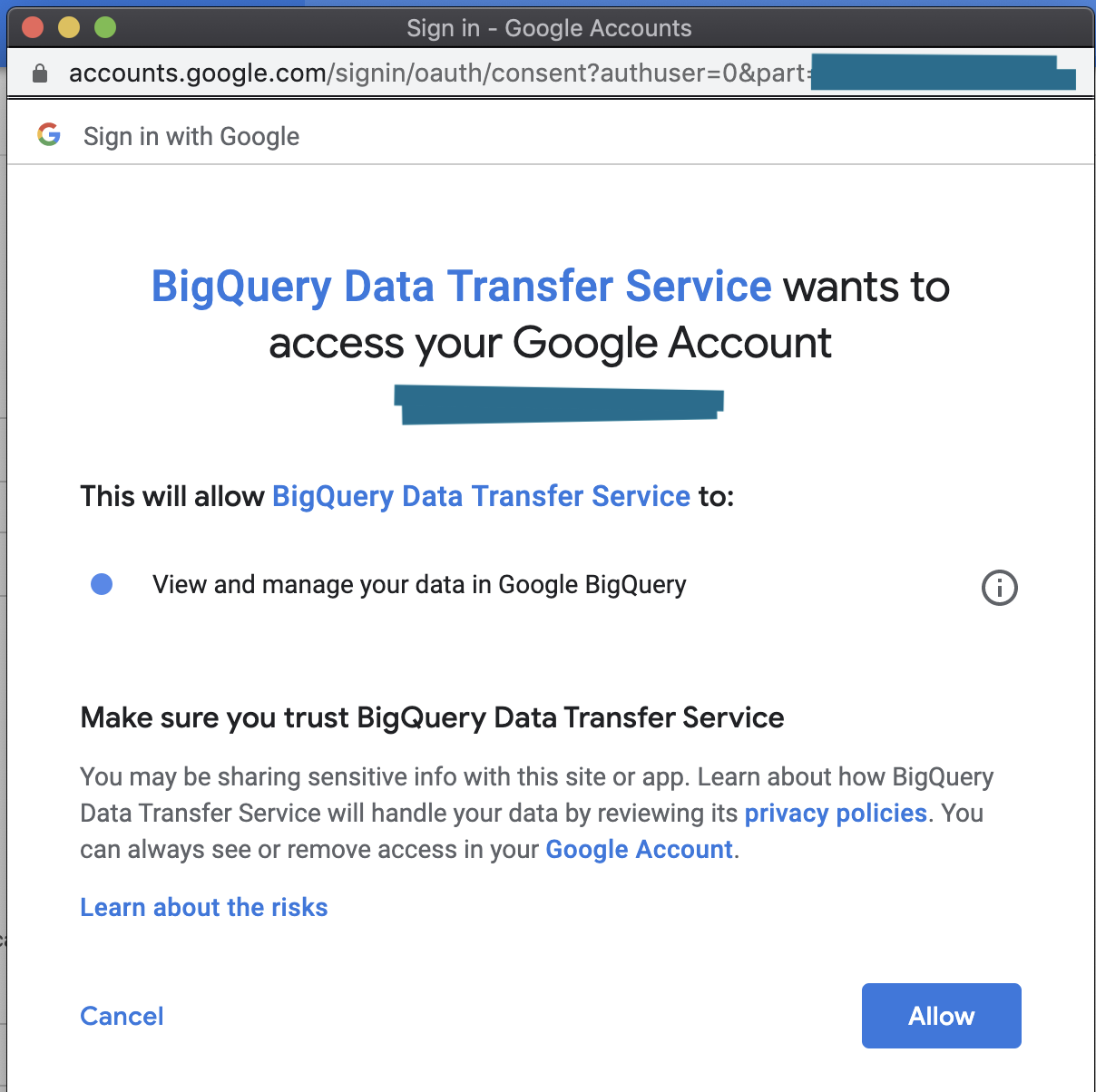 Clicked Allow again, and was able to create the data transfer manually.
Then I did a
Clicked Allow again, and was able to create the data transfer manually.
Then I did a
terraform importlocally and succeeded. Followed by a terraform plan and apply.Now here’s where it gets interesting: I had coded out two google_bigquery_data_transfer_config resources. But I had only imported one of them. The terraform plan was as expected:
Plan: 1 to add, 0 to change, 0 to destroy.But when I went to do the apply, to see the failure again, I got a success. The second, not imported transfer config was created via terraform. I tested the results again, by removing the data transfer from state, deleting them manually via the console, and then recreating them with terraform apply. Both succeeded on the first apply.In conclusion: I think this has something to do with Oauth. Also was able to verify this behavior by authing as a service account (instead of my local user credentials) and tried to apply these same changes, and got similar errors from above, even after giving the account the above described permission (tokenMinter).
TLDR:
This has to do with Oauth on initial creation of any data_transfer_config.
Workaround: Manually make a Bigguery Data Transfer via the console UI. This will generate a pop-up where you’ll authenticate your account. Click through. Delete this manually created BQ data transfer, you won’t need it. Do a
terraform applyon your code. It will succeed now.Things to consider, and why this is still a bug: If you’re running
terraformwithatlantisor something similar, this workaround will be useless to you unless you auth as the service account locally and click through the UI. This is inconvenient for obvious reasons, and you’ll also eventually need to re-auth after some expiration date has passed.It won’t change the service account for all the scheduled queries but for the ones you deploy through terraform. In other words, it deploys the scheduled queries using a service account which is then used to execute them (credentials need to be set in the provider configuration). This way service-<project.id>@gcp-sa-bigquerydatatransfer.iam.gserviceaccount.com is able to impersonificate (get an access token) as this specific service account. Otherwise, still running into
P4 service account needs iam.serviceAccounts.getAccessToken permission. Hope this helps!Hi @danawillow, sorry for the delay. As I was trying to reproduce the issue with debug logs, it actually passed this time 😃 I’m copying the relevant configuration, in case it can help someone else. Thank you very much for the support.