harvester: [BUG] Upgrade stuck in upgrading first node: Job was active longer than specified deadline
Describe the bug
When upgrading from v1.0.3 GA to v1.1.0-rc2, the upgrade stuck in the stage of upgrading the first node (management role)
Job was active longer than specified deadline

To Reproduce Steps to reproduce the behavior:
- Prepare a v1.0.3 GA on 4 nodes Harvester
- Prepare the offline download image
- Upgrade from v1.0.3 GA to v1.1.0-rc2
- The upgrade stuck while upgrading the first node and can’t proceed
Expected behavior
Should be able to upgrading all nodes and complete all upgrade stages to v1.1.0-rc2
Support bundle
supportbundle_1e1d02cc-9096-4ccd-9b5a-97bbc818a692_2022-10-07T08-25-38Z.zip
Environment
- Harvester ISO version: v1.1.0-rc2
- Underlying Infrastructure (e.g. Baremetal with Dell PowerEdge R630): 4 nodes Harvester on bare machines
Additional context Add any other context about the problem here.
-
Environment setup before upgrade
-
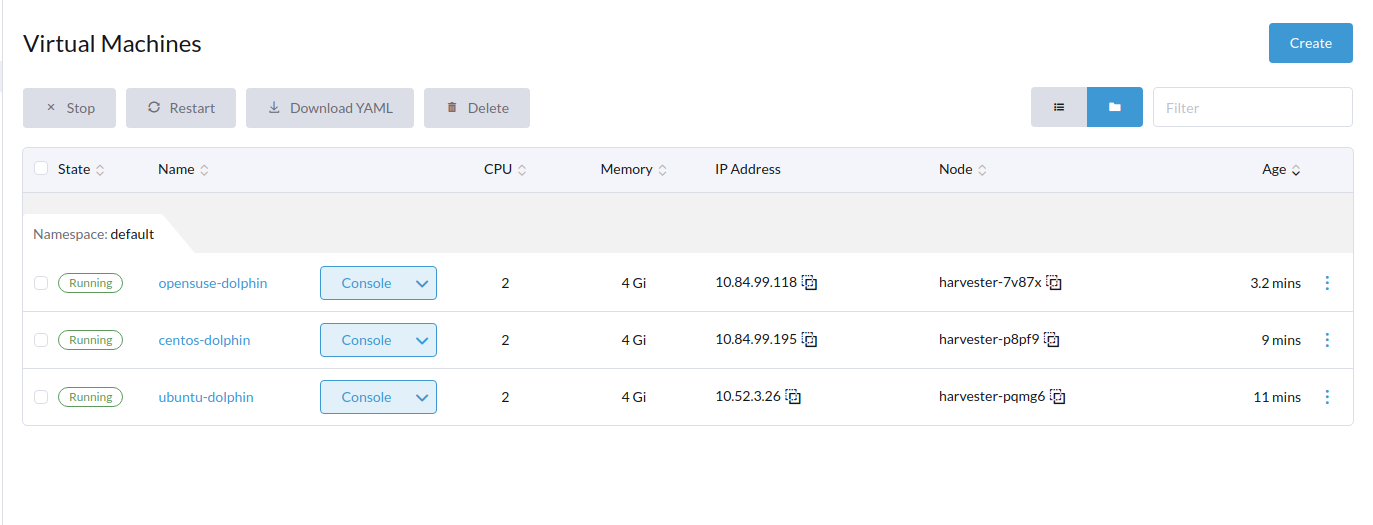
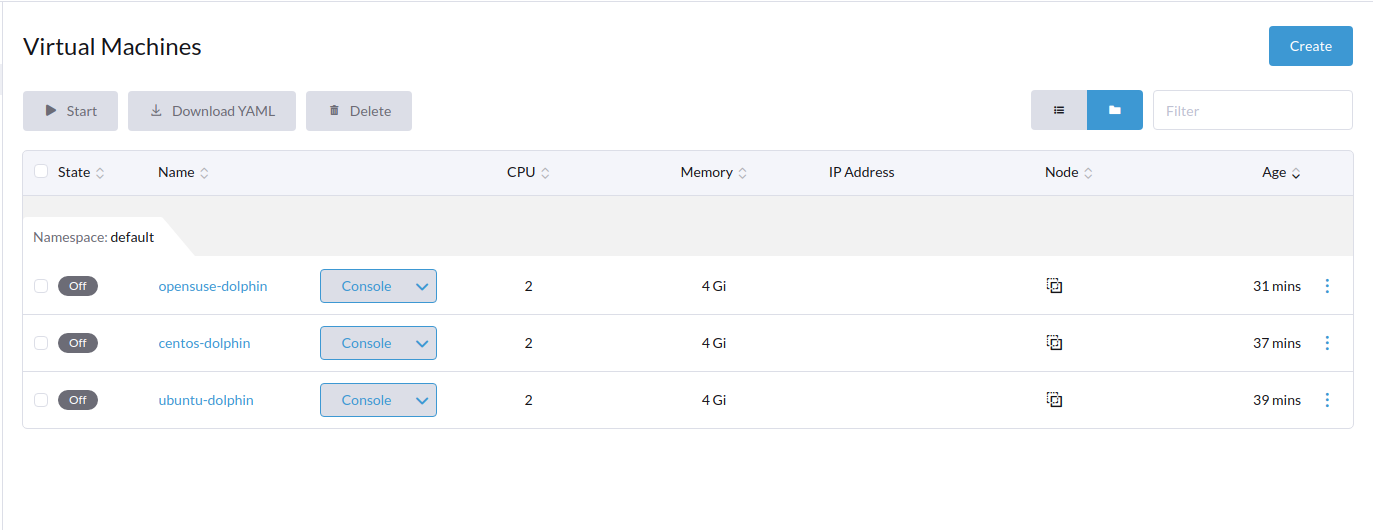
3 VMs
-
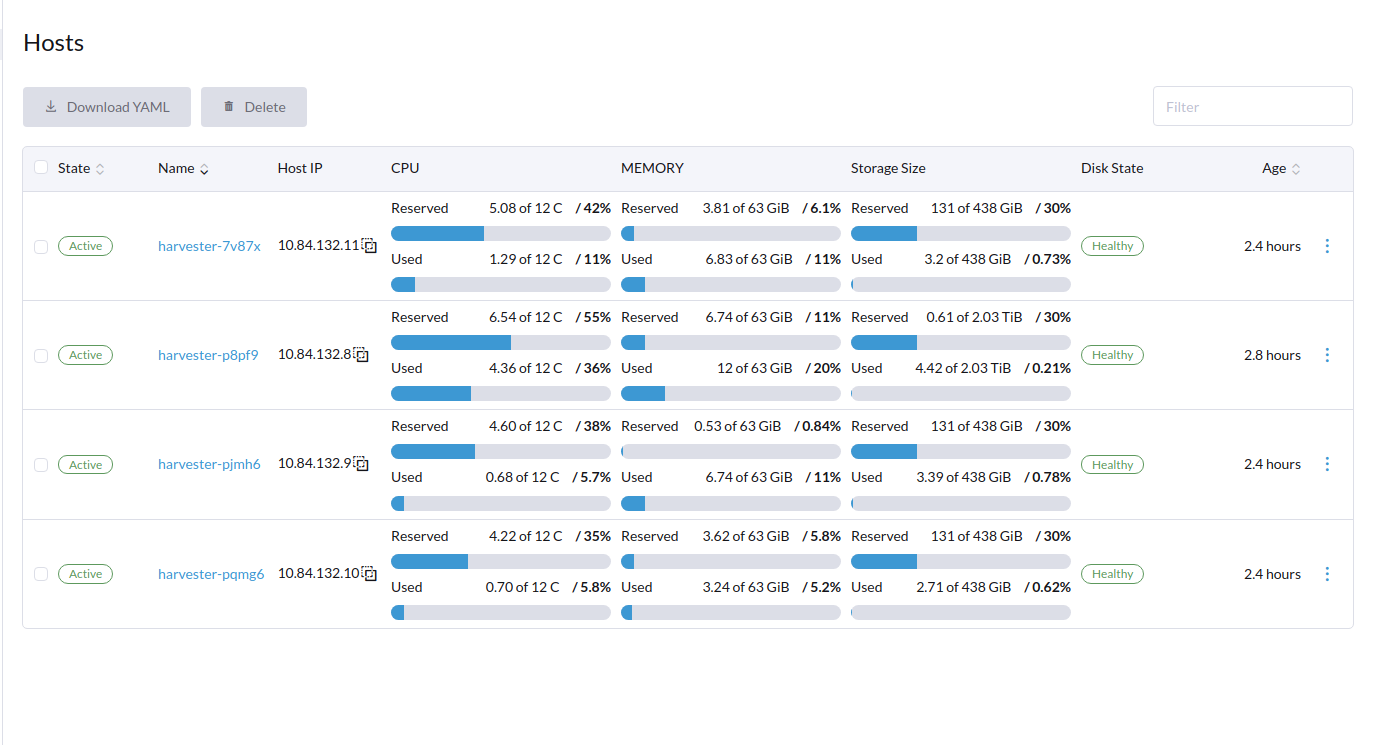
Node status
-
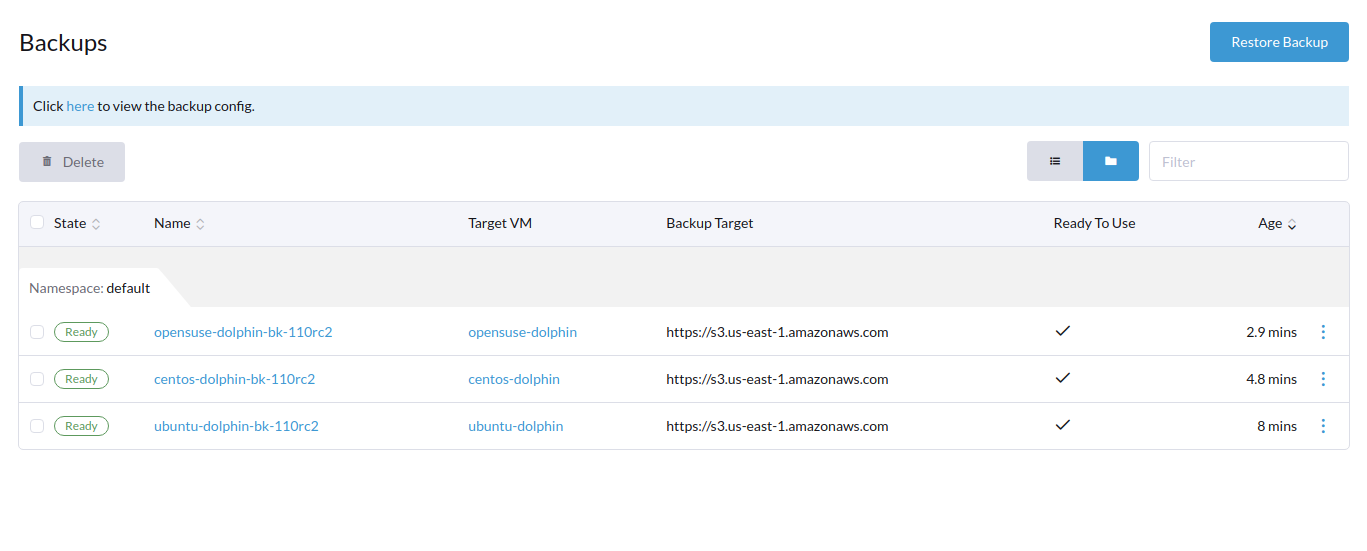
3 Backup status
-
3 volume status
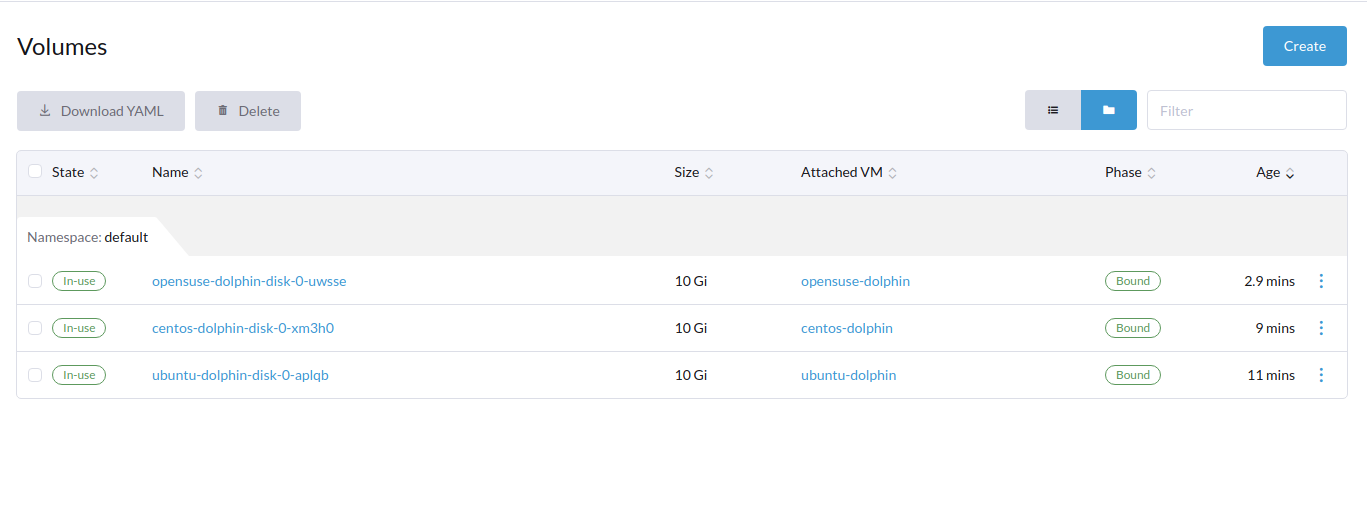
-
1 Network VLAN (1216) status
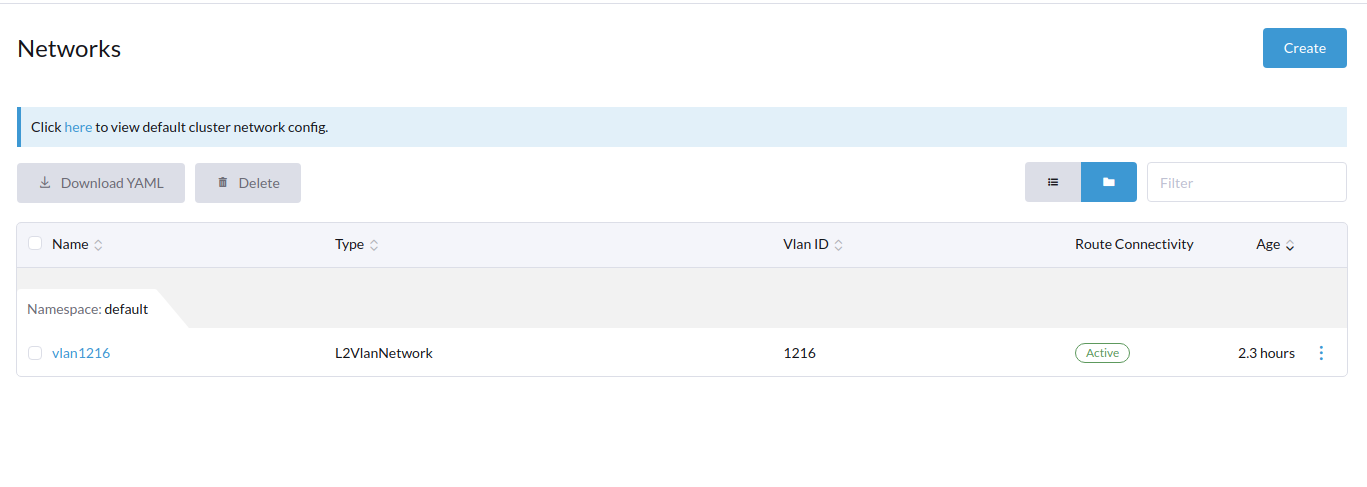
About this issue
- Original URL
- State: open
- Created 2 years ago
- Comments: 19 (6 by maintainers)
The cause is preload job takes more than 15 minutes to load images (We use SUC plan to spawn jobs, and its default timeout is 15 minutes). In this release we have more images to preload. I’ve checked David’s two environments, one has SAS HDD, and the other one has an SMR HDD. Neither can survive the images preload stage.
containerd.log
Ideally, the job should retry, but we mark an upgrade as a failure and delete upgrade repo VM after the first failure. There are some ways to work around this on slow disks:
Rerun the upgrade with the workaround stated in https://github.com/harvester/harvester/issues/2894#issuecomment-1274069690
By preparing all Harvester cluster nodes on SSD drive And increase the job deadline before clicking the upgrade button on dashboard:
We can complete the image preload stage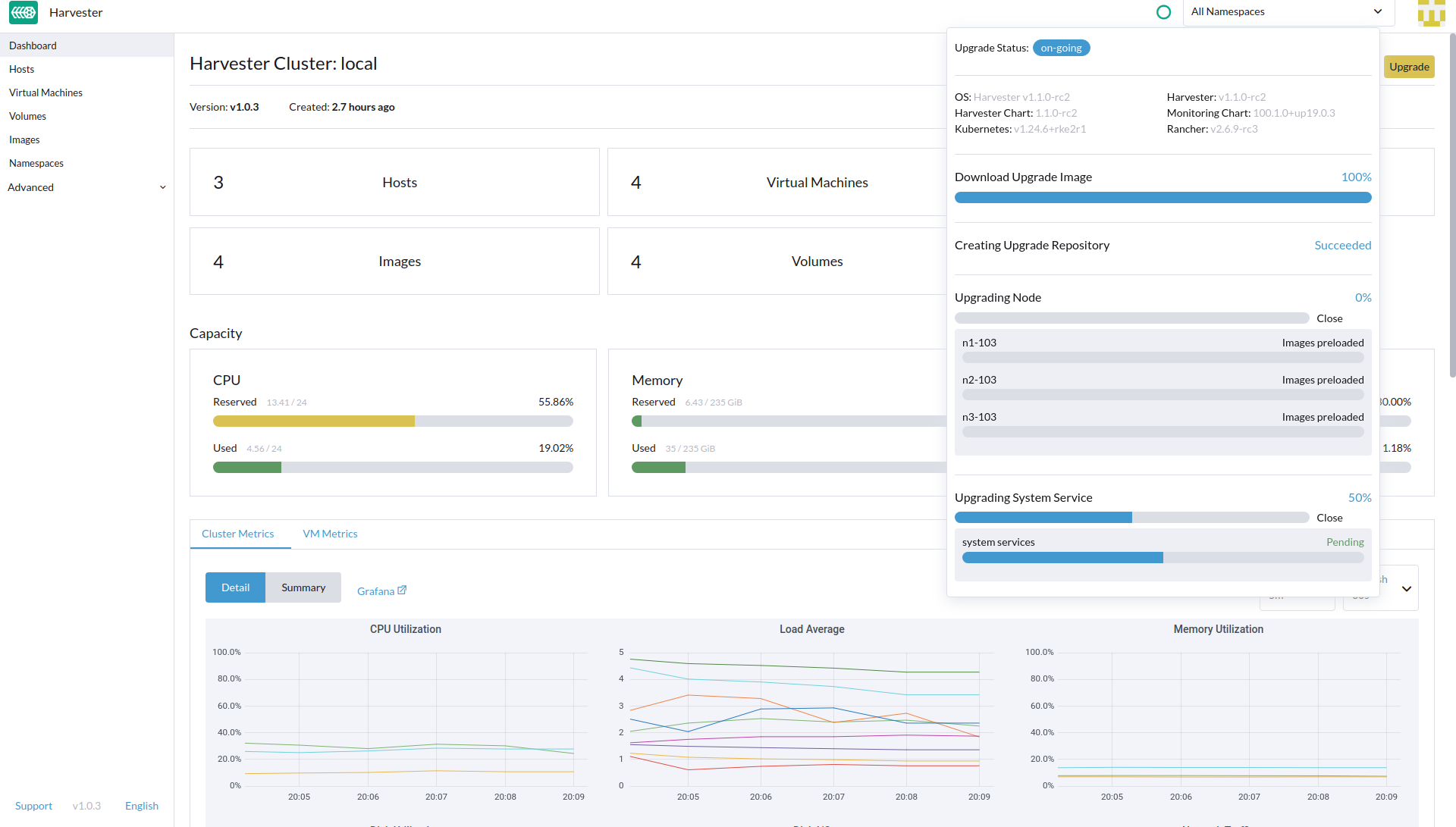
Proceed to upgrade node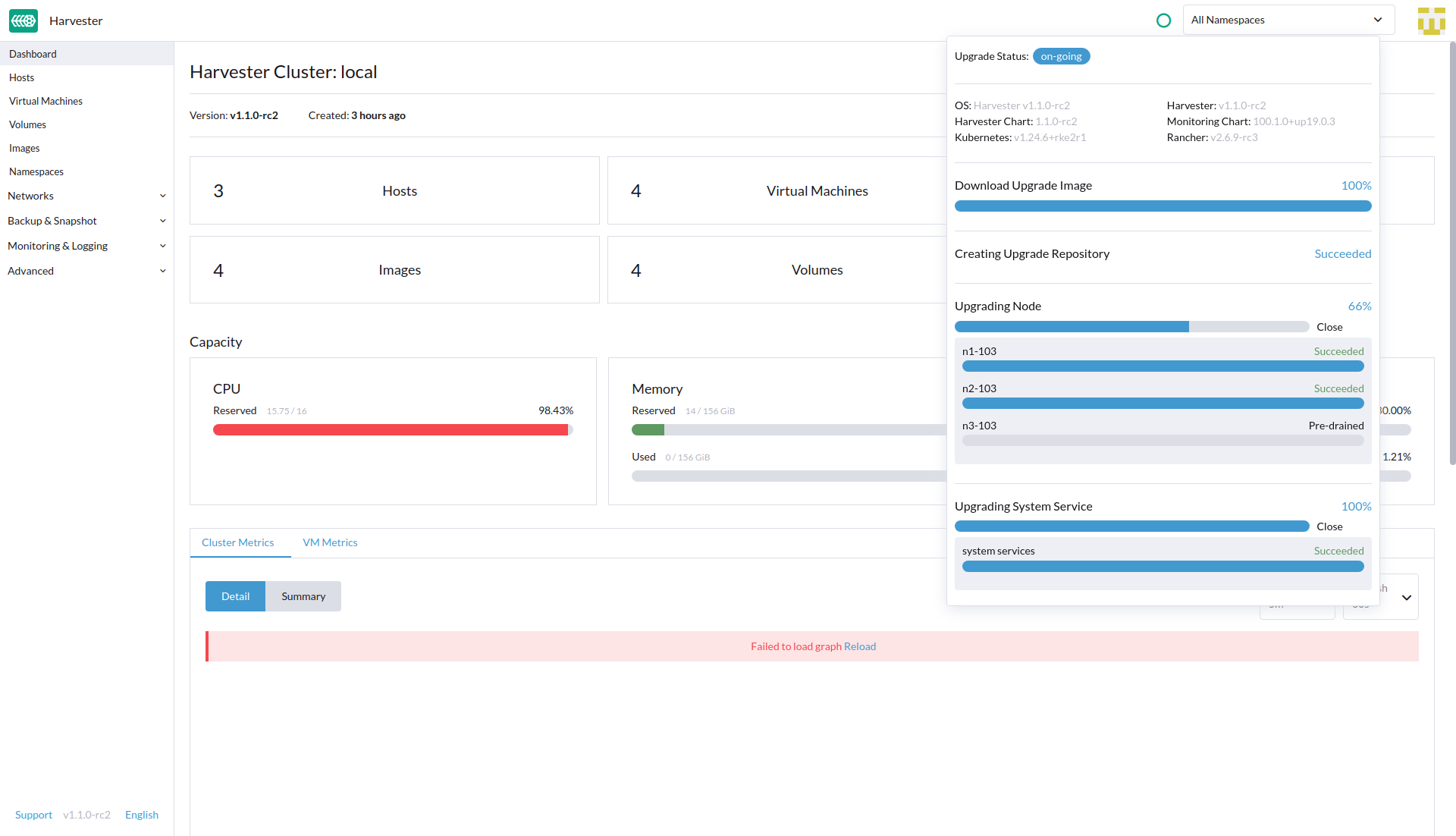
And Successfully upgrade to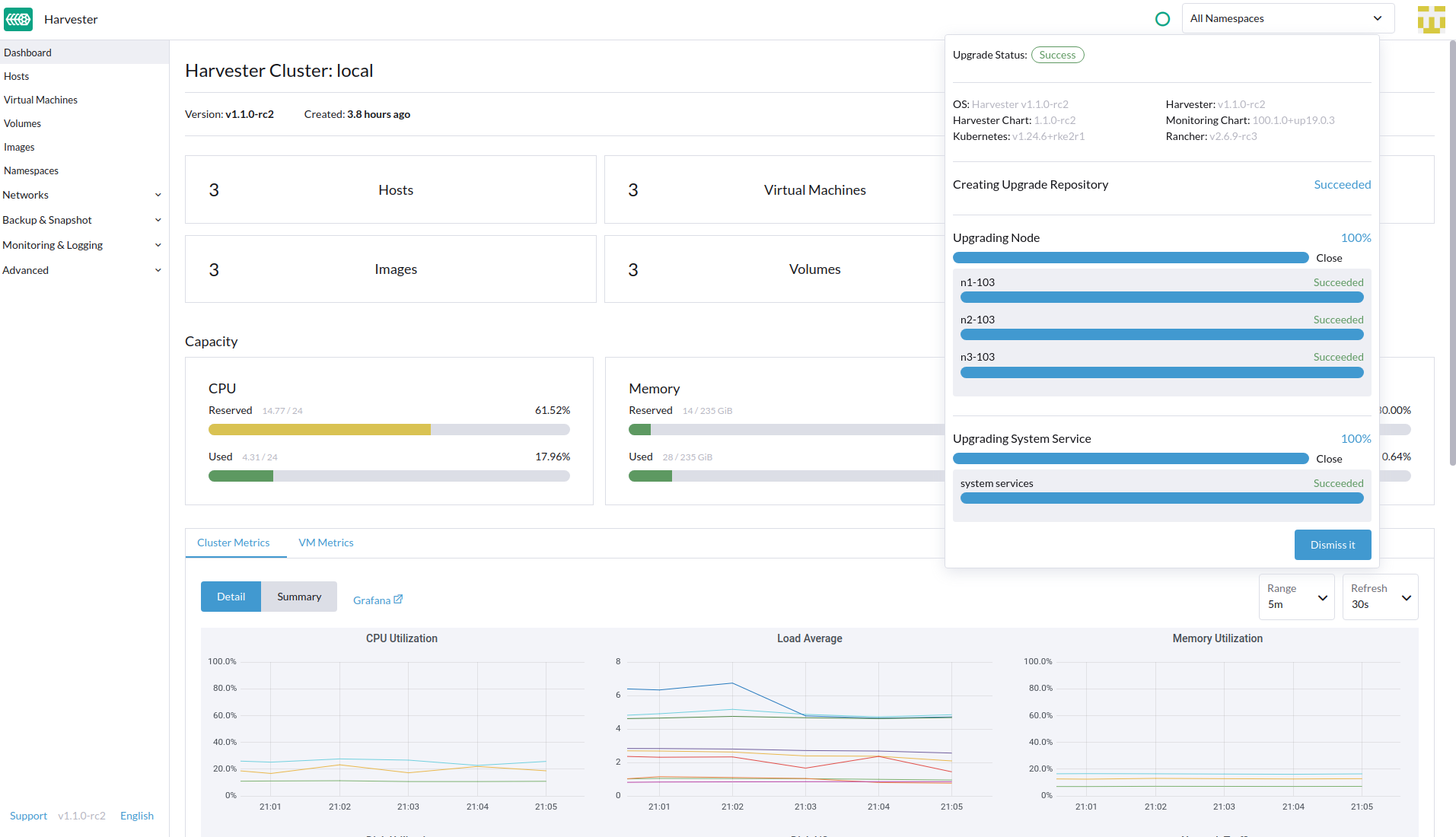
v1.1.0-rc2@khushboo-rancher, I tried running the upgrade to v1.1.0-rc3 on 3 nodes Harvester, all nodes are installed on SSD disk. Without setting the increase job workaround https://github.com/harvester/harvester/issues/2894#issuecomment-1274069690 In this trial we can still upgrade successfully.
Thank @connorkuehl. Upstream PR merged: https://github.com/rancher/system-upgrade-controller/pull/244 Also need to check if the SUC change will make it to Rancher 2.7.5. If not, we probably need to wait for the next milestone.
To add a suggestion for HDD users in the upgrade doc first.
Thanks Khushboo, My issue has been fixed by adding more value to requested memory for Prometheus Node Exporter
Error: on “kubectl get bundles -A”
fleet-local mcc-rancher-monitoring 0/1 ErrApplied(1) [Cluster fleet-local/local: cannot patch “rancher-monitoring-prometheus-node-exporter” with kind DaemonSet: DaemonSet.apps “rancher-monitoring-prometheus-node-exporter” is invalid: spec.template.spec.containers[0].resources.requests: Invalid value: “10Gi”: must be less than or equal to memory limit] fleet-local mcc-rancher-monitoring-crd 1/1
@TachunLin @bk201 thanks for sharing the workaround. I ran into a similar situation in my homelab currently where this same thing occurred. But the workaround seems to have fixed it. Should we mention this workaround in release notes for v1.1.0? I was running an instance of Harvester that was virtualized, not running on bare metal, using /vda based mount point for virtio drive - the underlying hardware however was a SATA3 Based SSD, on my 1U SuperMicro: https://www.supermicro.com/products/archive/motherboard/x9drd-it_ (using 1 of the 2 SATA 3 Ports)
@khushboo-rancher
The failure is due to the storage & network read/write speed, the upgrade tries to spread images to all nodes, that’s a big impact to storage and network, and the storage may be the main bottleneck. In our local test on KVM based cluster, that seems OK.
The workaround will be test it in newer/faster servers.
cc @bk201 @starbops