react-native-app-auth: linker command failed - ld: library not found for -lAppAuth
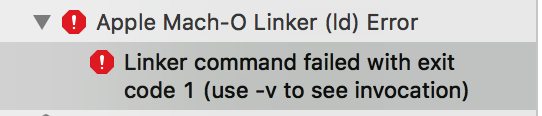

ld: warning: directory not found for option '-L/Users/brkrtp/Library/Developer/Xcode/DerivedData/burak
-ceqbfdnxrzunipektpsftfekkcjw/Build/Products/Debug-iphoneos/AppAuth'
ld: library not found for -lAppAuth
clang: error: linker command failed with exit code 1 (use -v to see invocation)
About this issue
- Original URL
- State: closed
- Created 6 years ago
- Reactions: 16
- Comments: 21 (6 by maintainers)
@Jonny993 awesome! 🎉
.xcworkspacevs.xcodeprojcan be super confusing especially if you’re new to xcode 😬 - but the rule of thumb in this case is that if you’re using pods, you have to open.xcworkspace.Closing this issue as although you weren’t the original author of the issue, I get the feeling the solution is the same.
@Jonny993 are you sure you’ve opened the
.xcworkspacefile (instead of the.xcodeprojwhich doesn’t see pods)?I still get the same error. I tried everything. It has been a day I’m on this. Please can you help? The solution above did’nt help
Ok so, huge update! I reverted all the updates done yesterday and tried to do the following:
react-native run-iosGot sured that everything was building and working fine on IOS Simulator
.xcworkspacefile instead of.xcodeprojonetarget,generaltabiOS Developerfromproject,Code Signing Identityto everythingSo just to clarify… I was having some kind of problems accessing the
.xcworkspaceand so I tried to do the build on the.xcodeproj, which gave the errors above. Cleaned everything up, restarting from yesterday, following the react native guide on how to build the app on device and boom, everything was working fineHave you run
react-native link? If you have and you’re still getting the error, try running the example app and compare its config to yours on Xcode.