resolve: (Manjaro) error during build: ./DaVinci_Resolve_17.4.6_Linux.run: no such file or directory
I’m trying to set the container up on Manjaro Linux (x86_64), but the build process cannot seem to execute the DaVinci Resolve AppImage file inside the container (while the same command executes properly on the host machine). The output of the last step:
STEP 10/11: RUN cd /tmp     && unzip *DaVinci_Resolve_Linux.zip     && ./*DaVinci_Resolve_*_Linux.run  --appimage-extract     && cd squashfs-root     && ./AppRun -i -a -y     && cat /tmp/squashfs-root/docs/License.txt     && rm -rf /tmp/*.run /tmp/squashfs-root /tmp/*.zip /tmp/*.pdf
Archive:  DaVinci_Resolve_Linux.zip
  inflating: DaVinci_Resolve_17.4.6_Linux.run
  inflating: Linux_Installation_Instructions.pdf
/bin/sh: line 1: ./DaVinci_Resolve_17.4.6_Linux.run: No such file or directory
error building at STEP "RUN cd /tmp     && unzip *DaVinci_Resolve_Linux.zip     && ./*DaVinci_Resolve_*_Linux.run  --appimage-extract     && cd squashfs-root     && ./AppRun -i -a -y     && cat /tmp/squashfs-root/docs/License.txt     && rm -rf /tmp/*.run /tmp/squashfs-root /tmp/*.zip /tmp/*.pdf": error while running runtime: exit status 127
Build of resolve:17.4.6 is complete.  To run resolve, try:
Here is what I’ve tried (none have worked so far):
chmod a+xon the AppImage file in the containerbash ./*DaVinci_Resolve_*_Linux.run --appimage-extract(as with the NVIDIA driver file - but strangely that one installs, this one doesn’t run) - it then reports./DaVinci_Resolve_17.4.6_Linux.run: cannot execute binary file.- pre-extract the AppImage file,
chmod a+xand modifyDockerfileso instead of copying the zip into the container, the AppImage is copied inside - install
fuseorfuse3along with the dependencies (in hope that it will fix the AppImage run error) - use Docker instead of Podman (buildah) to build the container
sudothe build script- revert back from kernel 5.15 to 5.10 on the host
- try the CentOS Stream 9 version on the
pipewirebrranch and the CentOS 8 version on themainbranch (also tried with an AlmaLinux 9 base image).
I’m not sure what is missing on my end, but so far the error seems a bit cryptic to me and I can’t seem to find much about how to get the container to execute the AppImage file. I’ll report back here if I manage to fix the error. If anyone has suggestions, feel free to report them here. I’ll also try to use another tool to extract the AppImage file’s contents (as this is what the container build script is doing, too).
About this issue
- Original URL
- State: closed
- Created 2 years ago
- Comments: 20 (19 by maintainers)
Sure, I’ll check the
sedversion, too, soon. Yes, please do check whether the patch works with an Ubuntu host, too. If it works there as well, then maybe it can be included in thebuild.shfile (I’ll gladly submit a PR with it). If it breaks the installer, then we can include this specific patch only for Manjaro/Arch (or at least mention it in the README).I’m still curious what it is specifically that breaks AppImages in containers under Manjaro. Though the issue seems to be sort-of fixed in the AppImageKit repo, Blackmagic Design might be using an older version to bundle Resolve that does not fiddle with these magic bytes - which is why might have to manually do that.
A big thank you! This is awesome news. I was kind of amazed too at how well it works in the container, right? Glad it’s playing audio without choppiness!
So we should definitely check to make sure that the fonts and /etc/alternatives/x-cursor-theme folders actually exist before linking them as I guess they don’t get created automatically on all distributions (See the README.md about the fonts folders and why the LOCAL fonts were get preference over the SYSTEM fonts-- there were just too many in Ubuntu!)
The scaling issue is also mentioned in the README, but I wonder if we should have a RESOLVE_SCALE_FACTOR to override the default (1 was too tiny on my screen), which can be added to the
resolve.rcfile.The big deal seems to be that patch to the run file. I should experiment to see if doing it on my version breaks anything, or if we need to specifically check for manjaro/arch systems to do that patch.
Does this version work? (from here)
And it seems to work very well! I just put together an animated effect and an audio track to see if I can get it to render something without crashing and
I went with the AlmaLinux 9 base image and Resolve 18 beta 4 (18.0b4) for this installation.
Yeah the issue is especially weird since it’s a “file not found error”-- when you do it interactively (that is, manually running the installer) do you still have issues running it? The idea about some kind of unusual security issue being related isn’t bad-- does changing the permissions of the .run file make any difference?
If using podman, maybe try to add (on the HOST) to: ~/.config/containers/containers.conf
I read somewhere this can help with permissions-related issues.
It’s really strange that the file shows up when you
lsbut then it can’t find/run it when run by name…When you play with it more interactively, hopefully the issue will be obvious and fixable. In that case, please do let us know. And good luck with your exam!
FWIW DaVinci beta4 seems to work fine.
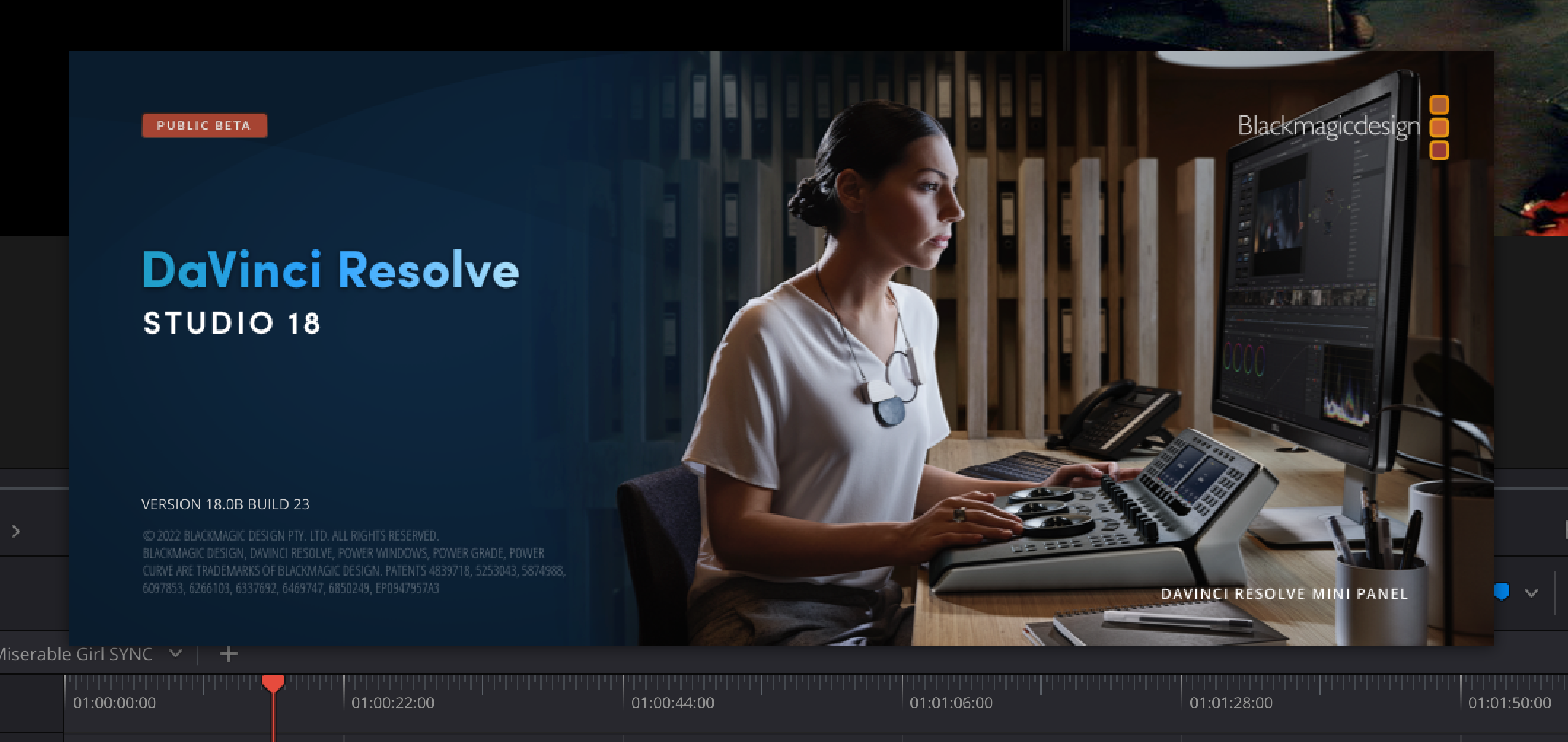
(with pipewire on the Ubuntu 22.04 host and in the Alma Linux 9 container)