expo: universal project / brand new setup stops working at Expo v37, but works at Expo v36
It might be related to this bug https://github.com/expo/expo-cli/issues/1765
But seems everything is updated already, so I just canceled that waiting and start expo start.
Then press the Run in the web browser button in the Expo Metro Bundler window
Soon, received lots of warnings in the console:
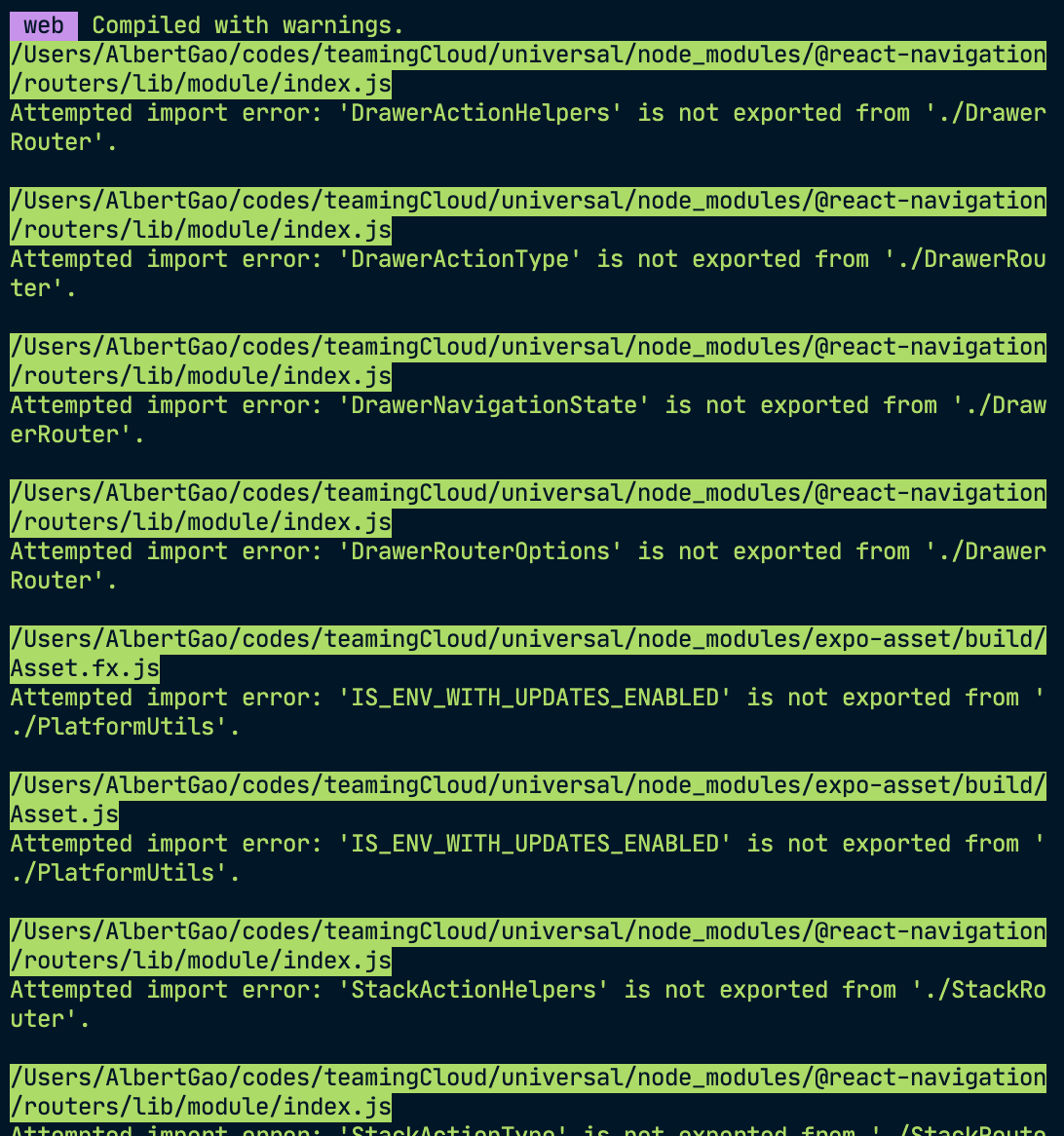
And the app stops working
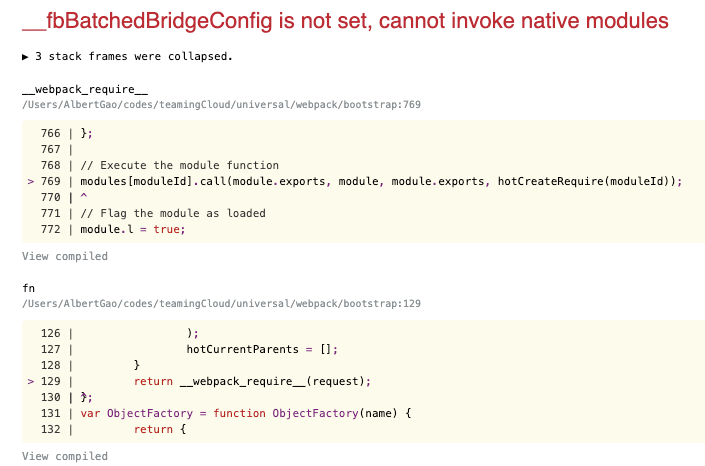
It indicates it is trying to render the native part on the web.
The setup of the web is like this:
in the App.tsx:
I imported the Routes
import React from "react";
import { Routes } from "./routes/routes";
import { enableScreens } from "react-native-screens";
import { Platform } from "react-native";

if (Platform.OS === "ios" || Platform.OS === "android") {
  enableScreens();
}

const App: React.FC = () => {
  return <Routes />;
};

export default App;
The Routes is from 2 files:
routes.native.tsxroutes.tsx
That’s all.
How to fix it? Or I miss something?
Thanks
About this issue
- Original URL
- State: closed
- Created 4 years ago
- Comments: 15 (8 by maintainers)
This has been resolved in
expo-cli@3.17.5please update your CLI withnpm install -g expo-cli