expo: Expo v31 Android release build would not load JS bundle ( iOS build works on both debug and release configs)
Environment
Expo CLI 2.6.14 environment info: System: OS: macOS 10.14.2 Shell: 5.3 - /bin/zsh Binaries: Node: 8.11.4 - /usr/local/bin/node Yarn: 1.9.4 - /usr/local/bin/yarn npm: 5.6.0 - /usr/local/bin/npm Watchman: 4.9.0 - /usr/local/bin/watchman IDEs: Android Studio: 3.2 AI-181.5540.7.32.5056338 Xcode: 10.1/10B61 - /usr/bin/xcodebuild npmPackages: @storybook/react-native: ^3.2.5 => 3.4.11 expo: ^31.0.4 => 31.0.6 react: 16.5.0 => 16.5.0 react-native: https://github.com/expo/react-native/archive/sdk-31.0.1.tar.gz => 0.57.1 react-navigation: v1.0.0-beta.26 => 1.0.0-beta.26 npmGlobalPackages: expo-cli: 2.6.14
Steps to Reproduce
We have detached version of app that uses Expo v31.0.0. In iOS App works fine. (Both debug and release versions). But in Android, only debug version works. When we try to run a release build, App woudln’t load. Apparently the JS bundle is not loading. We have correctly set up release-config.
(Write your steps here:)
- Published JS bundle using
exp publishcommand (we triedexpo publishtoo) - Created an APK and launched on an Android device.
Expected Behavior
App should load.
(Write what you thought would happen.)
Actual Behavior
Only splash screen loads, then this error pops up.
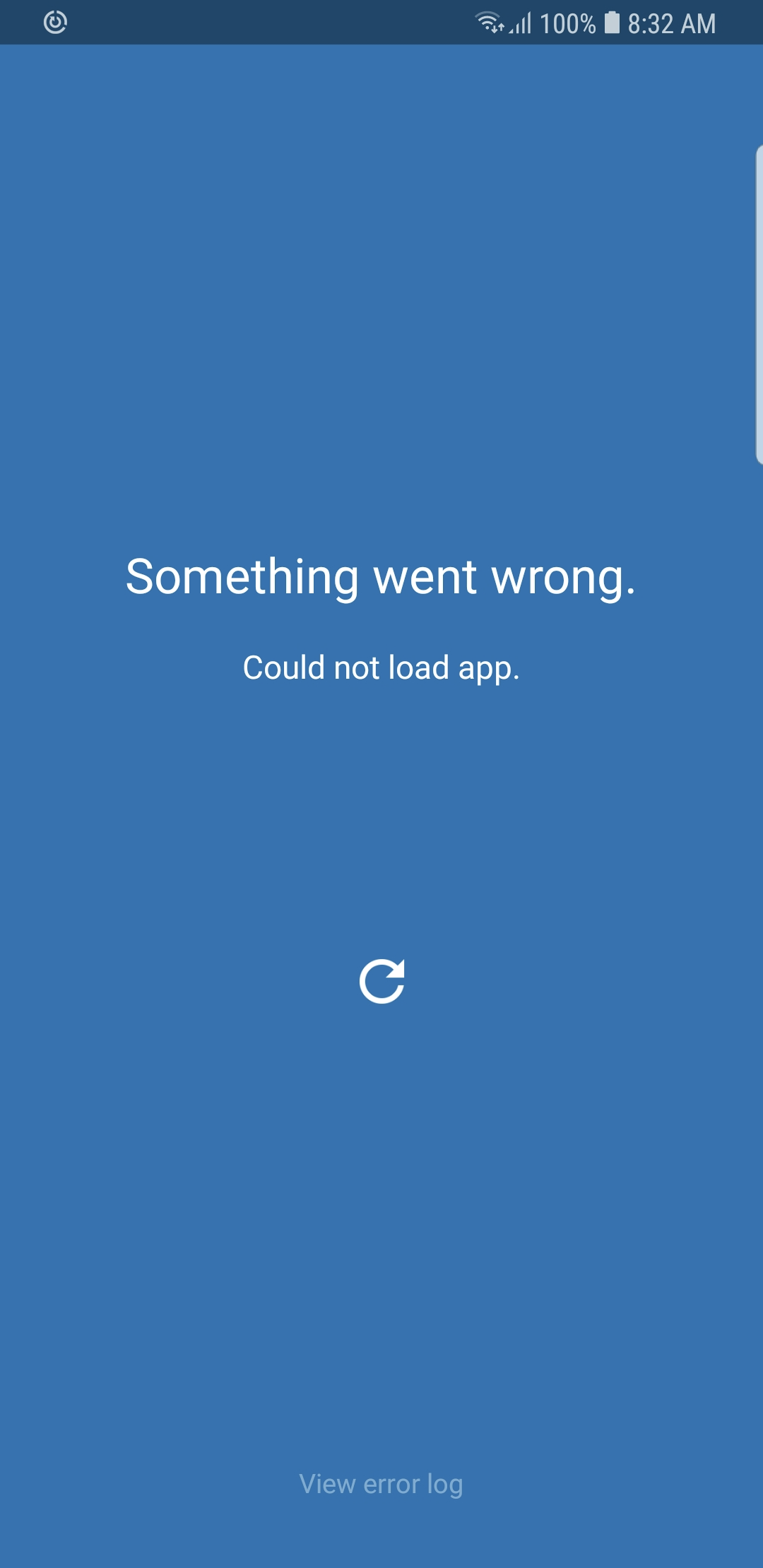
Any idea why ?
About this issue
- Original URL
- State: closed
- Created 5 years ago
- Reactions: 14
- Comments: 32 (5 by maintainers)
I’m having the same issue after upgrading to EXPO 31. Seems like this is a know issue without any exact solution and I also tried EXPO 32 as well.
Changed
PUBLISHED_URLafter completedexpo publish, I have updatedexpo-cliversion to2.6.14but nothing works for me. Couldn’t find proper solution for this issue. It would be a great help to get an input from expo contributors to fix this issue.CC: @terribleben @brentvatne @ide @sjchmiela
I’m also having this issue and already tried all possible suggestions but the issue is still persisting. followed these links as well - https://www.bountysource.com/issues/58866793-could-not-load-app-can-t-connect-to-internet-please-try-again-sdk27-30-w-expokit
https://github.com/expo/expo/issues/2499
You have to change a release url both on MainActivity.java and AppContants.java.
Problem, in my case is that
publishedUrl()method inMainActivity.javawas returning the wrong value. I was previously logged in as another user, so it was most likely a leftover from that time. Not really sure.Issue is still unresolved
I had set 31.0.2 instead of 31.0.0 in MainActivity.java , after fixing it , Now I’m getting following errors (only on release builds, when debugging in device it works fine)
Hey all, it would be really helpful if someone could provide an MCVE for this problem, the problem doesn’t happen on a freshly created project. 🤷♂️ 😕
@sjchmiela , thanks for the reply. I’m aware about what you mentioned. But my issue it bit strange. Experienced this only after upgrading to expo v31.0.0. Running on an Android device with
expo startworks fine. But signed APK with a proper release config doesn’t. iOS build with the same release config, works fine on both on debug and release modes. I have correctly updated the ReleaseConfig.java after publishing withexpo publishcommand. Any idea why it doesn’t work only on Android release (signed APK) mode while it works perfectly fine in debug mode withexpo startcommand? Looks like JS bundle is not getting downloaded from expo servers.