eas-cli: Unable to build my project on EAS, met with unhelpful error "spawn pod ENOENT"
Summary
Not sure if this is the right place for this, but there is no clear support channel for EAS (I have been a paying customer on 2 different projects throughout the entire early beta before the recent pricing changes).
Right now, when I try the following command:
eas build -p iOS
The build fails on EAS, all I get is an unhelpful error that says “spawn pod ENOENT” for both pods and the build:
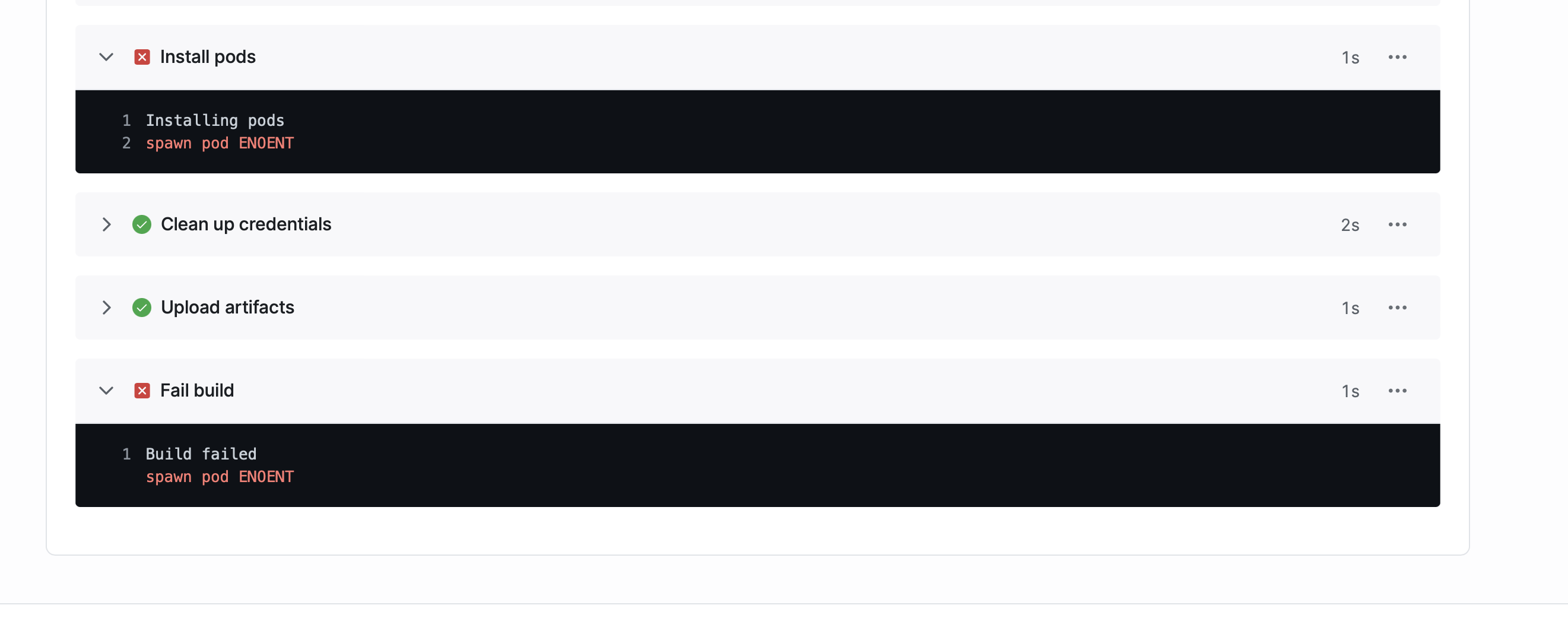
Here is the build URL:
~The weird thing is, expo prebuild works just fine so I’m not sure what I can do to debug this further.~
cc: @quinlanj
Environment
  EAS CLI 0.38.3 environment info:
    System:
      OS: macOS 12.0.1
      Shell: 5.8 - /bin/zsh
    Binaries:
      Node: 14.18.1 - ~/.volta/tools/image/node/14.18.1/bin/node
      Yarn: 1.22.17 - ~/.volta/tools/image/yarn/1.22.17/bin/yarn
      npm: 6.14.15 - ~/.volta/tools/image/node/14.18.1/bin/npm
    Utilities:
      Git: 2.30.1 - /usr/bin/git
Error output
Install Pods
Installing pods
spawn pod ENOENT
Fail Build
Build failed
spawn pod ENOENT
Reproducible demo or steps to reproduce from a blank project
I’m not sure how I would go about putting this, happens specifically on our project/account which you can find using this build URL:
About this issue
- Original URL
- State: closed
- Created 3 years ago
- Comments: 23 (12 by maintainers)
@harrisrobin - we’re removing react-native.config.js from the expo-dev-client config plugin - https://github.com/expo/expo/pull/15380
that’s fine! you should do that. run
expo prebuild --cleanto avoid re-applying plugins on a dirty project. also, you do get the full logs if you scroll to the bottom of the build page and download xcode logs. they’re often 10mb+ so we don’t show them inline and instead show an abridged version@jkhales looks like the reason this was failing is because of
react-native.config.jsthat was just there as a build artifact from runningexpo prebuild.I deleted
react-native.config.jsand now my build was successful.@jkhales @dsokal maybe there’s a better way to handle this if
react-native.config.jsis detected in a project? This seems like something that’s easy to miss, so I think EAS probably assumed this was a regular RN project.@jkhales do you know what could be causing this?
Hi @harrisrobin, Thanks for reporting. I took a look at the build logs you provided and it seems that you’re trying to build a bare project. You mentioned that
expo prebuildworks fine so I assume you’ve run it beforeeas build.cdinto theiosdirectory of your project and try to runpod install?