che: GitHub authentication fails in VS Code if there is no PAT or if PAT has expired
Describe the bug
This error is presented to the user when VS Code tries to authenticate the user to GH:
Error: Invalid character in header content ["Authorization"]
Che version
next (development version)
Steps to reproduce
2 ways to reproduce it:
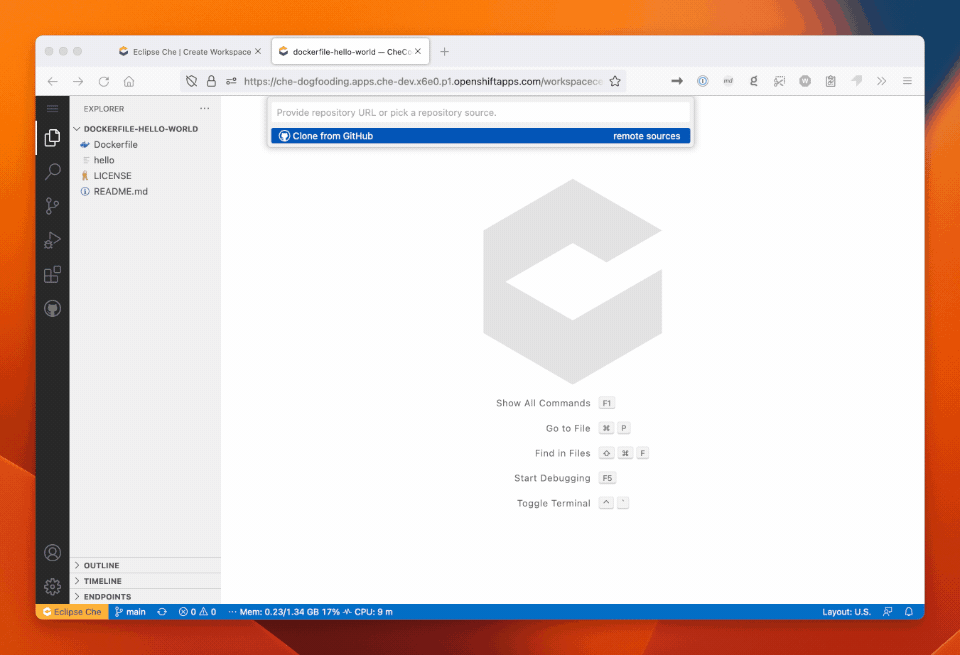
Cloning a repository from GitHub
- Start an empty workspace
- Open the command palette and select the command
Git: Clone - Click “Clone from GitHub”
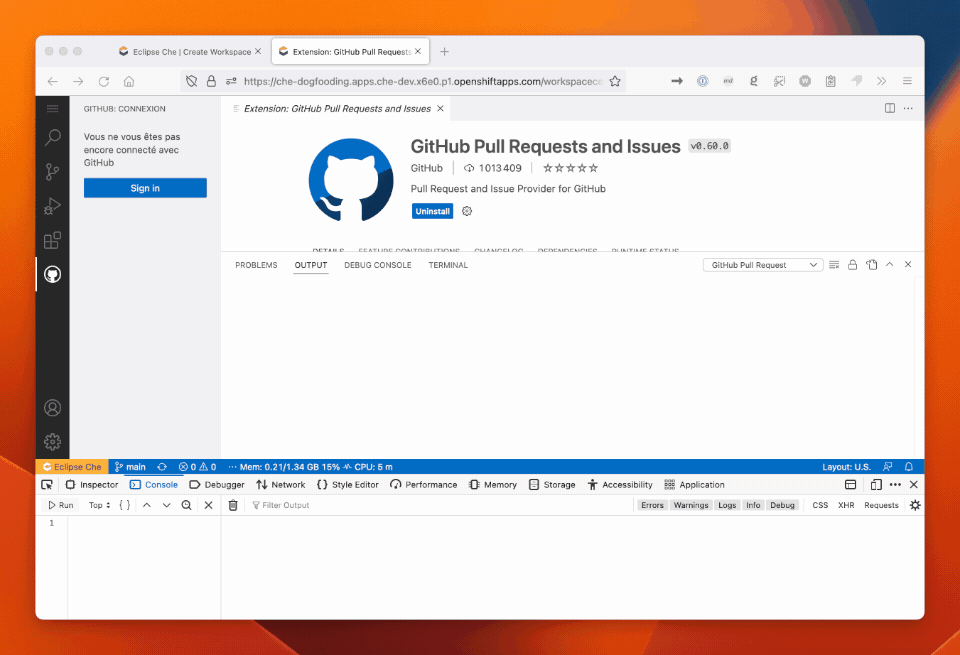
Using the GitHub Pull Request Plugin
- Start a workspace from a workspace (for example https://github.com/l0rd/dockerfile-hello-world)
- Install the
GH Pull Request and IssuesVS Code extension - Click on the GitHub logo in the left sidebar and then
Sign in
Expected behavior
The user can sign in to GitHub and VS Code can use the GitHub API.
Runtime
OpenShift
Screenshots
Installation method
OperatorHub
Environment
Amazon
Eclipse Che Logs
No response
Additional context
No response
About this issue
- Original URL
- State: closed
- Created a year ago
- Comments: 16 (13 by maintainers)
@RomanNikitenko here is another video that I have just recorded on the dogfooding instance. Let me know what other information I can provide you to help you reproduce it:
https://user-images.githubusercontent.com/606959/229379176-4897cf6f-a06b-457c-9879-393b1bbf8387.mp4
We discussed briefly with @RomanNikitenko and we have decided to display an informative message to the user with the root cause of the problem and the instructions to fix it rather than implement the automatic update (that would probably require some work che-server side):
If the token has expired and is managed by Che
If the token has expired but is NOT managed by Che
If the token is not present and the workspace is managed by Che
If the token is not present and the workspace is NOT managed by Che