deconz-rest-plugin: Network was not found after upgrading
Describe the bug
I upgrades my docker installation of deconz to the latest version. When I try to login in http://: I can see the login Screen and log-in. But after that I can only see a screen which tells “Network was not found” Docker logs tells:
23:07:39:037 dev can't create file: /dev/ttyACM0 via mknod (missing permissions)
23:07:39:084 dev can't create file: /dev/ttyACM0 via mknod (missing permissions)
23:07:39:983 failed to reconnect to network try=5
Steps to reproduce the behavior
Upgrade to latest version. Try to log in on webapp: http://<ip>:<port> Login is working, but directly after that the error page is shown.
Expected behavior
Log-In was successfull and the app is working in the normal way and I can control lights and so on.
Screenshots
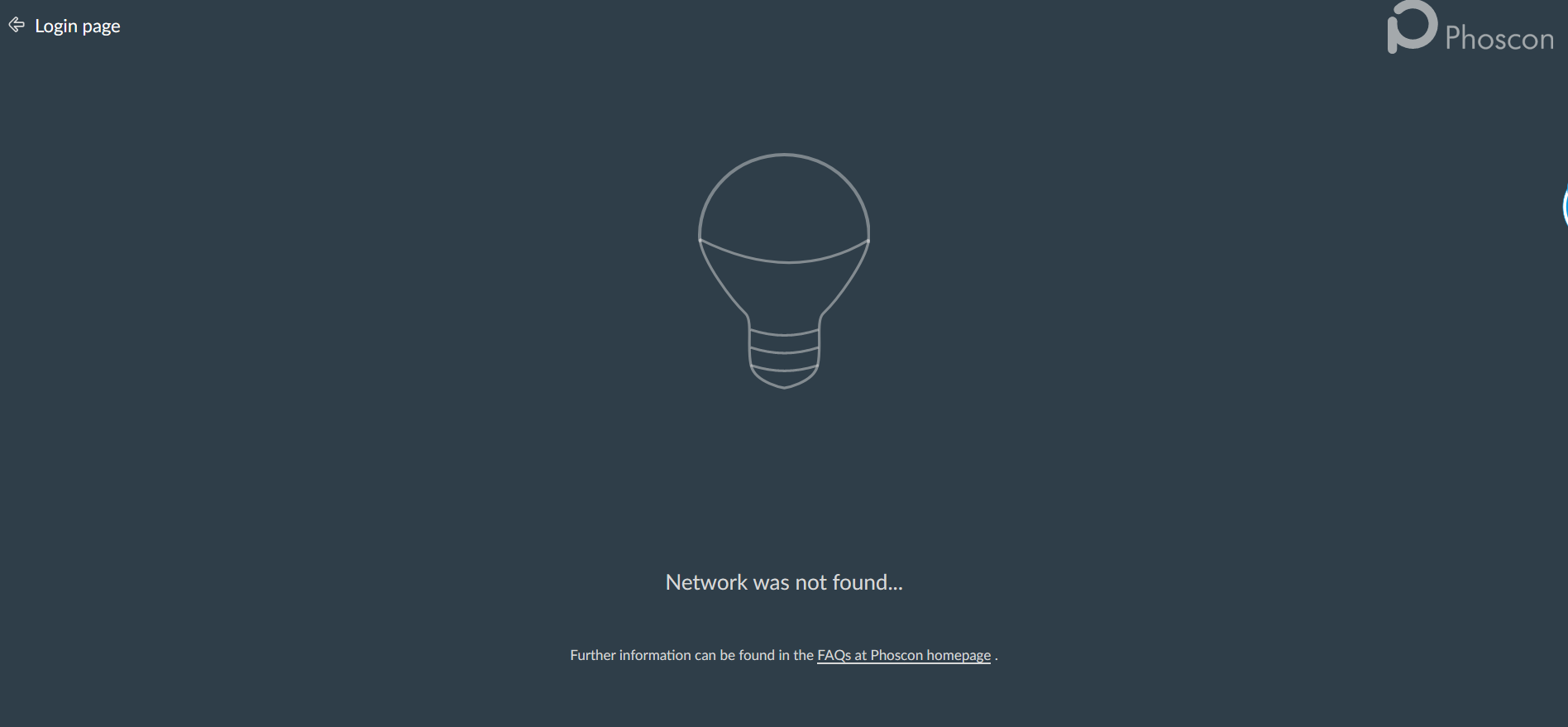
Environment
I am using a Conbee II Stick on a Linux machine. I am using mathoc docker container in latest version No USB extension cable No other USB devices connected for testing.
deCONZ Logs
23:07:39:037 dev can't create file: /dev/ttyACM0 via mknod (missing permissions)
23:07:39:084 dev can't create file: /dev/ttyACM0 via mknod (missing permissions)
23:07:39:983 failed to reconnect to network try=5
Additional context
About this issue
- Original URL
- State: closed
- Created 4 years ago
- Reactions: 8
- Comments: 37
Yes, I clicked the button to update. I found a related issue https://github.com/dresden-elektronik/deconz-rest-plugin/issues/3385, so I flashed the old firmware
GCFFlasher -d COM3 -t 60 -f ../firmware/deCONZ_ConBeeII_0x26580700.bin.GCFfollowing https://github.com/dresden-elektronik/deconz-rest-plugin/wiki/Update-deCONZ-manuallyThis fixed it for me.
@hzmmbm You could be having interference issues. Anyway: Please open a new user question issue.
I also encountered this problem today. Using it with Home Assistant. Not sure why this happened now. Couple of days since I upgraded anything. Just tried to add some new lights today and suddenly Phoscon shows “Network was not found…”. I have seen someone confirming that downgrade works. Not sure how I even can downgrade or change the docker-parameters with HA/Hass.io.
I was able to solve that issue. There seems to be a problem with the docker run command I used.
Until yesterday I used something like that:
docker run --env=DECONZ_DEVICE=/dev/serial/by-id/usb-dresden_elektronik_ingenieurtechnik_GmbH_ConBee_II_DE2197591-if00 --env=UDEV=off --volume=/opt/dresden-elektronik/deCONZ:/root/.local/share/dresden-elektronik/deCONZ --volume=/root/.local/share/dresden-elektronik/deCONZ --restart=always --device /dev/serial/by-id/usb-dresden_elektronik_ingenieurtechnik_GmbH_ConBee_II_DE2197591-if00:/dev/serial/by-id/usb-dresden_elektronik_ingenieurtechnik_GmbH_ConBee_II_DE2197591-if00 --label='io.balena.architecture=amd64' --detach=true marthoc/deconz:stableBut the device parameter seems not to work any longer in this way. So I used
docker run --env=DECONZ_DEVICE=/dev/serial/by-id/usb-dresden_elektronik_ingenieurtechnik_GmbH_ConBee_II_DE2197591-if00 --env=UDEV=off --volume=/opt/dresden-elektronik/deCONZ:/root/.local/share/dresden-elektronik/deCONZ --volume=/root/.local/share/dresden-elektronik/deCONZ --restart=always --device /dev/serial/by-id/usb-dresden_elektronik_ingenieurtechnik_GmbH_ConBee_II_DE2197591-if00:/dev/ttyACM0 --label='io.balena.architecture=amd64' --detach=true marthoc/deconz:stableNow it is working again.