maui: Externally hosted images cannot load on native apps
Description
Loading an hosted image into an image control doesn’t work after upgrading to RC1. I thought it would be the same as #5986, but I’m using native maui controls, no webview and getting an other error message.
Steps to Reproduce
- Create a new MAUI app.
- Add
<uses-permission android:name="android.permission.INTERNET" />to the android manifest. - Change the source of the existing image control to:
https://devblogs.microsoft.com/dotnet/wp-content/uploads/sites/10/2020/10/dotnet-bot_handybot.png - Image does not show up on android, neither in the emulator, nor directly in an deployed app. Couldn’t find an error message either.
- If I load the image from code-behind
img.Source = ImageSource.FromUri(new Uri("https://devblogs.microsoft.com/dotnet/wp-content/uploads/sites/10/2020/10/dotnet-bot_handybot.png"));, it breaks with an error message:**System.InvalidOperationException:** 'An attempt was made to transition a task to a final state when it had already completed.'
Version with bug
Release Candidate 1 (current)
Last version that worked well
Preview 14
Affected platforms
Android
Affected platform versions
Android 11+
Did you find any workaround?
No response
Relevant log output
at System.Threading.Tasks.TaskCompletionSource`1[[Microsoft.Maui.IImageSourceServiceResult, Microsoft.Maui, Version=1.0.0.0, Culture=neutral, PublicKeyToken=null]].SetResult(IImageSourceServiceResult result)
   at Microsoft.Maui.ImageLoaderCallback.OnComplete(Boolean success, Drawable drawable, IRunnable dispose) in D:\a\_work\1\s\src\Core\src\ImageSources\Android\ImageLoaderCallback.cs:line 88
   at Microsoft.Maui.IImageLoaderCallbackInvoker.n_OnComplete_Ljava_lang_Boolean_Landroid_graphics_drawable_Drawable_Ljava_lang_Runnable_(IntPtr jnienv, IntPtr native__this, IntPtr native_p0, IntPtr native_p1, IntPtr native_p2) in D:\a\_work\1\s\src\Core\src\obj\Release\net6.0-android\generated\src\Microsoft.Maui.IImageLoaderCallback.cs:line 87
   at Android.Runtime.JNINativeWrapper.Wrap_JniMarshal_PPLLL_V(_JniMarshal_PPLLL_V callback, IntPtr jnienv, IntPtr klazz, IntPtr p0, IntPtr p1, IntPtr p2) in /Users/runner/work/1/s/xamarin-android/src/Mono.Android/Android.Runtime/JNINativeWrapper.g.cs:line 297
About this issue
- Original URL
- State: closed
- Created 2 years ago
- Reactions: 4
- Comments: 24 (7 by maintainers)
Works in main now - fixed by #6394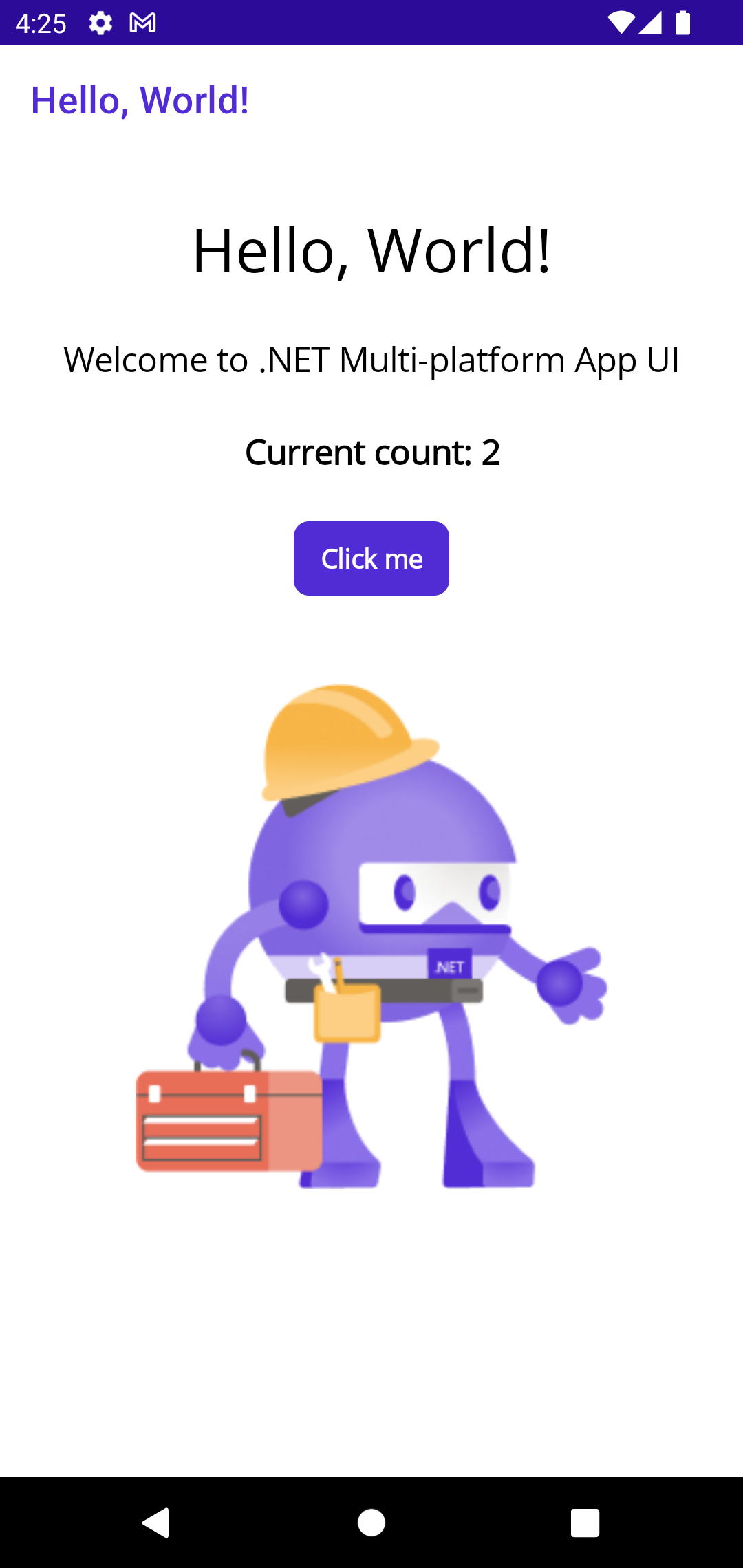
I don’t believe it would have made rc2.
Hey,
In case it helps , here is a somewhat ugly workaround until the fix is released:
I have an app which downloads the image, stores it locally and then displays the image. That app stopped working with RC1. Maybe it has something to do with external PNG images being loaded at runtime. All this on an Android. I checked and the image is actually downloaded and stored locally. The image just doesn’t appear.
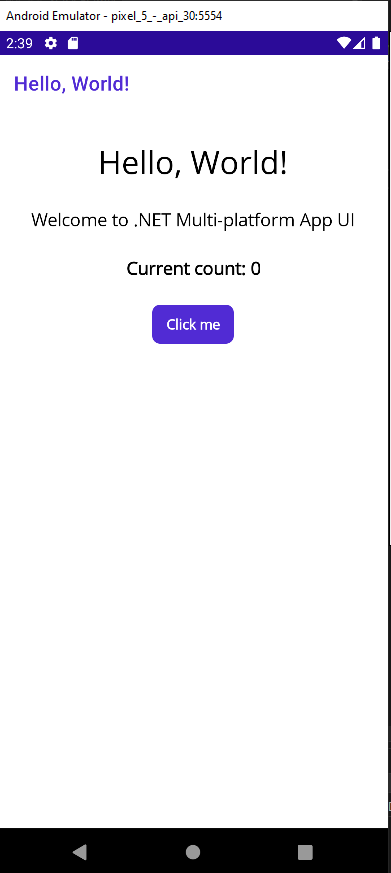
Got the same problem with a native android app. demo: MauiApp9.zip on windows it is ok: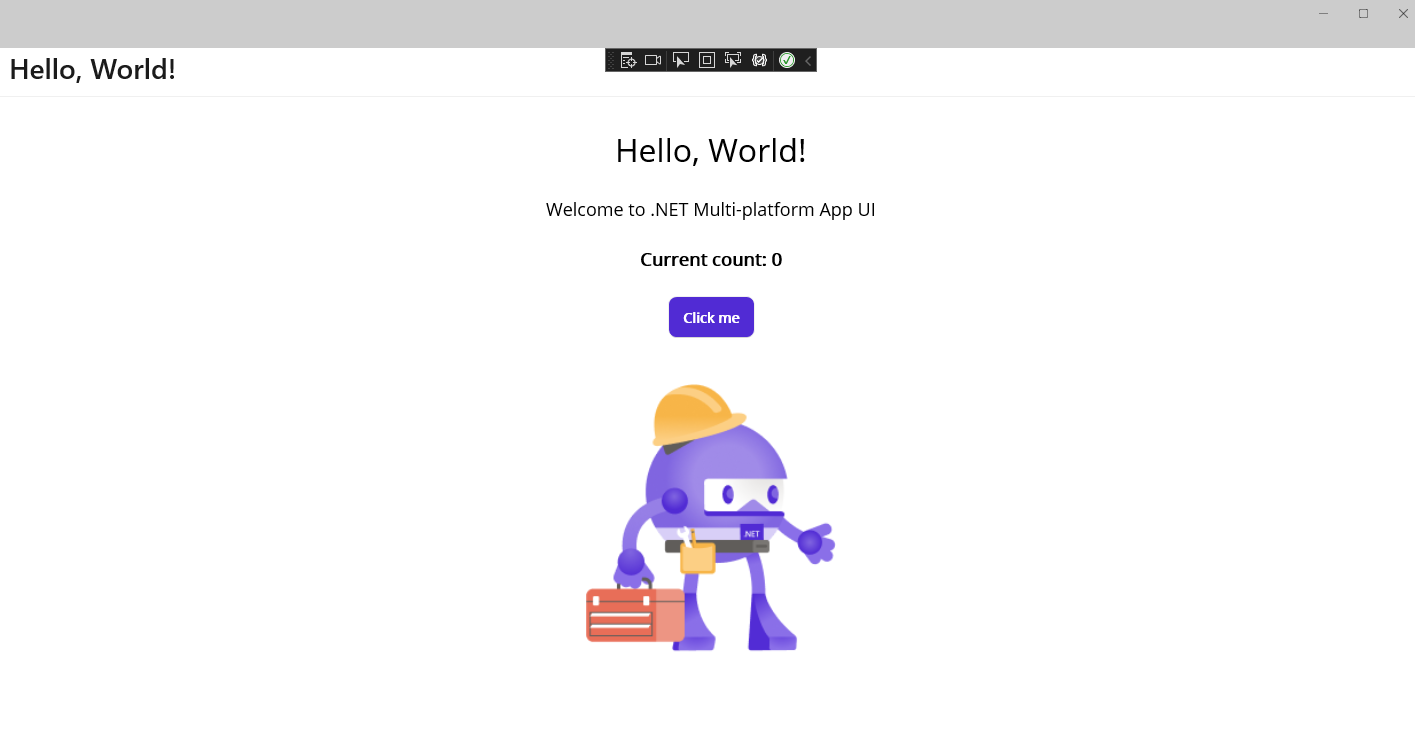 Android 11:
I am experiencing this same issue. The collection view with internet images loads but after a while I get the exception above.