xgboost: hangs with dask (when using CLI worker and scheduler on single node or multinode)
@trivialfis , I’ve been retesting everything while always choosing NCCL_DEBUG=WARN NCCL_P2P_DISABLE=1 NCCL_SOCKET_IFNAME="enp5s0" on one system (multinode or not) and on other system (if trying multinode) NCCL_DEBUG=WARN NCCL_P2P_DISABLE=1 NCCL_SOCKET_IFNAME="enp4s0".
In summary, every possible mode hangs without any errors.
Modes:
- single node (still using dask worker and scheduler launched from command line)
- multi-node homogeneous
- multi-node heterogeneous
The single node seems to last longest, maybe 11 fits and predicts, but eventually repeated fits of various data and parameters hangs. The multi-node homogeneous hangs more quickly, and heterogenous case hangs most readily (1 fit hangs, but maybe gets beyond that). Apart from them hanging at different rates, the fact of the hang and that no errors ever appear in dask worker logs or client logs or scheduler logs is the same.
I’ve not posted an issue yet because I’m not seeing any errors. Nothing from NCCL anymore, and on single node no errors appear. I do see in dask incomplete status, e.g. this is for single node case:
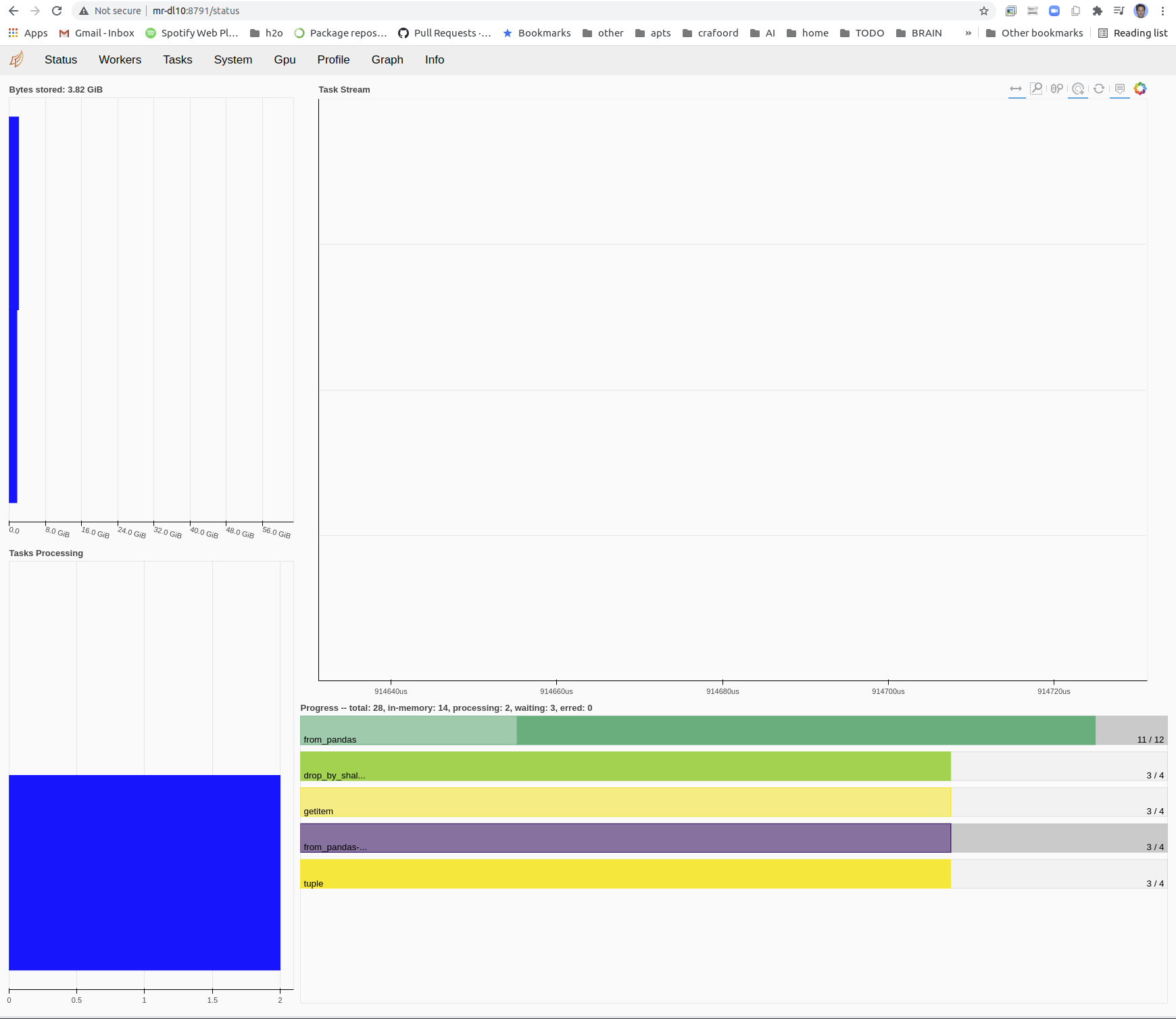
I’m not sure how to provide debug info if nothing is warning or erroring out. Note I also compiled with HIDE_CXX_SYMBOLS as you said, which seems to have gotten rid of the cudaErrorInvalidValue as you suggested in https://github.com/dmlc/xgboost/issues/7019.
Perhaps related to the hang is sometimes the fit isn’t hanging fully but just takes a very long time. the dask panel shows nothing going on at all, and a fit on the same data that would normally take 10s takes 140s. This is usually it seems the RF dask case. This case is odd as before recent xgboosts it would use lots of GPU. Now dask RF uses no GPU basically and no CPU either, or maybe it uses 1 GPU but very little.
I’ll try to come up with a repro as usual. But any help in producing debug info to see what is wrong would be helpful.
About this issue
- Original URL
- State: closed
- Created 3 years ago
- Comments: 38 (36 by maintainers)
Could it be that you’re sending your data through the network? i.e.
X = pd.DataFrame(np.random.rand(1_000_000, 20)); dX = dd.from_pandas(X).persist()will send the dataframe through the network, which depending on the size could take a while.