react-pdf: PDFViewer not working in mobile browsers?
Describe the bug
It seems that displaying a PDF document inside the <PDFViewer> component is not working on mobile browsers (tested with Chrome and Firefox on Android).
To Reproduce
I created a simple demo create-react-app with the example PDF document from the react-pdf getting started guide: https://github.com/jhilden/react-pdf-demo
Expected behavior
That the PDF is rendered and displayed just like in desktop browsers.
Screenshots
Chrome 76.0.03809.132 on Android
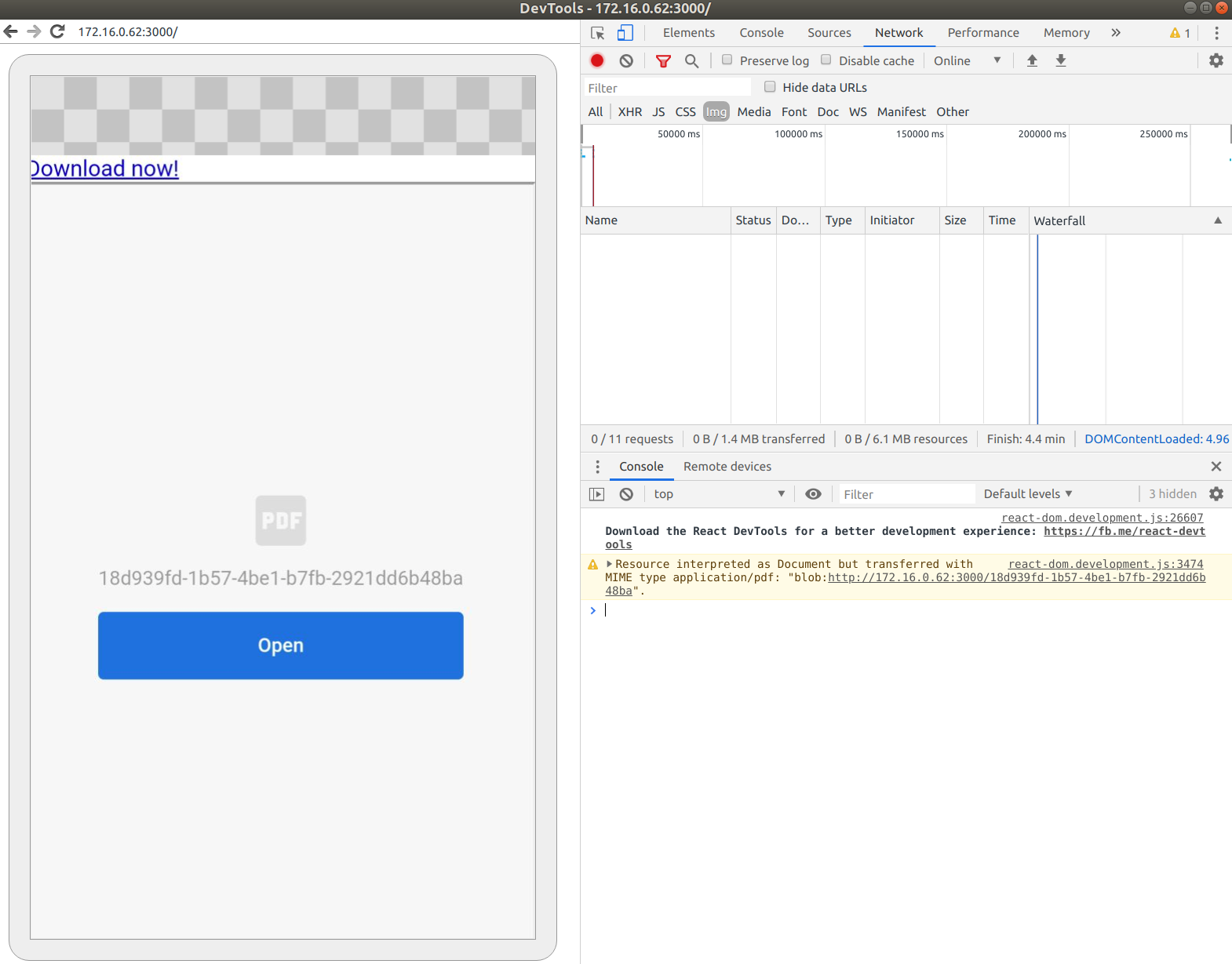
Clicking on the “Open” button will just open a new blank tab.
Firefox 68.1 on Android

react-pdf version 1.6.4
Is this a known issue? If yes, it should probably be documented here https://react-pdf.org/components#pdfviewer
And in that case it would be good to know how to test if the current environment supports PDFViewer. So one could e.g. use <PDFDownloadLink> instead, which is working fine in the those mobile browsers.
Or is this a bug that should normally be working?
About this issue
- Original URL
- State: open
- Created 5 years ago
- Reactions: 20
- Comments: 43 (2 by maintainers)
Sure, @TheoOliveira. Below is the code I implemented.
Device component
Report
ModalPDFGeneratedandMyDocumentare external components that are part of the implementation. But I believe the central idea is this. Hope this helps. Hug.how can this still be an issue? been open for over 3 years and is obviously very relevant functionality…
Unfortunately this is caused by mobile browsers not being able to render PDFs as a desktop browser usually does. In the near future I have plans to upgrade the
PDFViewercomponent so it can render SVG docs, but it’s currently not possible. I can fallback to a download button if mobile browser detected, but this might not suit all the possible use cases as well.I think it might be better to leave this to each one to decide on their app based on their needs. usePDF can be used and based on desktop or browser, each can render either an iframe or a download link for mobile (or whatever suits your app best). Thoughts?
Why is this package recommended when it is missing this key feature…
mobile possibility would be a milestone. think that a lot of people just waiting to see this feature
In implementing a solution in our app that falls back nicely on devices that do not support
PDFViewerI used the logic from thePDFObjectlibrary which solves the same problem, see: https://github.com/pipwerks/PDFObject/blob/master/pdfobject.js#L94 Unfortunately it’s not really straightforward and you need to combine browser and feature-detection.Would you consider merging a PR with equivalent code? Something like
PDFViewer.supported?Or would you rather merge a PR with a little bit of documentation about the compatibility ofPDFViewer?@Mario8419 agree! I didn’t meant it wasn’t something I wanted to do (building an SVG doc renderer with 2.0 should be doable) but rather proposed a temporary solution while I find some time to work on this 😃
Is this URL server side rendered or client side? https://react-pdf.org/repl Because this seems to be working in mobile browsers.
i got the same issue, how to solve it ? I am using next.js
I’m having the same issue with Next v14.
It’s a little disappointing that a satisfactory solution doesn’t exist yet.
Dude @ronaldaraujo , can you share how did you implemented? I am also having this issue and I started to use your idea to do it and according to the docs but it shows previous image
Using both. It’s something like this:
Document and Page are from wojtekmaj/react-pdf, you can scale your pdf, select render mode and add a pagination, etc