desktop: After restarting my client following a desktop client update prompt, I can no longer Fetch Origin
Description

Version
- GitHub Desktop:
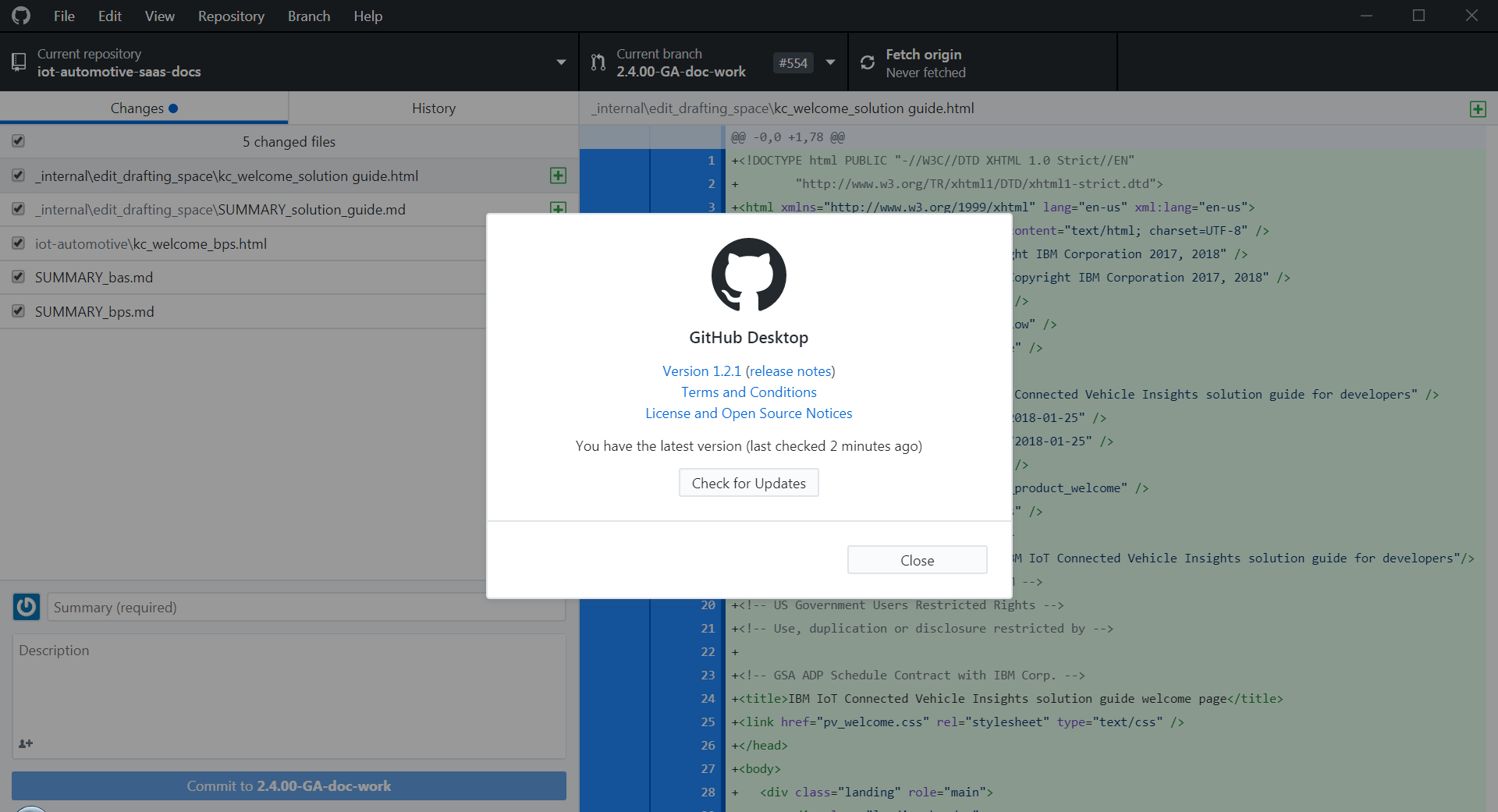
- Operating system:
Windows 7 professional.
Steps to Reproduce
- I restarted the GH desktop client after noticing a prompt that there was a new update.
- I made a change to content in a repo.
- Now when I click fetch Origin I get the error above. I have not touched my properties, my password or anything.
Expected Behavior
Fetch original to work as normal.
Actual Behavior
Additional Information
Logs
About this issue
- Original URL
- State: closed
- Created 6 years ago
- Reactions: 10
- Comments: 51 (20 by maintainers)
Okey I just remove lines below and everything works like a hero. 👍 Thanks
@michellepurcell this is the problem entry:
If you delete those two lines, Desktop should be back to a happy place. I’m also curious if there’s another tool which is adding these lines back in - are there any other tools you have installed that have Git integration?
Just posting to say I had the same issue after updating GitHub Desktop
Deleting these lines in C:\ProgramData\Git\config as instructed seems to have solved it
On my Windows 10 Surface book, I had to remove the following line from the config file… sslCAInfo = C:/Program Files/Git/mingw64/ssl/certs/ca-bundle.crt
@SidVal have you had a chance to look at the output of this command on your machine?
It’s hard to say more without knowing what error you’re seeing is and what your current configuration is, but I think it’s related to this configuration value being present:
And removing these lines from
C:\ProgramData\Git\configshould do the trick:@nerdneha
Just did a fresh install of 1.2.2 and seeing:
referenced curl-ca-bundle.crt does not exist at the path specified on disk,
[Edit] Manually adding the curl-ca-bundle.crt at this path does indeed fix the issue, but it was not installed/distributed with the 1.2.2 release.
Just a quick update here. We’re still investigating the best way to address this but preliminary findings indicate that this is a side-effect of https://github.com/curl/curl/commit/899630021153b2a26a43008cccc6620b6c3f9bbf (https://github.com/curl/curl/pull/1325) wherein support is added to curl’s schannel interface (Win32 SSL) that allows it to parse a “traditional” certificate bundle file.
This allows curl to operate the same way on Windows as it does on macOS and Linux while leveraging the native Windows APIs for SSL/TLS support.
Prior to this update the only way you could use a CA bundle file was to switch back to the openssl backend.
Unfortunately this means that as long as either the Git config variable
http.sslCAInfoor the environment variableGIT_SSL_CAINFOis set (even if set to an empty string) curl will bypass the normal Windows certificate chain validation and solely use the information in the ca bundle file.GitHub Desktop ships with a stock CA bundle file in order for the openssl backend to work properly but that also means that the schannel backend will always use the bundle file and never look at the Certificate Store.
While we search for an optimal solution that will work for both backends I believe I have workaround for any users currently stuck and unable to push/pull/fetch from their enterprise instances.
"%LocalAppData%\GitHubDesktop\app-1.2.1\resources\app\git\cmd\git" config --unset --system http.sslCAInfo"%LocalAppData%\GitHubDesktop\app-1.2.1\resources\app\git\cmd\git" config --unset --global http.sslCAInfo"%LocalAppData%\GitHubDesktop\app-1.2.1\resources\app\git\cmd\git" config --global http.sslBackend schannelThis workaround will be reset the next time we ship an update but hopefully by then we will have solved it properly. Note that if you’re using a beta version of GitHub Desktop you’ll need to substitute the
app-1.2.1part in the paths with your version i.e.app-1.2.1-beta1.I had the same error today when I download GHDesktop there is not file or folder C:/Program Files/Git/mingw64/ssl/certs/ca-bundle.crt
So I did what @shiftkey said, I delete those two lines.
[http]
sslCAInfo = C:/Program Files/Git/mingw64/ssl/certs/ca-bundle.crt
@shiftkey - Thank you Brendan. I am now back in business and working again!
@michellepurcell could you share a fresh log file? I’d like to confirm the error you’re now seeing.
@michellepurcell there might be a way to workaround this issue while we work with the upstream project.
Could you try running these command in a shell in your problem Git repository and attaching the output?
If the second command works, you should be able to switch Desktop over to use OpenSSL by running this command:
@michellepurcell thanks for the report. We published an update a couple of hours ago to address a Git security issue, and I’d received a report about a potential SChannel issue, but I couldn’t reproduce it myself.
Could you do me a huge favour and open a shell and run this command? This will help with troubleshooting and reporting this upstream: