navi: Error when downloading the default cheatsheet
When running navi after install and selecting the “Download default cheatssheets” will cause the following error:
Cloning https://github.com/denisidoro/cheats into /Users/<user>/Library/Application Support/navi/cheats/tmp...

Hey listen! Navi encountered a problem.
Do you think this is a bug? File an issue at https://github.com/denisidoro/navi.

Caused by:
    0: Failed to import cheatsheets from `denisidoro/cheats`
    1: Failed to clone `https://github.com/denisidoro/cheats`
    2: unsupported URL protocol; class=Net (12)
About this issue
- Original URL
- State: closed
- Created 4 years ago
- Comments: 16 (7 by maintainers)
Commits related to this issue
- Attempt to fix git clone issues Probably fixes #326 — committed to denisidoro/navi by denisidoro 4 years ago
- Attempt to fix git clone issues (#340) Probably fixes #326 — committed to denisidoro/navi by denisidoro 4 years ago
I am running into this issue as well on
MacOS 10.15.2. From what I can tell it has to do with the default locationnaviuses to store cheat sheets. According to the docs it uses therustdata_dirwhich on mac points toSome($HOME/Library/Application Support). When runningnavi repo addnothing showed up for me as well. However, when Ictrl+cI get this output in the terminalAfter some investigation it turns out the the
repo addcommand here gets the directory from thecheat_pathbuffunction which outputs multi-word path elements without the escape elements.To fix this issue the path returned by
pathbuf_to_stringshould be escaped.Happy to help if you agree with this approach @denisidoro
Thanks! I still need to fix some bugs to release 2.5.1 with the fixes but hopefully I’ll do it by tomorrow.
In 2.5 version, after selecting “Download default cheatsheets” I am getting 0/0 screen.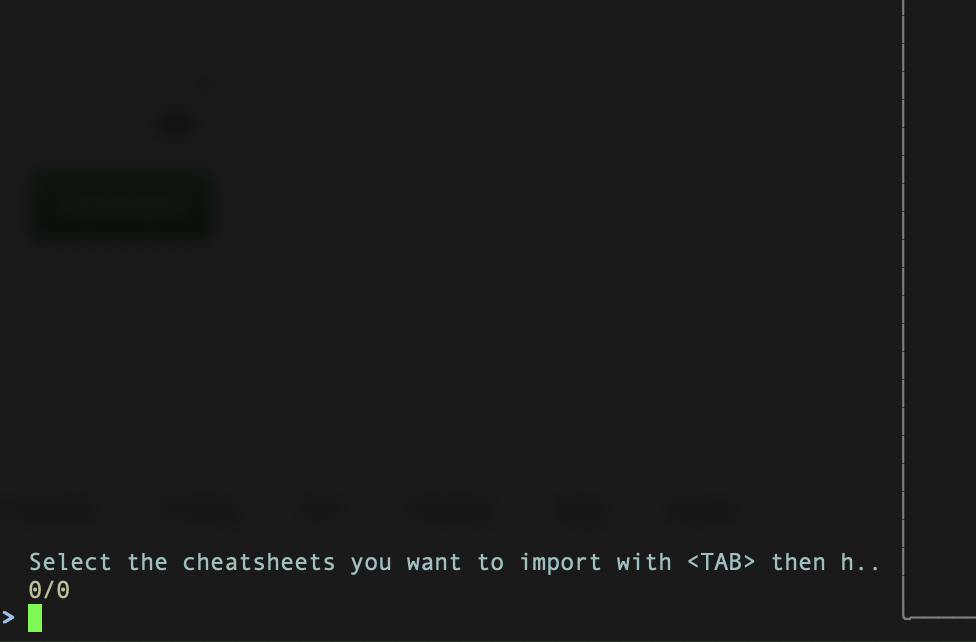
maybe relate to this one.
https://github.com/denisidoro/navi/pull/277
I’ll look into it this evening(it’s morning now in japan).