dendron: Markdown Preview never renders with `code-server`
Please select the area your bug applies to. (Multiple selections are Possible. You can leave blank if you’re not sure.)
- Workspace. VSCode workspace, vaults, Intellisense/autocomplete, Dendron settings
- Lookup. Dendron’s Lookup Command
- Views. Dendron Preview, Tree View, Side Panels in the UI
- Schema. Dendron Schemas
- Pod. Data import from / export to Dendron
- Publish. External Site Publish
- Markdown. Markdown features, such as syntax support and features
Describe the bug
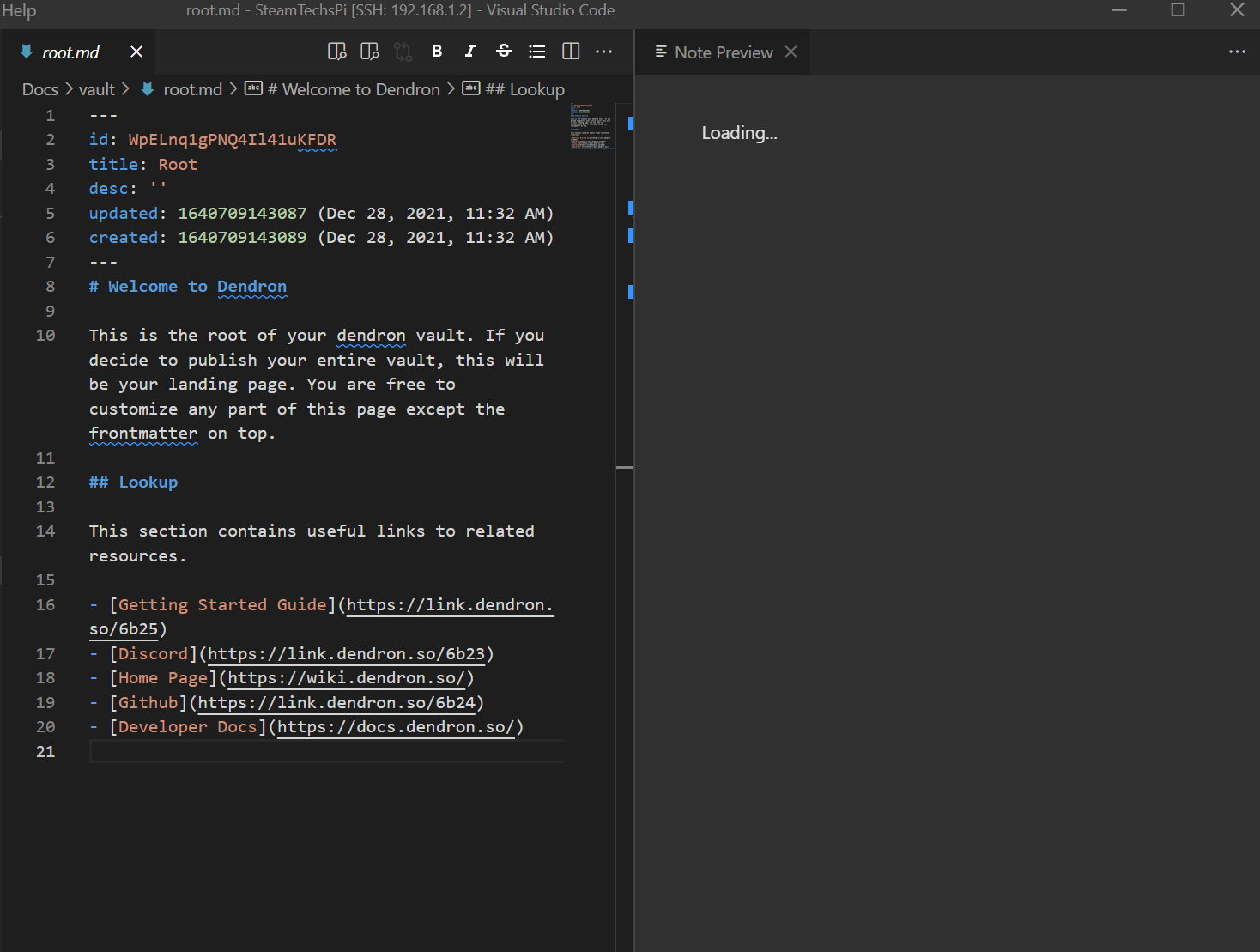
Remoting into a dendron workspace on a raspberry pi with vs code server activates dendron, but the markdown preview fails to load, stuck on Loading...
To Reproduce
Steps to reproduce the behavior:
- Install vscode server on a raspberry pi.
- Install dendron extension and set up dendron workspace.
- Use another computer to Remote-SSH into the dendron workspace.
- Lookup root.
- Click Show Preview.
Expected behavior
The note to render in the side pane, but after the pane opens it never gets past the loading text.
Screenshots
Bug on the local machine
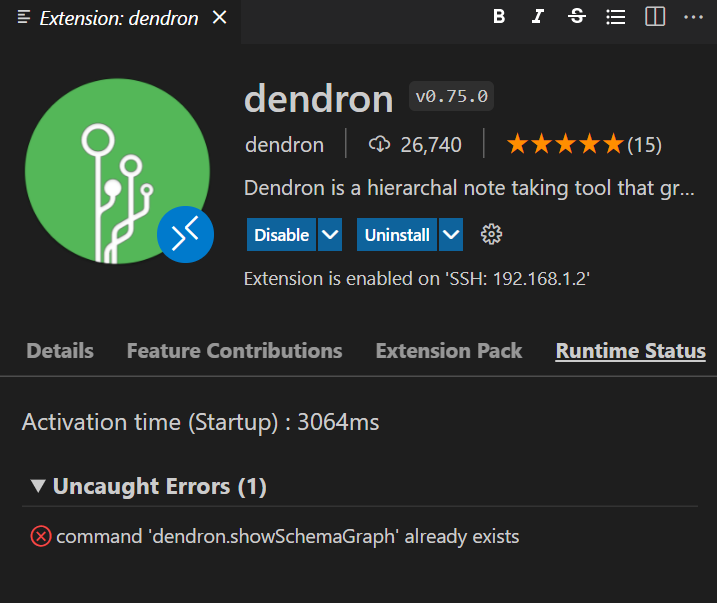
Extension Runtime Status Error on the local machine
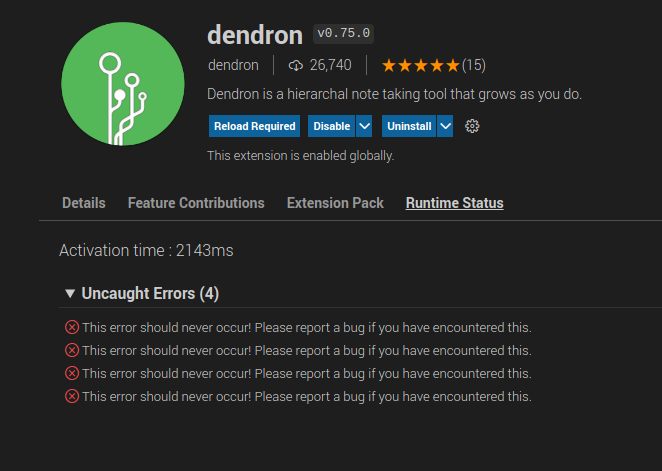
Extension Runtime Status Error on the remote machine
Desktop (please complete the following information)
- OS:
- Local: Windows 10
- Remote: Raspberry Pi OS 32bit
- Browser: NA
- Version: Dendron version 0.75.0
Additional context
The preview works as expected when using vscode on the pi locally, just not over ssh remotely. I have removed the markdown enhanced dendron extension and the problem didn’t change.
Dendron Log file
About this issue
- Original URL
- State: closed
- Created 3 years ago
- Reactions: 1
- Comments: 15 (7 by maintainers)
I think this is a port forwarding issue between the local and remote machines. I’m not super familiar with the codebase, but it looks like the main Dendron API server is launched with a random port (since the code is effectively calling
server.listenwithport=0unlessengineServerPortis specified in the config file). If this random port is not forwarded to the local machine, then the markdown preview (and possibly other things?) won’t work.This port is automatically forwarded when opening the calendar view, or when opening the configuration page, since the
vscode.env.asExternalUrifunction is called in both cases (see https://code.visualstudio.com/api/advanced-topics/remote-extensions#forwarding-localhost).This port is not automatically forwarded when opening the preview panel. I think this is because
WebViewUtils.getWebviewContentis called, rather thanWebViewUtils.genHTMLForView, and thevscode.env.asExternalUriis not called in this code path.Finally, vscode remembers workspace port forwarding rules by default, but this doesn’t help if a random port is chosen each time.
Unless there is a vscode API for controlling port forwards, one way this could be fixed is by calling
vscode.env.asExternalUrionce the sever has started.I’m having this issue, except I don’t see any errors logged. I also found a way to get the preview working (in my case at least).
When I click the Calender View pane in VSCode to expand, it seems to start a web server for the calendar. The preview then renders after re-opening it and works consistently as long as I leave the Calendar View pane expanded. It keeps working across reloads and restarts too as long as the Calendar View remains expanded.