react-content-loader: Not working in Safari.
What did you do?
My Loader Component
const Loader = props => (
  <ContentLoader
    preserveAspectRatio="none"
    style={{width: '100%' }}
  >
    <rect x="0" y="0" rx="5" ry="5" width="100%" height={300} />
  </ContentLoader>
)
What did you expect to happen?
Expect to work for all browsers
What happened actually?
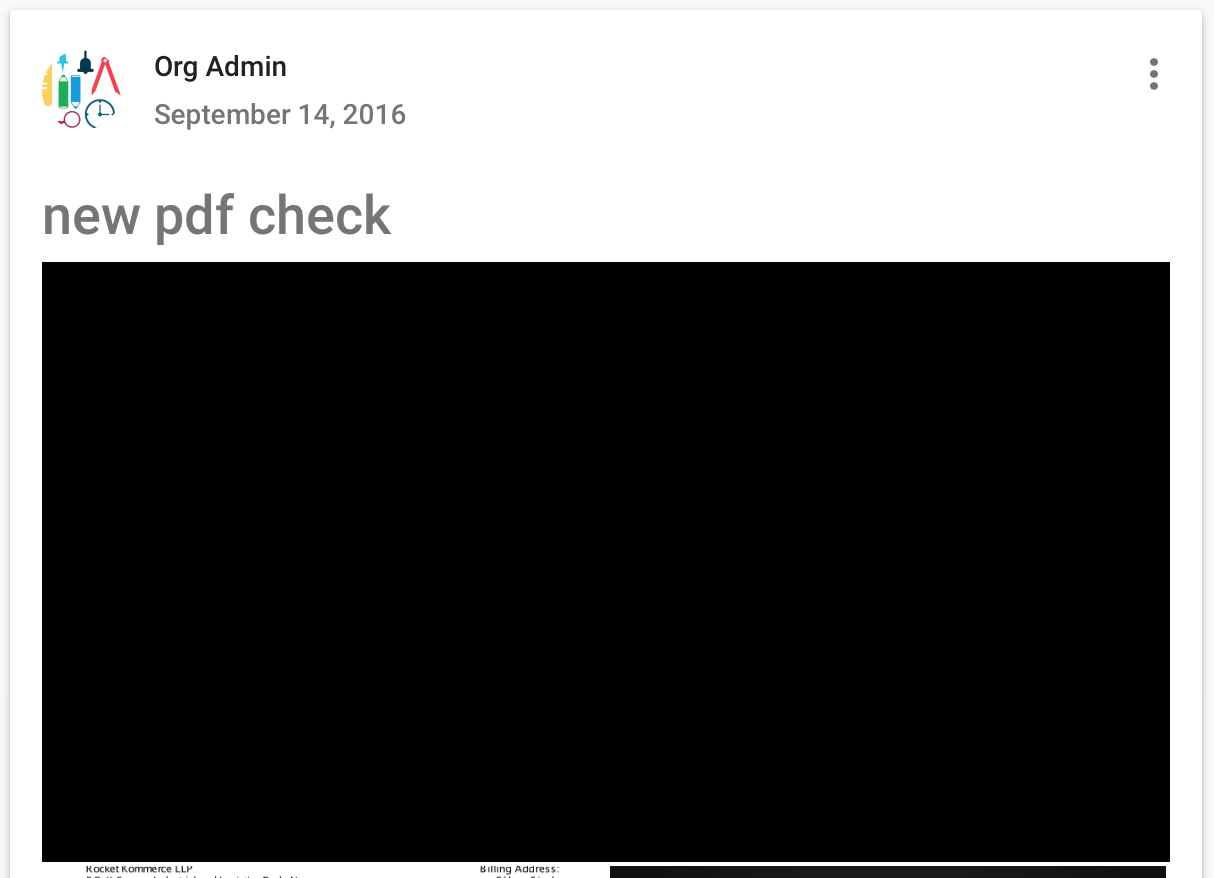
Working fine on Chrome and FireFox but giving black layout for safari.
Which versions of react-content-loader, and which browser are affected by this issue?
"react-content-loader": "^3.1.1"
"react": "^15.4.2"
Browsers: Safari
About this issue
- Original URL
- State: closed
- Created 6 years ago
- Comments: 28 (14 by maintainers)
Commits related to this issue
- docs(README): Known issues Closes #93 — committed to danilowoz/react-content-loader by danilowoz 5 years ago
- docs(README): Known issues Closes #93 — committed to danilowoz/react-content-loader by danilowoz 5 years ago
- docs(README): Known issues Closes #93 — committed to danilowoz/react-content-loader by danilowoz 5 years ago
Hey guys, I found an answer:
Problem:
Solution
Remove
<base href="/">from the document https://github.com/airbnb/lottie-web/issues/360Actually, there is another way to solve it. But currently, there is no way to customize the
url()in the SVG, even using theuniquekeyprop. I’ll document it and I’ll try to figure out a better workaround. https://github.com/airbnb/lottie-web/issues/360#issuecomment-320243980Besides that, let me know if it works, thanks
Safari, welcome to new IE
@majid-amiri please update to latest version take a look at this solution:
baseUrl? stringRequired if you’re using<base url="/" />in your<head/>. Defaults to an empty string. This prop is common used as:<ContentLoader baseUrl={window.location.pathname} />which will fill the SVG attribute with the relative path.Let me know if it works
Turned out if you attach unique ids for ‘clip-path’ and ‘fill’ it works ^_^ at least on version Safari 12.1.2