cvat: Not able to login to CVAT UI which is deployed in AWS EC2 instance
I have installed CVAT in AWS EC2 instance and after starting all docker containers I am not able to login from UI, getting 500 Internal Server Error in browser console. However, I can able to access Django admin page where I can all created users. In docker logs cvat_proxy I can see http error codes but no other information/recommendation available in logs.
Screenshots
-
Error on UI Page loading
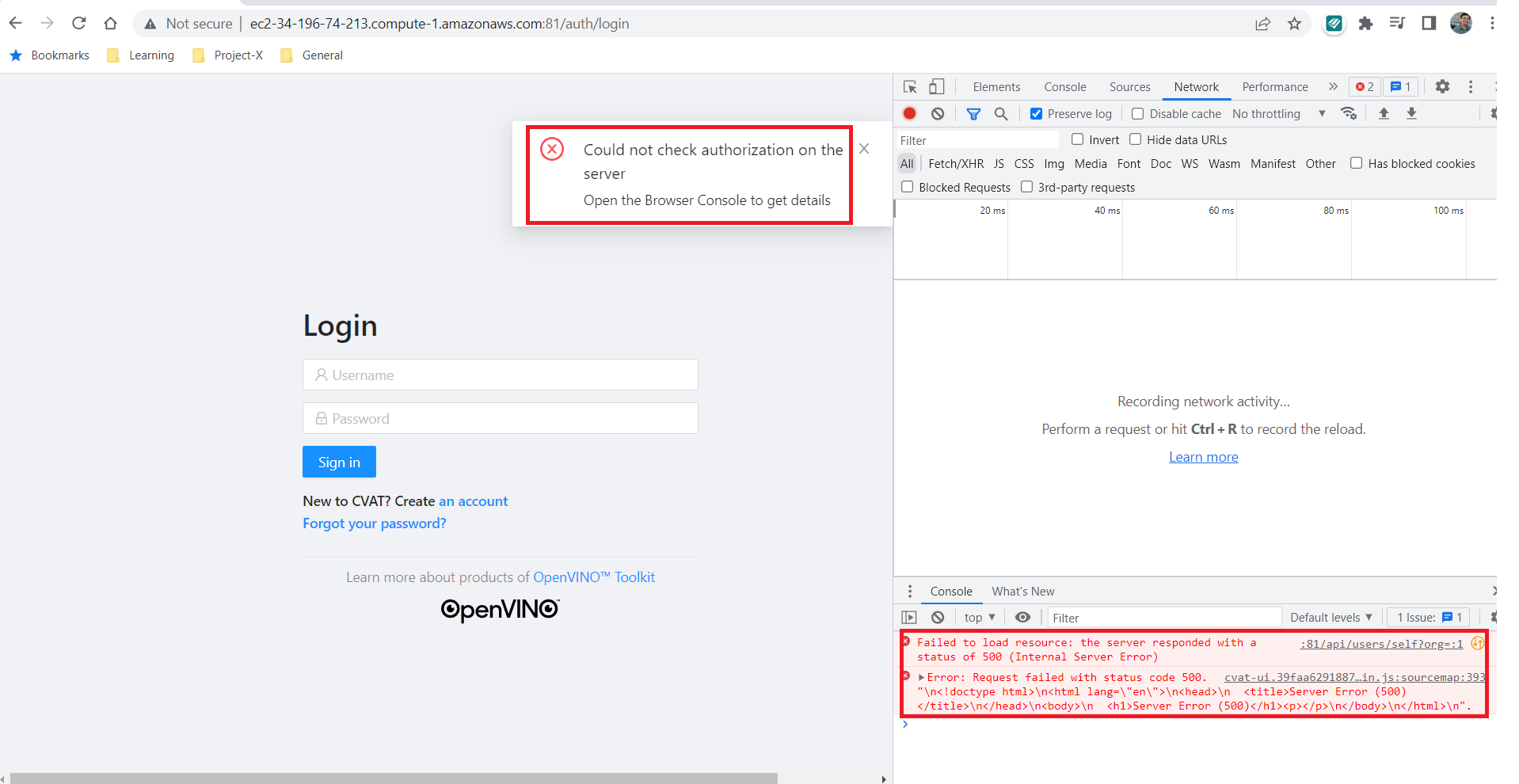
-
Error on Login
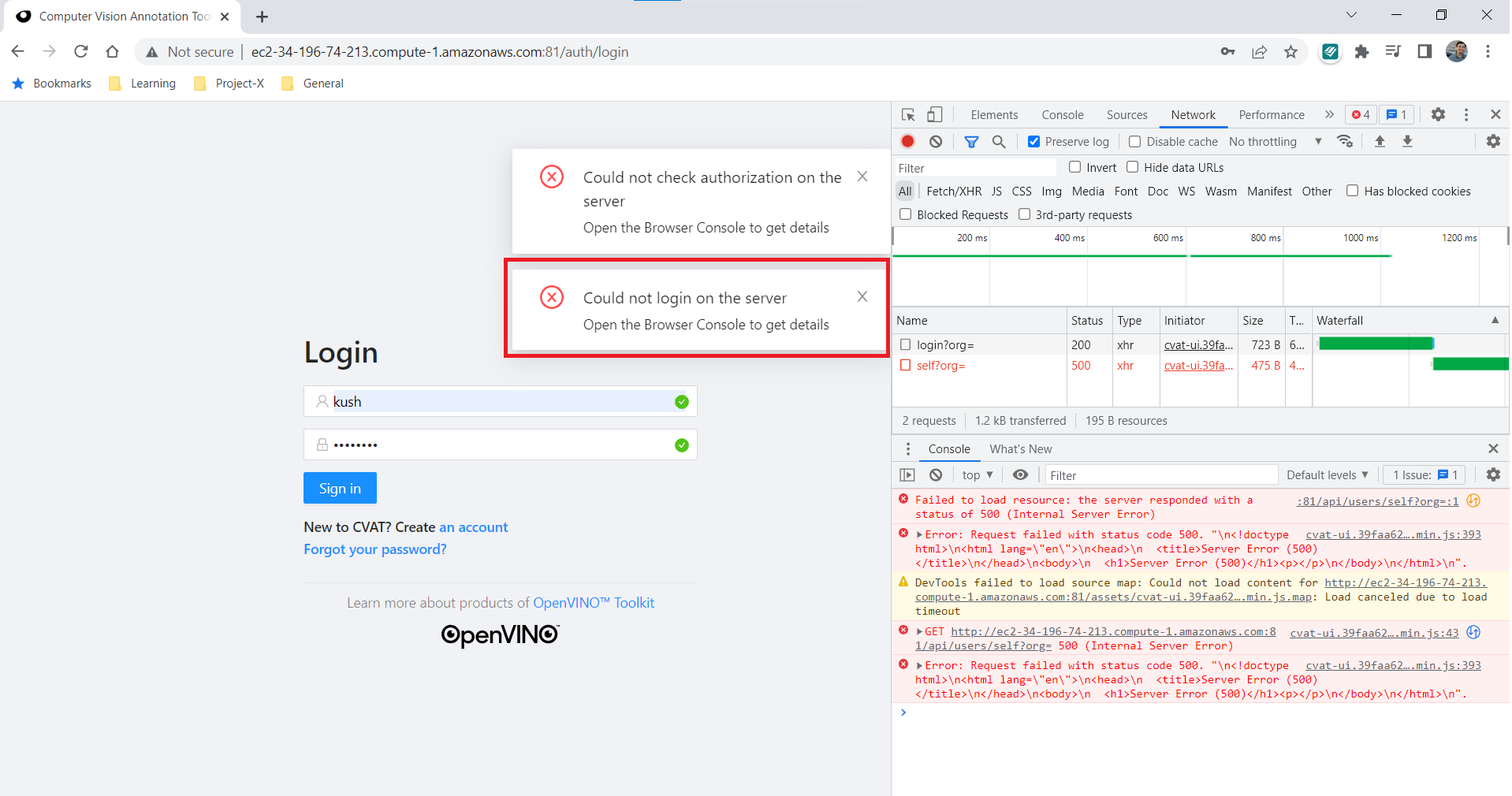
-
Django Admin Page

Referred following resources for resolution, but nothing worked
- Official installation guide for AWS
- Followed solution in Cannot deploy CVAT on AWS EC2 instance
- Referred related PR Fix AWS deployment and updated
docker-compose.override.yml, like :
version: "2.3"

services:
  cvat_proxy:
    environment:
      ALLOWED_HOSTS:
      CVAT_HOST: ec2-34-196-74-213.compute-1.amazonaws.com
Additional Information
-
Docker Version : Docker version 20.10.14, build a224086
-
CVAT Version : [1.4.0] - 2021-05-18
-
OS Version : Ubuntu VERSION="20.04.3 LTS (Focal Fossa)
About this issue
- Original URL
- State: closed
- Created 2 years ago
- Comments: 15 (4 by maintainers)
Hi there, I had exactly the same issue and in my case it was related to the missing /cvat/apps/iam/rules folder. This folder is only available on git repo and it is a strong dependency of CVAT OPA. In my case I fell in error because I only downloaded the docker-compose.yml file, without considering the remaining part of git repo.
I hope it will help you too. 👋🏻