code-server: Cannot sign in to Github account
Cannot sign in to Github.
When I click on “Clone repository” under SCM tab and provide the repo url and folder, it asks me to sign in to Github.
The authorization page opens in a new tab:

After clicking on “Continue”, the following error occurs:

I tried to generate “Personal Access Token” on Github, then entered that here:
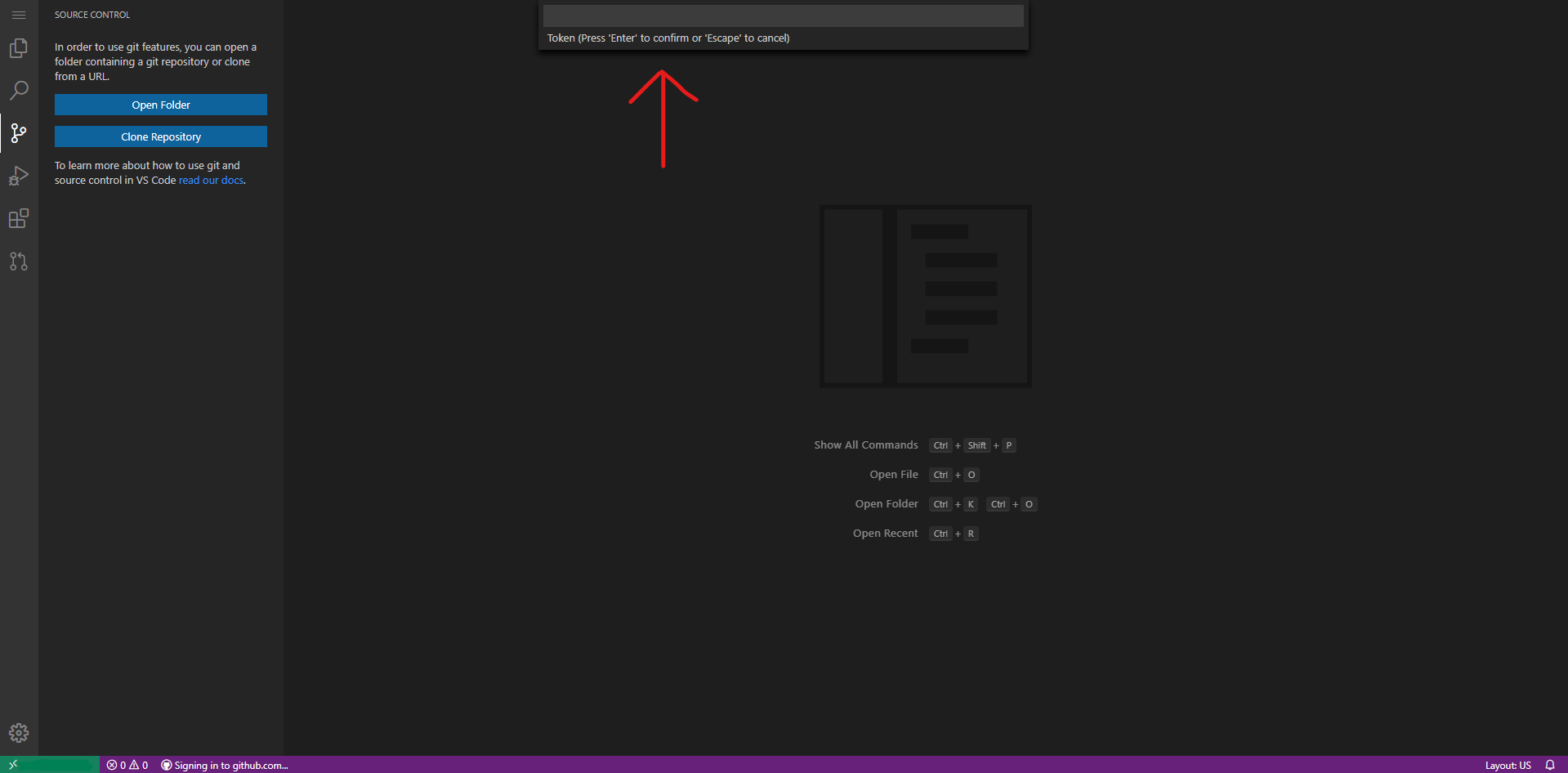
This did not work either.
- Web Browser: Microsoft Egde (Chromium)
- Local OS: Windows 10
- Remote OS: Ubuntu 18.04.3 (LTS)
- Remote Architecture: x64
code-server --version: 3.4.1
About this issue
- Original URL
- State: closed
- Created 4 years ago
- Reactions: 4
- Comments: 23 (4 by maintainers)
I had the same issue and was able to figure out a solution. I took the url that a regular instance of VSCode spits out and used it to reverse engineer how the url is put together.
A auth url from code-server looks like this:
https://vscode-auth.github.com/authorize/?callbackUri=https://example.com/callback%3Fvscode-requestId%xxxxxxxxxx-xxxx-xxxx-xxxx-xxxxxxxxxxxx%26vscode-scheme%3Dcode-oss%26vscode-authority%3Dvscode.github-authentication%26vscode-path%3D%252Fdid-authenticate&scope=repo&state=state-from-code-server&responseType=codeWhat I did was take the state parameter at the end of the auth url given by code-server and insert it into the url below which is derived from the url a normal version of VSCode spits out.
A final url will look like this:
https://vscode-auth.github.com/authorize/?callbackUri=vscode://vscode.github-authentication/did-authenticate&scope=repo&state=insert-state-from-code-server-here&responseType=codeAfter going to the page you will get an auth token that looks something like this:
vscode://vscode.github-authentication/did-authenticate?code=secretcode&state=magicstateThen, back in code-server you can click signing into github.com in the task bar and paste the auth token.
Hope this helps!
It gave me
Sign in failed: Error: network errorDefinitely need to look into this, I took a swing a few weeks ago but wasn’t able to figure it out at the time.
@vordenken that may depend on the versions you are using. I’ve created myself another instruction for newer version recently:
It’s a bit different than the workaround above, there are slightly different URIs.
The above stopped working for me too some time ago already, so now I’ve set up git credentials helper to store my credentials, and when
Signing in to GitHub.com...is about to fail, it asks for username and password. You can generate your personal access token on GitHub and use it there. The credential helper will take care of the remaining stuff. Just remember, that the credentials will be stored in the container, so it may be a security issue if you plan to share the container.If anyone wants to modify GitHub workflow files, I modified the URL a bit:
https://vscode-auth.github.com/authorize/?callbackUri=vscode://vscode.github-authentication/did-authenticate&scope=repo,workflow&state=insert-state-from-code-server-here&responseType=codeSorry for comment to a closed issue. I confirm this solution still works. However, I need to copy paste quickly. Otherwise, the state expires in seconds.
Unfortunately the workaround doesn’t work for me. I installed code-server using the script & reverseproxying with nginx (if this is relevant).
Pasting the vscode:// part after clicking on “Signing in to GitHub.com…” doesn’t do anything, no error message. A few seconds later the “Signing in to GitHub.com”-party disappears but I’m not logged in.
OMG, I just couldn’t find your post on my own googling. Luckily Quietsy from the linuxserver group helped point me your way. I will say that the structure changed a little bit for me so I’ll paste my case for future reference. Thank you again for troubleshooting this.
https://vscode-auth.github.com/authorize/?callbackUri=vscode://vscode.github-authentication/did-authenticate&scope=repo&state=PASTE-CODE-HERE&responseType=codehttps://vscode-auth.github.com/authorize/?callbackUri=https://code.example.com/callback%XXXXX-requestId%XXXXX-XXXXXX-XXXXX%26vscode-scheme%3XXXX-XXXX%26vscode-authority%XXXXXXgithub-authentication%26vscode-path%3D%252Fdid-authenticate&scope=read:user repo user:email&state=COPY-CODE-HERE&responseType=code