cgeo: can't upload photos
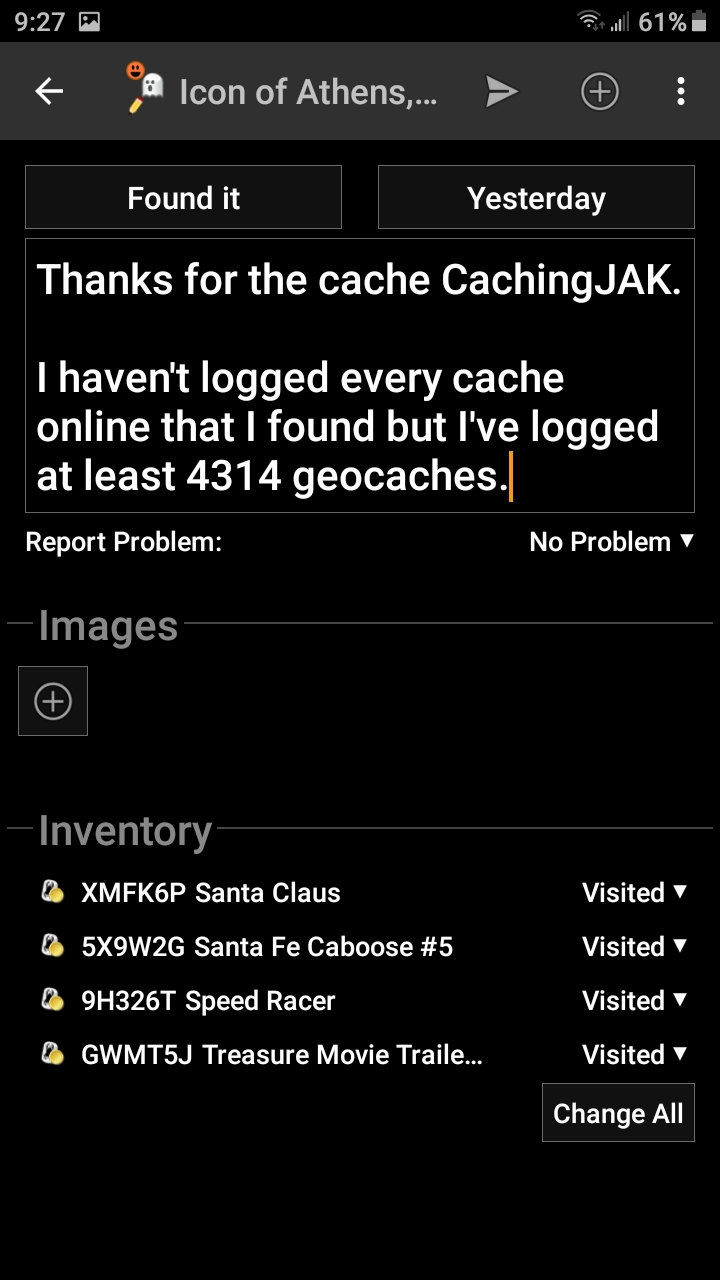
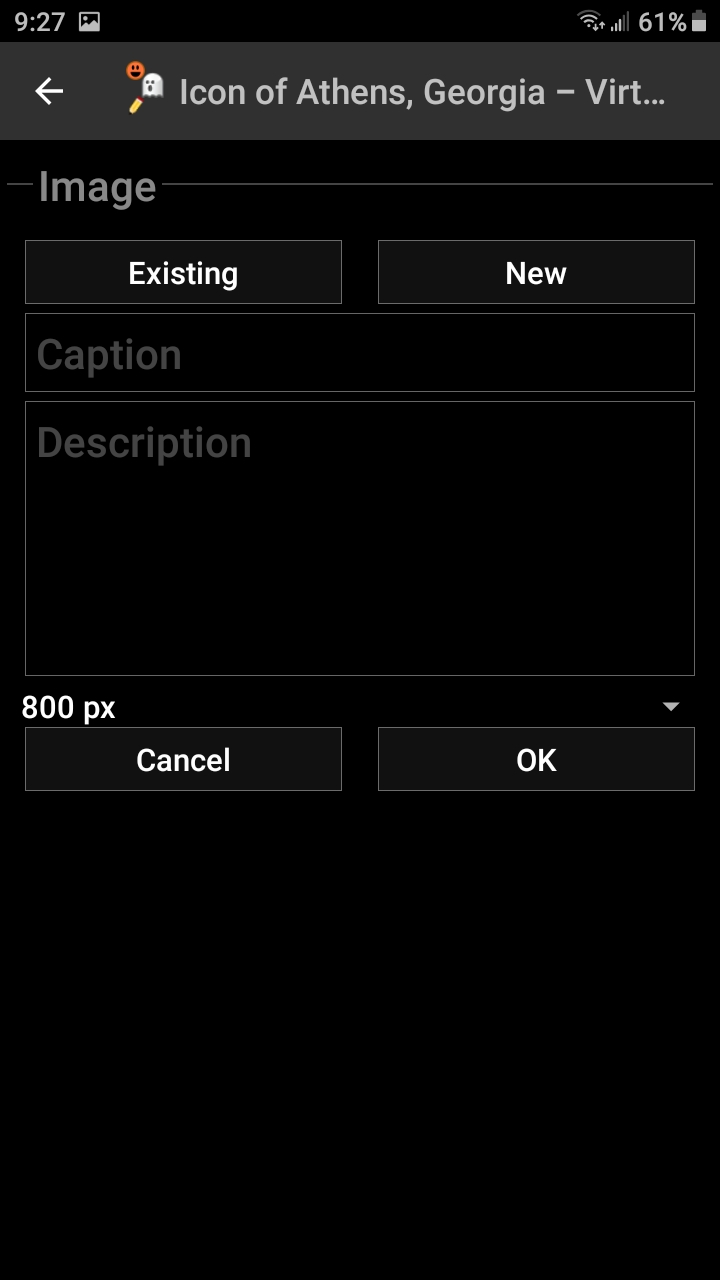
Describe the bug: When trying to add a photo to my log, the app freezes. I seriously don’t want to delete the app due to the solved puzzle notes I have saved ONLY in the app. When adding an existing photo, the app freezes at the selection. When adding a new photo, the camera comes on but the screen is black. The camera doesn’t actually come on. That freezes the app.
To Reproduce: Steps to reproduce the behavior:
- Go to log a cache.
- Click on add image (from either menu)
Actual behavior/state after performing these steps: App freezes as described above.
Expected behavior/state after performing these steps: Iexpect my camera roll to open and I select an image to upload to my log.
Version of c:geo used: 2020.10.04
Is the problem reproducible: Yes, it happens every time.
Screenshots: You may attach screenshots if applicable and helpful to explain your problem
System information:
— System information — Device: SM-S767VL (j7topeltetfnvzw, samsung) Android version: 9 Android build: PPR1.180610.011.S767VLUDS7BTE2 c:geo version: 2020.10.04 Google Play services: enabled - 20.33.15 (100300-330018294) Low power mode: inactive Compass capabilities: yes Rotation vector sensor: present Orientation sensor: present Magnetometer & Accelerometer sensor: present Direction sensor used: rotation vector Hide caches: own/found Hide waypoints: original HW acceleration: enabled (default state) System language: en_US System date format: M/d/yy Debug mode active: no System internal c:geo dir: /data/user/0/cgeo.geocaching (518.9 MB free) internal User storage c:geo dir: /storage/emulated/0/cgeo (498.9 MB free) external non-removable Geocache data: /storage/emulated/0/Android/data/cgeo.geocaching/files/GeocacheData (498.9 MB free) external non-removable Database: /data/user/0/cgeo.geocaching/databases/data (12.4 MB) on system internal storage GPX import path: /storage/emulated/0/cgeo/gpx GPX export path: /storage/emulated/0/cgeo/gpx Offline maps path: /storage/emulated/0/cgeo/maps Map render theme path: Live map mode: true Global filter: display all caches Fine location permission: granted Write external storage permission: granted Geocaching sites enabled: geocaching.com: Logged in (Login OK) / BASIC Geocaching.com date format: MMM/dd/yyyy Installed c:geo plugins: none BRouter connection available: false — End of system information —

Attach system information here if available (see c

**Additional context:**
e.g. Reference to other issues, projects, sources, etc.
About this issue
- Original URL
- State: closed
- Created 4 years ago
- Comments: 32 (14 by maintainers)
Commits related to this issue
- related to #9145: fix camera issue — committed to eddiemuc/cgeo by eddiemuc 4 years ago
- related to #9145: fix camera issue (#9148) — committed to cgeo/cgeo by eddiemuc 4 years ago
THANK YOU.
I selected to view System Files and found many additional apps visible. I found one called “files” and cleared the cache and the settings.
I then was able to upload an existing image in my geocaching log.
I’m already a beta tester.