BookStack: 419 Page Expired
After upgrade to the latest release which version is 21.04
I cannot log in on the win10 Chrome and Edge browser.
Every time when I log in, it displays things like this:
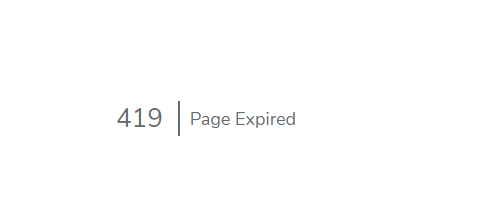
What’s the most weird thing is, I can log in on my phone, which is Android 11 MIUI Edge browser.
This issue has never happened before this upgrade. I can assure the APP_URL in the env file is correct.
Please investigate as it is really an emergent problem.
About this issue
- Original URL
- State: closed
- Created 3 years ago
- Comments: 17 (6 by maintainers)
When I went to implement the @MFYDev method, I found that those lines did not exist in my .env so I added them, which resolved the issue for me. When it happens again, then I’ll remove them.
@MFYDev No problem, Happy to hear you git it working!
I’d imagine it was just the
SESSION_SECURE_COOKIE=falseline that was causing issues, This would conflict with the requirements for cookies to be used in an embedded context. BookStack will now dynamically set that option anyway based upon yourAPP_URLvalue.@MFYDev This is the entire contents of the
.envfor the demo site:If you’re able to provide an example of a failing embed I can inspect the headers and make sure everything is aligned or see if there are other things causing interference. Don’t need access/login to the BookStack instance, just an example of it embedded.
@MFYDev I’ve setup a replicated test of using this option here: https://danb.me/embed.html
Can you attempt login to the demo site via the iframe in that test page and let me know if that works for you?
That value appears correct, Were you getting the 419 issue just on embedded/iframed versions of Bookstack or did you get this error all the time, even when using the proper domain?
Setting that value does change how cookies are handled. It may be the case that old cookies are interfering with new cookies that BookStack is attempting to set. It’ll be worth completely clearing cookies, or trying to login & use BookStack within a fresh incognito/private window to see if the issue remains.
Hi @MFYDev,
APP_URLvalue exactly match the public base URL for Bookstack, that will be accessed in the browser including the starting https/http, with no trailing slash?bootstrap/cachefolder within your BookStack install folder?