azure-sdk-for-java: [BUG] BlobAsyncClient.download() corrupts the file
Describe the bug
BlobAsyncClient.download() returns a corrupted data stream.
To Reproduce Upload a file to azure storage and download it via the Java Async client.
Demo-Spring application to reproduce the problem (see also screeenshot how to use) azure-dl.zip
In order to launch configure azure.endpoint either via commandline, application.properties or environment variable AZURE_ENDPOINT=, needs to be complete blob service URL including SAS token.
Note: to change the azure container name use azure.container, it defaults to test.
Code Snippet
@RestController
public class WebEndpoint {
    private final WebClient webClient;
    private final BlobContainerAsyncClient azureClient;

    public WebEndpoint(WebClient.Builder webClient,
                       BlobServiceAsyncClient azureClient,
                       @Value("${azure.container:test}") String container) {
        this.webClient = webClient.build();
        this.azureClient = azureClient.getBlobContainerAsyncClient(container);
    }

    @GetMapping("/download")
    public ResponseEntity<Flux<ByteBuffer>> download(
        @RequestParam("file") String filename,
        @RequestParam(value = "wc", defaultValue = "false") boolean useWebClient
    ) {
        return ResponseEntity.ok()
            .body(useWebClient ? webClientDownload(filename) : azureClientDownload(filename));
    }

    private Flux<ByteBuffer> webClientDownload(String filename) {
        return this.webClient.get()
            .uri(this.azureClient.getBlobAsyncClient(filename).getBlobUrl())
            .exchange()
            .flatMapMany(c -> c.body(BodyExtractors.toDataBuffers()))
            .map(DataBuffer::asByteBuffer);
    }

    private Flux<ByteBuffer> azureClientDownload(String filename) {
        return this.azureClient.getBlobAsyncClient(filename).download();
    }
}
Expected behavior The file is not corrupt
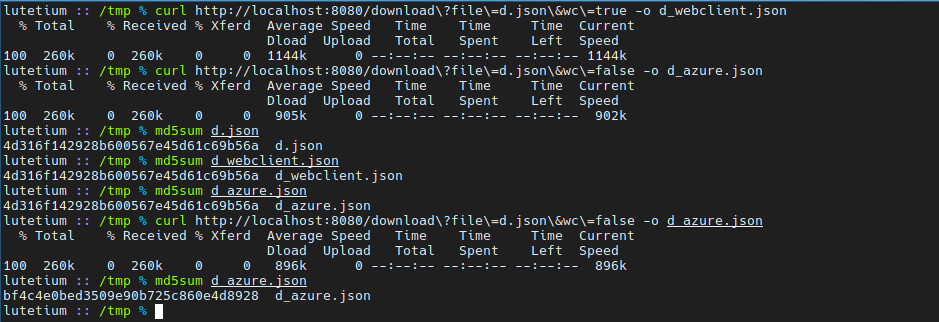
Screenshots Running the code above:

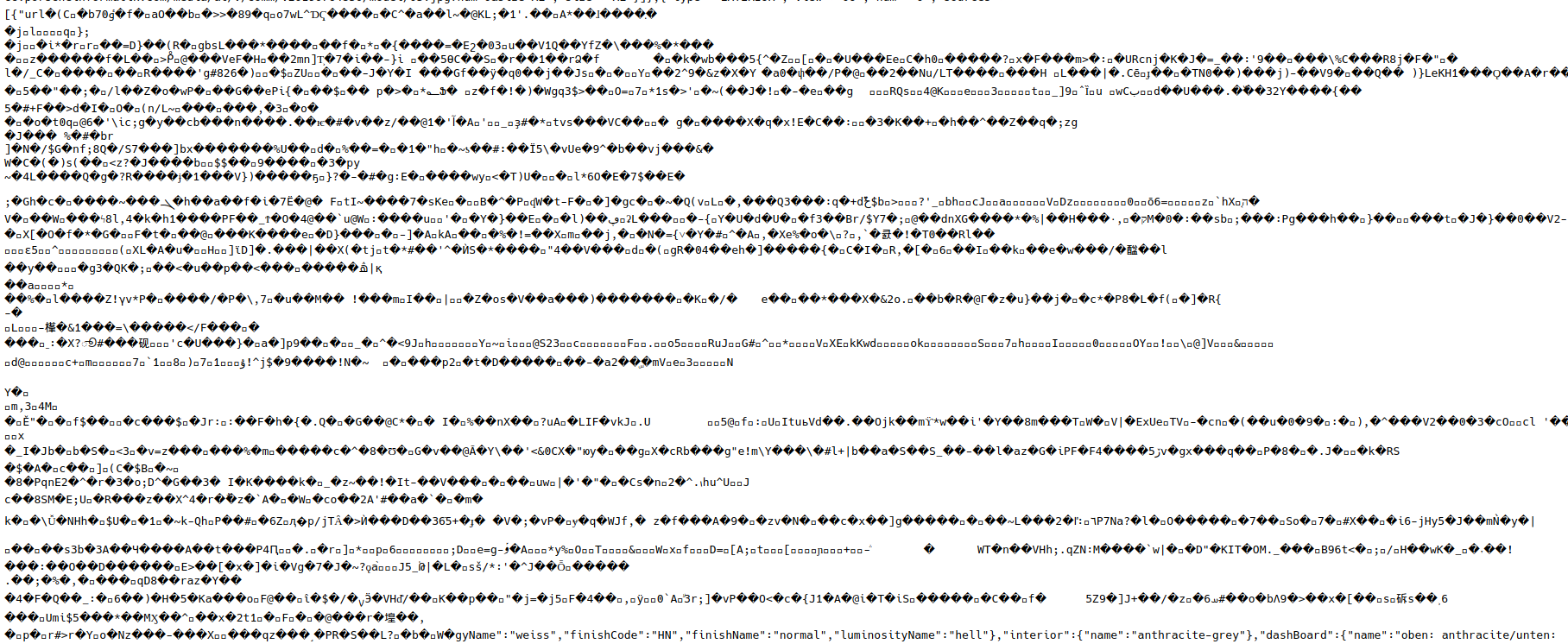
Part of the corrupted file (in the middle):
Additional Info
This does also not work when using a different event loop as outlined in #7910
Buffering the whole flux before sending it doesn’t change anything:
            .map(ByteBufferBackedInputStream::new)
            .buffer()
            .map(data -> new SequenceInputStream(Collections.enumeration(data)))
            .map(data -> {
                try {
                    return ByteBuffer.wrap(data.readAllBytes());
                } catch (IOException e) {
                    throw new RuntimeException(e);
                }
            })
Also neither delaySequence nor delayElements have an effect.
Setup (please complete the following information):
- OS: Archlinux
- IDE : IntelliJ
- Azure Client: 12.3.0
Information Checklist Kindly make sure that you have added all the following information above and checkoff the required fields otherwise we will treat the issuer as an incomplete report
- Bug Description Added
- Repro Steps Added
- Setup information Added
About this issue
- Original URL
- State: closed
- Created 4 years ago
- Comments: 21 (19 by maintainers)
@anuchandy sure - happy to help, thanks for looking into it. For now I’ll stick to Spring’s
WebClient.Personally it would be nice if the Azure client “just” worked with Spring, but I can see how this is a hard problem to solve (API wise). Probably best to have a simple interface which returns unpooled (or copied) data, while having a more advanced API that requires the user to free/release the buffers explicitly and automatically integrates into Spring (if possible).
Just my two cents, you guys are gonna figure it out, especially with the Spring/Reactor people on your side 😉