amplify-js: Storage.put, Storage.get with protected images give 403 error out of the box on localhost
Describe the bug
When developing locally, Storage.put throws a 403 error out of the box with minimal setup from auth, api and storage categories. If you set the bucket permissions to public read/write access, Storage.put works as expected (though I shouldn’t have to do this and is unsafe). When trying to retrieve that same file, even with public read/write access, it returns 403 and I am unable to load the image.
Minimal reproduction repository: https://bitbucket.org/mayteio/amplify-storage-issue/src/master/
My current solution is to use amplify mock storage - do I always have to do this?
Amplify CLI Version @aws-amplify/cli 4.13.4
To Reproduce I’ve created a minimal reproduction of the issue:
git clone git@bitbucket.org:mayteio/amplify-storage-issue.git
cd amplify-storage-issue
yarn
amplify init
amplify push
yarn start
- sign up for an account in the app when it opens in the browser
- after confirmation, attempt to upload an image using
Storage.putand you get 403 instantly. ** That’s the first issue **.
Log into your console, visit your s3 bucket permissions -> ACL -> public read/write -> Save.

Now upload goes smoothly. Give your image a title and hit save. Success, your console should show something like this:
{
  "data": {
    "createImage": {
      "id": "089bb095-6ace-447b-b86e-2e1a022b36cf",
      "title": "Title",
      "file": [
        {
          "key": "2.032109714444997Screen Shot 2020-02-24 at 9.48.35 am.png",
          "identityId": "ap-southeast-2:2201d300-5134-4538-83ec-911d281d3eab"
        }
      ],
      "owner": "harley"
    }
  }
}
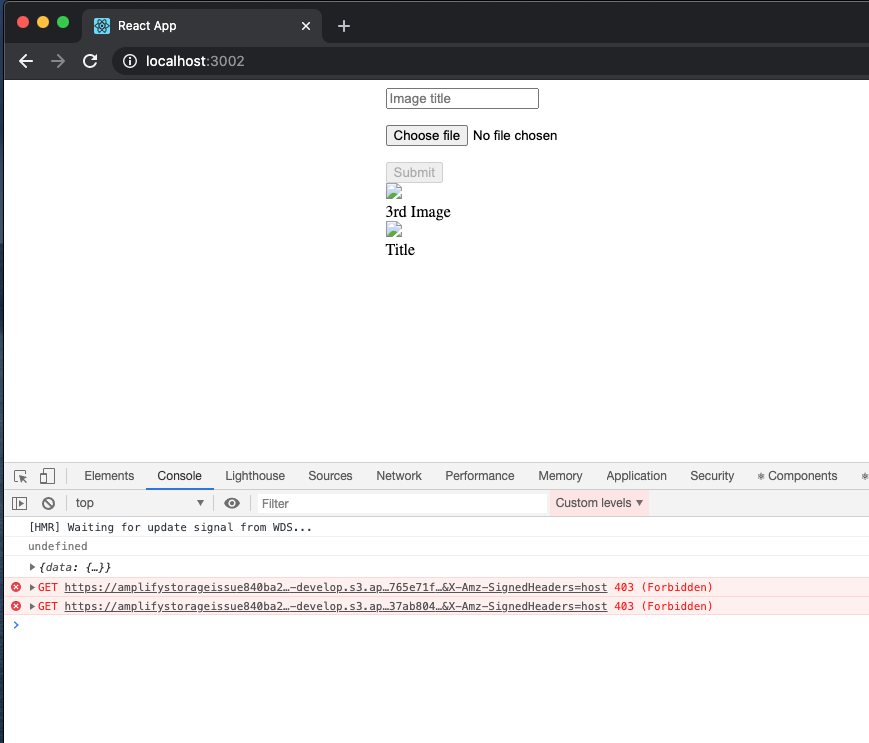
In, ImagesList.js, I use the S3Image component provided to display it. Now, despite setting the ACL to public read/write I get a 403 Error. Same issue if I write my own implementation.
const CustomS3Image = ({ file }) => {
  const [image, setImage] = useState();
  useEffect(() => {
    Storage.get(file.key, {
      level: 'protected',
      identityId: file.identityId,
    })
      .then(setImage)
      .catch(err => console.log(err));
  }, [file]);

  return image && <img src={image} alt="" />;
};
Expected behavior
Storage.put should work out of the box on localhost for development. I have to deploy it to s3 bucket hosting to get it to work. This is a terrible feedback loop.
Screenshots
Localhost failing:
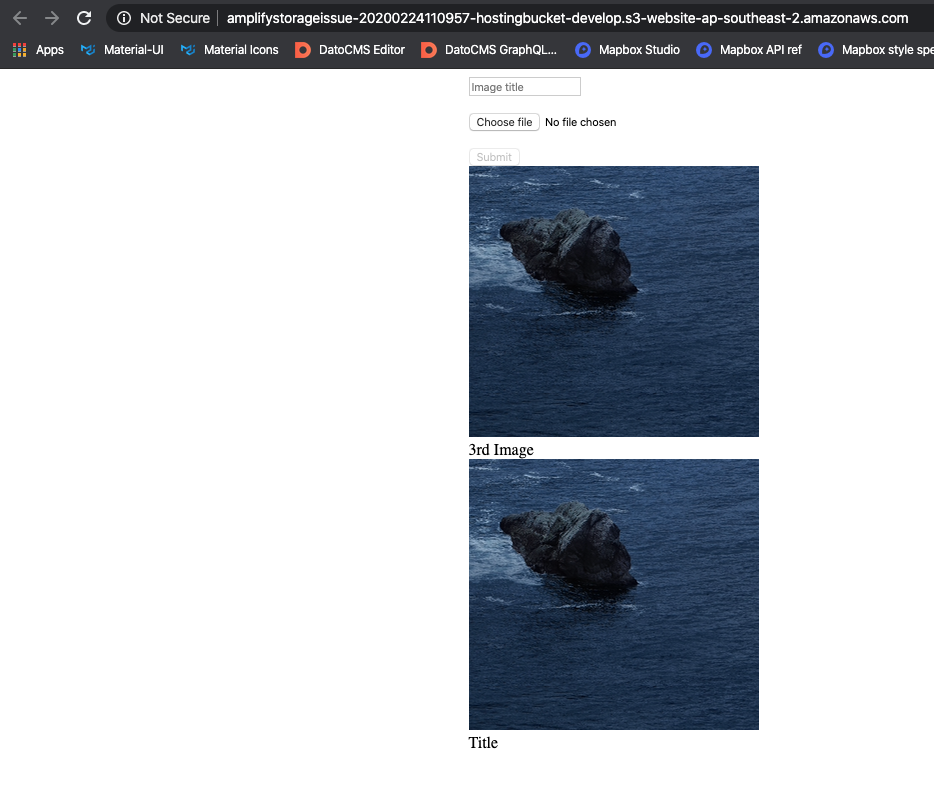
Working on deployed s3 bucket:
Desktop (please complete the following information):
- macOS 10.15.3
- node 13.8.0
Additional context
Given Amplify’s promise is easy development, I find it hilarious I have to jump through so many hoops to get something so fundamental working. Pretty frustrating. Or that I have to store identityId in dyanmodb to retrieve protected images… but that’s another story.
Questions for the amplify team this leaves me with
- Is it safe to store the user’s `identityId next to the S3 key, as we need it for retrieval?
- Is there any additional setup after running
amplify add storagethat I have to complete in the console or elsewhere? What am I missing here?
Related issues
About this issue
- Original URL
- State: closed
- Created 4 years ago
- Comments: 92 (8 by maintainers)
I am getting a 403 when using Storage.put as well, which started when I upgraded to latest versions of amplify-js…
Is this somewhere in the documentation? (If not, could it be added?)
I also interpreted the CLI prompts to imply that setting up “Authorized users” would include all authorized users, regardless of Group - especially when I did not set up Group authentication. It is not clear from the prompts that a group role will replace an auth role.
I can reproduce this even if I add hosting and deploy the react app … I am using
@auth(rules: [{ allow: groups, groups: ["Admin"], operations: [create update delete] }])and I get a 403 on upload to S3. What’s even more concerning is that if the user that I am logged in with is not part of theAdmingroup then the mutation fails but the upload is successful … yikes.Even with the most minimalistic auth resource added to the model i.e.
{ allow: owner }, I get a 403 when uploading.For what it is worth, I am facing this issue too.
I get the errors for public and private files too.
@danrivett Ah, I see your confusion here. I’ll dive into some details out here for explaining this behavior. TLDR - Groups do not inherit permissions from the auth permissions/role. Groups have their own set of permissions which are completely independent of the auth and guest users permissions. Explanation: When we add a Cognito user pool group using the CLI - each group gets an IAM role attached to it with the least set of permissions (empty to begin with) which is independent of the role assumed by the auth and guests users. Unless you explicitly add permissions for that group for a given category (using the amplify update category flow) the permissions don’t get get propagated to the group permissions. One of the things we could expose in the CLI is the ability for customers to inherit the permissions from the auth permissions/role and add it to the group role - as I’ve proposed out here as well - https://github.com/aws-amplify/amplify-js/issues/5729#issuecomment-635728670 The downside to this is that now the groups will always have all the permissions tied to the auth user - which some customers might not want - hence I would consider this as an advanced option and not the default.
Regarding the options out here: ? Restrict access by? (Use arrow keys) ❯ Auth/Guest Users Individual Groups Both
If you choose Auth/Guest users you’ll be presented with options to select from the CRUD permissions for the Auth and Guest users only - the Group roles would still have no permissions. If you select “Individual Groups” - you’ll be presented with options to select from the CRUD permissions for each individual group. So you can provide say “Read” permissions to one of the groups and just “Create” permissions to another group. When you select “Both” - the CLI walks you through configuring the permissions for Auth, Guest Users as well as Individual Groups (so it’s basically a combination of the first and second option).
Regarding the primary pain point which you’ve mentioned out here - if a user gets added to a group outside of Amplify and if you want all the permissions to be inherited from the auth user- then the group IAM role has to also be configured to have permissions to perform all the actions of auth users or if you want to add any custom permissions for the group - you can use the custom policy functionality which we expose. You can read more about it here - https://docs.amplify.aws/cli/auth/groups#group-access-controls
I also have an explanation to your comment out here - https://github.com/aws-amplify/amplify-js/issues/5729#issuecomment-628014869
However even if it is designed to not work like that, if I don't configure any Storage permissions for a particular unrelated Cognito Group, then it should ignore it and just use the other configured Storage permissions, which in my case would be regular owner permissions since the user was neither in the 'Adminstrators' or 'Viewers' groupThe reason for this again is because Storage category uses IAM roles for its permissions and if the corresponding group role doesn’t have permissions configured to inherit permissions from the auth role - then the users in the group wouldn’t be able to perform the operations which the auth users are able to perform. Exposing the advanced option which I’ve proposed above - would solve for this issue as well.
Also regarding comparison with @auth, let’s take your example in the comment https://github.com/aws-amplify/amplify-js/issues/5729#issuecomment-628014869 and see how you can achieve this with storage category permissions
@Authannotation. For example my model is annotated as such:This provides:
If the user uploads a file using the private level of protection from the client, the the user has options to perform CRUD given CRUD permissions are configured for the auth users in the CLI flow.
It’s not currently possible for a auth users or any groups to perform CRUD on all the files i.e all files stored in protected/, private/ and public/. Only the files stored using public protection can be read/updated/deleted by auth or groups depending on the CRUD permissions configured.
As you see above - the permissions for the files stored using the Storage category rely both on the client-level protections(public/private/protected) as well as the backend configurations (CRUD operations) set by the CLI unlike the API level protections which is strictly backend configurations - making it a bit difficult to draw a 1:1 corollary. At the same time, I would say our team is discussing this more in depth to see if we can make this flow simpler and more intuitive and similar to the api flows.
Hi @danrivett
Thank you for your patience and apologies for the delay. We are on top of this and will circle back to you with updates.
@matt-d-webb If I remember correctly, I manually updated the permissions in S3 to allow the Admin group role to have permissions to the bucket. I did not do anything with the Amplify config.
Hi @taylornewton
Thanks for reporting this. We have taken up this task in our queue to improve the documentation so that this confusion can be avoided.
Let me know if anyone is still stuck on this issue.
@akshbhu Secondly, after fixing the first bug we would actually like to configure Storage with the ‘Both’ option to allow administrators CRUD access to all the storage, viewers read-only access to all storage, and any other user not part of those groups only access to their own storage using the standard ‘private’, ‘protected’, and ‘public’ access levels the Storage component provides.
Maybe that’s not how the Storage component works, and is a misunderstanding on my part, but those expectations are based on how group permissions work with API component and the
@Authannotation. For example my model is annotated as such:This provides:
So I expect the Storage component to work in the same manner.
However even if it is designed to not work like that, if I don’t configure any Storage permissions for a particular unrelated Cognito Group, then it should ignore it and just use the other configured Storage permissions, which in my case would be regular owner permissions since the user was neither in the ‘Adminstrators’ or ‘Viewers’ group.
This would mean that the user could do a private, protected or public PUT using its owner credentials. However that is not currently the case, it gets a 403 because it’s trying to use a group membership that has not been configured in the Storage component and is completely unrelated to providing Storage permissions.
@akshbhu I think the first bug I’m seeing here is that cognito group membership should not even be considered by the Storage component when I do not configure the Storage component on the CLI to use Group authentication but instead just allow ‘authorized’ (non-guest) users:
I did not choose ‘Both’ or Group access, so it should not care that the user happens to be part of a Cognito Group. So that’s a bug from my understanding. Users may be part of groups for reasons outside of Amplify or certainly Storage permissions, and that should not break them here.
I would definitely appreciate if you could recreate this yourself as it should be very simple to recreate, and I think it will help in understanding where this first bug lies.
@Amplifiyer I have confirmed my issue is related to Cognito User Groups since I tried the same
PUTrequest with a user that has no Group memberships and it succeeded. So the question is why is the fact a user is a member of a Group getting in the way here?Here’s my CloudTrail redacted log with no error reported this time:
Notice that the
userNamenow ends inauthRole?Regarding recreating, it’s very hard to create a simple recreate since I’m recreating using a React Native application connected to an Amplify provisioned backend.
I would suggest you may be able to recreate it yourself by:
@akshbhu thinking about this more, sending sensitive information via email isn’t much more secure to be honest - there’s a reason why banks never do this as totally vulnerable in transit. The
amplifydirectory contains authentication data so I’m a bit uncomfortable sending it via email even if it is non-prod.For prod it would be a non-starter so there must be a better mechanism to send you the
amplifydirectory? Does AWS have an upload page that I can upload the zip via rather than sending it via email?Hi @danrivett
Yes you are correct, this is the Cognito IdentityId which is different from the User sub which you get from user Pool access tokens. Technically, you wouldn’t need Cognito user-pools to authenticate against S3.
So this PUT request should work as it is using Identity ID.
I think your issue is a bit different from the one above , you can open an issue here .
Regarding submitting issues you can mail you amplify folder zip to amplify-cli@amazon.com. Please DO NOT post sensitive information on public page. We can reproduce this issue using your amplify folder.
As mentioned, you can store it against an object at upload time to dynamodb.
Then
Storage.get(key, {level, identityId})I agree it’s torture but it’s the way they’ve built it.
I found the problem: the Storage.get() inserts “/public/” in between S3 bucket endpoint and the S3 key in the returned pre-signed url. For an image file when using this pre-signed url as the image src you will get the 403 forbidden error (it should return 404 file not found error, instead). I tried to work around the problem by removing the “/public/” from the presigned url. However, I got an error “SignatureDoesNotMatch” return because it is a signed url I cannot change it. If I create a “public” folder in my S3 bucket and move my image files into the “public” folder then it works. Is there anyway to configure the Store sub-module not insert the “/public/” in the returned url?
For those who wishes to use an Admin user group which has access to all other users’ uploads, I found out a temporary solution by manually modifying storage config files.
We’d modify in total 3 files to grant proper permissions to the
Adminuser group:./amplify/backend./amplify/backend/storage/YourStorageResourceName./amplify/backend/storage/YourStorageResourceNameReplace all YourAuthResourceNameHere in the following templates with your authentication id, typically this is the folder name under
./amplify/backend/auth/. And all YourStorageResourceNameHere with your storage resource name, typically this is the folder name under./amplify/backend/storage.In
backend-config.json, add the followingdependsOnsection into your storage resource:In
s3-cloudformation-template.json, append the following toResources:And finally, create a new file
storage-params.jsonunder./amplify/backend/storage/YourStorageResourceName:I’m still investigating, but I’m also finding the following isn’t working for me:
So I don’t think this particular issue is related to blobs. I’m getting a 403 for that too.
What I’m finding odd, and perhaps it’s correct, but seems suspicious is the path it’s trying to
PUTto:Does that path look correct? The IAM policy has
protected/${cognito-identity.amazonaws.com:sub}/*but that value is not the sub of the current user id. Here’s more debug logging you can see the log of the current user which shows the sub asf0bc9559-a0e1-408f-9ad0-45f5b379f98dbut that’s not what is being used in the S3 path.@akshbhu what do you need here to move this one forward? There is a “not reproducible” tag however plenty of people have reproduced it with instructions.
That’s the identityId of the user who uploaded the file. Also by design. When you retrieve it you need to pass in the identityId. I store this against my S3Object in dynamodb as it’s the only way to reliably retrieve it. No idea if that’s a security flaw or not.
I also randomly started getting 403 on Storage.put for images/blobs a few days ago running aws-amplify@3.0.5-unstable.4
I could still upload a text string using Storage.put and it would be going into the right bucket but failed for images.
Just downgraded to 2.1.1 and it is now working fine again.