amplify-js: DataStore is locally created but AppSync does not sync.
Describe the bug Going through the stages of this article
As a result, data is created, but it is not available in App Sync and as a result, there is no sync of this data between devices.
To Reproduce Step by step
Expected behavior Data synchronization between devices and App Sync
Screenshots Create a record. Locally she is.
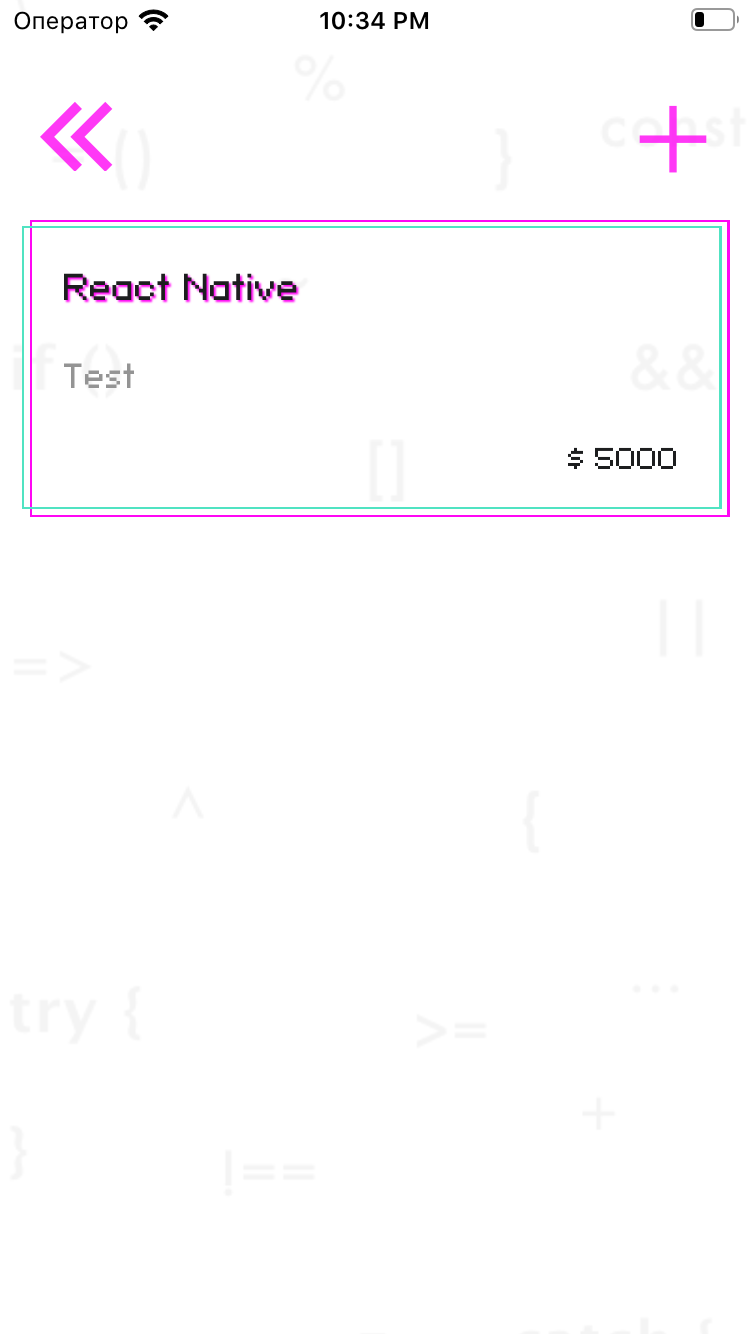
App Sync doesn’t have any

What is Configured? If applicable, please provide what is configured for Amplify CLI:
- Which steps did you follow via Amplify CLI when configuring your resources.
- Which resources do you have configured?
- If applicable, please provide your
aws-exportsfile:
const awsmobile = { "aws_project_region": "eu-west-2", "aws_cognito_identity_pool_id": "eu-west-2:6ff27293-d1c2-47db-a15b-511a2ce5be67", "aws_cognito_region": "eu-west-2", "aws_user_pools_id": "eu-west-2_tESCC3apu", "aws_user_pools_web_client_id": "7j3c9eg6jjoukglkpjjempjbq3", "oauth": {}, "aws_appsync_graphqlEndpoint": "https://xkan4dl5wzej3l4fd5rmtwtr5a.appsync-api.eu-west-2.amazonaws.com/graphql", "aws_appsync_region": "eu-west-2", "aws_appsync_authenticationType": "AMAZON_COGNITO_USER_POOLS" - If applicable, please provide your
};
- If applicable, provide more configuration data, for example for Amazon Cognito, run
aws cognito-idp describe-user-pool --user-pool-id us-west-2_xxxxxx(Be sure to remove any sensitive data)
Environment
 System:
    OS: macOS 10.15.4
    CPU: (8) x64 Intel(R) Core(TM) i5-8259U CPU @ 2.30GHz
    Memory: 49.67 MB / 8.00 GB
    Shell: 5.7.1 - /bin/zsh
  Binaries:
    Node: 13.12.0 - /usr/local/bin/node
    Yarn: 1.22.4 - /usr/local/bin/yarn
    npm: 6.14.4 - /usr/local/bin/npm
    Watchman: 4.9.0 - /usr/local/bin/watchman
  Browsers:
    Chrome: 83.0.4103.61
    Firefox: 76.0.1
    Safari: 13.1
  npmPackages:
    @aws-amplify/core: ^3.2.3 => 3.2.3
    @aws-amplify/datastore: ^2.1.2 => 2.1.2
    @babel/core: ^7.9.0 => 7.9.0
    @babel/runtime: ^7.9.2 => 7.9.2
    @react-native-community/async-storage: ^1.11.0 => 1.11.0
    @react-native-community/eslint-config: ^1.0.0 => 1.0.0
    @react-native-community/masked-view: ^0.1.8 => 0.1.8
    @react-native-community/netinfo: ^5.9.2 => 5.9.2
    @react-navigation/native: ^5.1.5 => 5.1.5
    @react-navigation/native-stack: ^5.0.5 => 5.0.5
    @react-navigation/stack: ^5.2.10 => 5.2.10
    amazon-cognito-identity-js: ^4.2.1 => 4.2.1
    aws-amplify: ^3.0.7 => 3.0.7
    aws-amplify-react-native: ^4.0.3 => 4.0.3
    babel-core: ^6.26.3 => 6.26.3
    babel-eslint: ^10.1.0 => 10.1.0
    babel-jest: ^25.3.0 => 25.3.0
    babel-preset-airbnb: ^5.0.0 => 5.0.0
    babel-preset-react-native: ^4.0.1 => 4.0.1
    eslint: ^6.8.0 => 6.8.0
    eslint-config-airbnb: ^18.1.0 => 18.1.0
    eslint-config-prettier: ^6.10.1 => 6.10.1
    eslint-plugin-flowtype: ^4.7.0 => 4.7.0
    eslint-plugin-import: ^2.20.2 => 2.20.2
    eslint-plugin-jsx-a11y: ^6.2.3 => 6.2.3
    eslint-plugin-prettier: ^3.1.2 => 3.1.2
    eslint-plugin-react: ^7.19.0 => 7.19.0
    eslint-plugin-react-hooks: ^3.0.0 => 3.0.0
    eslint-plugin-react-native: ^3.8.1 => 3.8.1
    eslint-watch: ^6.0.1 => 6.0.1
    faker: ^4.1.0 => 4.1.0
    formik: ^2.1.4 => 2.1.4
    ini: ^1.3.5 => 1.3.5
    inquirer: ^6.5.1 => 6.5.2
    jest: ^25.3.0 => 25.3.0
    metro-react-native-babel-preset: ^0.59.0 => 0.59.0
    pre-commit: ^1.2.2 => 1.2.2
    prettier: ^2.0.4 => 2.0.4
    prettier-eslint: ^9.0.1 => 9.0.1
    react: 16.9.0 => 16.9.0
    react-native: 0.61.5 => 0.61.5
    react-native-appearance: ^0.3.3 => 0.3.3
    react-native-gesture-handler: ^1.6.1 => 1.6.1
    react-native-keychain: ^6.0.0 => 6.0.0
    react-native-reanimated: ^1.8.0 => 1.8.0
    react-native-safe-area-context: ^0.7.3 => 0.7.3
    react-native-screens: ^2.4.0 => 2.4.0
    react-native-spinkit: ^1.5.0 => 1.5.0
    react-native-unicorn-uikit: ^0.0.17 => 0.0.17
    react-native-vector-icons: ^6.6.0 => 6.6.0
    react-test-renderer: 16.9.0 => 16.9.0
    yup: ^0.28.3 => 0.28.3
  npmGlobalPackages:
    @aws-amplify/cli: 4.21.0
    create-react-app: 3.4.1
    nodemon: 2.0.3
    npm: 6.14.4
    patch-package: 6.2.2
    react-native-cli: 2.0.1
About this issue
- Original URL
- State: closed
- Created 4 years ago
- Reactions: 2
- Comments: 141 (57 by maintainers)
Commits related to this issue
- Try to fix but failed 아래 해결법들을 모두 참조했으나 실패 함. https://github.com/aws-amplify/amplify-js/issues/5926 — committed to matmang/halfdelivery by smnchoi 3 years ago
Deleting existing data from a DDB table that has been created by Amplify before using DataStore also solved the issue for me.
I was having the same problem. Local DataStore had the data but it wouldn’t sync. My workflow was adding DataStore to an existing project that already had several GraphQL models defined. Turned out that enabling DataStore adds a few non-nullable properties behind the scenes that invalidated my existing data. That caused the GraphQL endpoint to return an error when queried by DataStore via the GraphQL endpoint. Turning on
Amplify.Logger.LOG_LEVEL = 'DEBUG';in the App.tsx was the key to tracking down the error. Once I deleted all the invalid data in the DynamoDB tables DataStore sync started working.I had a similar issue where DataStore was not syncing with the GraphQL API. I had an existing API which I was adding DataStore to in order to leverage the offline capabilities of DataStore.
I fixed the sync issue by using the AppSync UI to update all the existing data entries inside DynamoDB. This added the _version and _lastChangedAt fields to the entries inside DynamoDB. That fixed the sync problem. I deleted a load of data also.
In my case, the problem seems to be using an existing GraphQL API with Dynamo tables already populated with data. It would be better if, on when updating the API with DataStore via the
amplify update apicommand, the amplify cli also updates all entries in the DynamoDB table to have the _version and _lastChangedAt fields.Turning on the logging as advised above helped to track this issue down. I found a load of errors relating to null entries for non-null fields and tracked it down to the _version and _lastChangedAt fields.
Ahh, my apologies, thanks!
I have the same issue. Information is saved locally but never synced to cloud. I am using the React library.
I tried the following:
Data is created locally and can see the database in the chrome debugger.
I do see the table created in DynamoDB but never see anything in there. If I use the query tab in the AWS app sync console I can run my mutations and queries and data appears in my DynamoDB tables.
Pretty much at a loss what else I can do now. I went through all of the options in the getting started guide and got nowhere.
Thank you! This make my day. Basically we need to ensure all tables has
_version,_lastChangedAtand I have also addedcreatedAt,updatedAtand__typenameto fully mimic what DataStore does by default. The thing is that we may forget to add those fields when dealing with DynamoDB directly. Also make sure to have_versionand_lastChangedAtfields of type Number (Non DynamoDB)Also, if you have
ownerauth you may need to add that too. I am rather choosing to create my data with DataStore and use endpoints on lambda to communicate with third party only, feels less prone to errors@pragyajha I’ve seen this type of issue when there are multiple versions of Amplify or Amplify dependencies in node_modules.
Make sure you only have aws-amplify in your package.json (as opposed to, for example,
@aws-amplify/datastore) and run:Then try running your app again.
@rwhitten577 glad to hear it’s syncing now!
Technically, “ready” should be emitted after syncing has finished, so if you do not see data that should be there, perhaps, we have a bug. I’ll see if I can reproduce this.
One more thing, I noticed that you’re using multiple Has One connections and wanted to make sure you’re aware of this bug. It’s actively being worked on, so you can track the progress of it there.
@dlopez12003 have you added a sync-enabled API via the CLI, followed by
amplify push?@ajonp we’ve been thinking about this. How do you think this debugging would work? Since a GraphQL endpont can be used with the API category or DataStore category we would need to give the proper information for you to debug easier depending on the path you choose for your app requirements. Some thoughts:
console.warn()if DataStore doesn’t get a response from the GraphQL server that conforms to the correct signature. Something like “Warning, missing_versionfrom GraphQL response. Are you sure you are using a sync-enabled API? Run ‘amplify update api to confirm’”syncEnabled:trueto theaws-exports.jsconfig file so that the library categories (API & DataStore) can detect this and give a warning message if you’re going down the wrong track rather than wondering why sync isn’t working. This would also help the case where someone Does have a sync enabled API and is using the API category and not DataStore but your GraphQL calls are failing because they’re missing a version argument .Or is there something else that would have helped you set this up easier or found the resolution faster?
@bjornarhagen glad to hear that it’s working now! ~Technically, you should be able to use
[]there, so this might be a bug. We’ll confirm and will work on a fix if it is.~ Scratch that, DynamoDB doesn’t allow empty arrays. We’ll work on adding better validation around that.Update: in the interest of maintaining parity with the GQL spec, we will be adding the ability for passing in empty arrays as values when interacting with DataStore and the API category
@bjornarhagen I see that you have
aws-amplifyinstalled as well as@aws-amplify/datastore. That’s likely causing a conflict. Please try the following steps:Change your import statement to
Then run your app again. Let me know if that helps or if you’re still having the same issue
@gHashTag looking at the yarn.lock, there are old versions of DataStore that could be getting picked up. (E.g., here and here)
When I ran the app in the branch as is, it wasn’t syncing for me either.
However, I was able to get the app in the bug branch of your repo syncing to the cloud by doing the following:
Creating new Jobs records via the app in Simulator would result in them getting synced up to DynamoDB.
Give this a try and let me know if it works for you.
@baughp No. Everything is in the same place. I’m waiting for the engineers to fix it. And they will write about it here 😃 I follow the notifications, therefore, the issue.
Got it.
Have you tried providing an error handler to see if there is any error message when the mutation is made?
https://docs.amplify.aws/lib/datastore/conflict/q/platform/js#optional-configurations