superset: [chart]"Unexpected error" in Dashboard thumbnails (Superset 1.0.1)
Although the thumbnails have (seemingly) been set up properly (as outlined in https://github.com/apache/superset/issues/12867#issuecomment-771770878), the thumbnail image still shows an error, saying “Unexpected error”.
This is difficult to debug, as the logs do not show anythings suspicious. I have also tried to increase the values of SCREENSHOT_LOCATE_WAIT and SCREENSHOT_LOAD_WAIT to 120 and 600, respectively, but it did not seem to help.
Expected results
The screenshot/thumbnail of a dashboard. Something like the following:
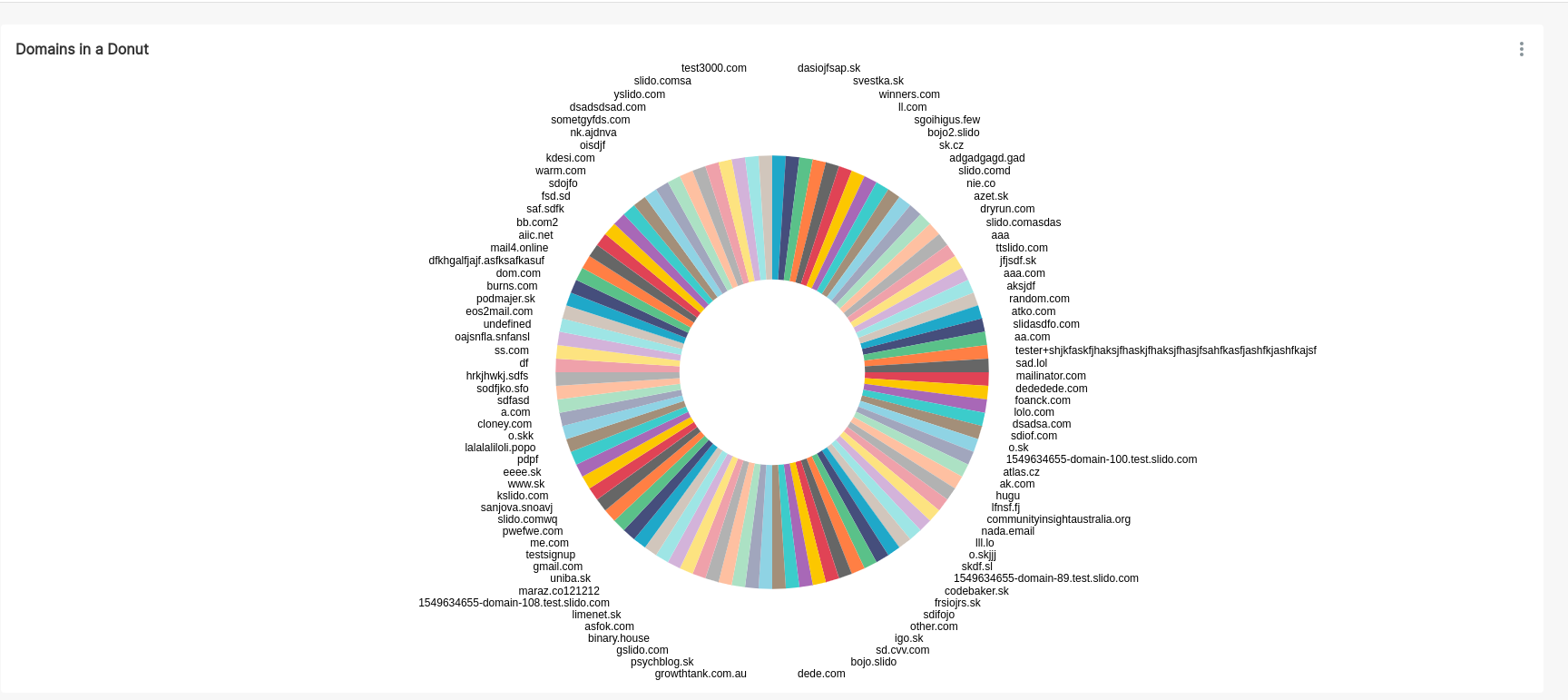
Actual results (+ screenshot)
The screenshot/thumbnail contains just the error pill:
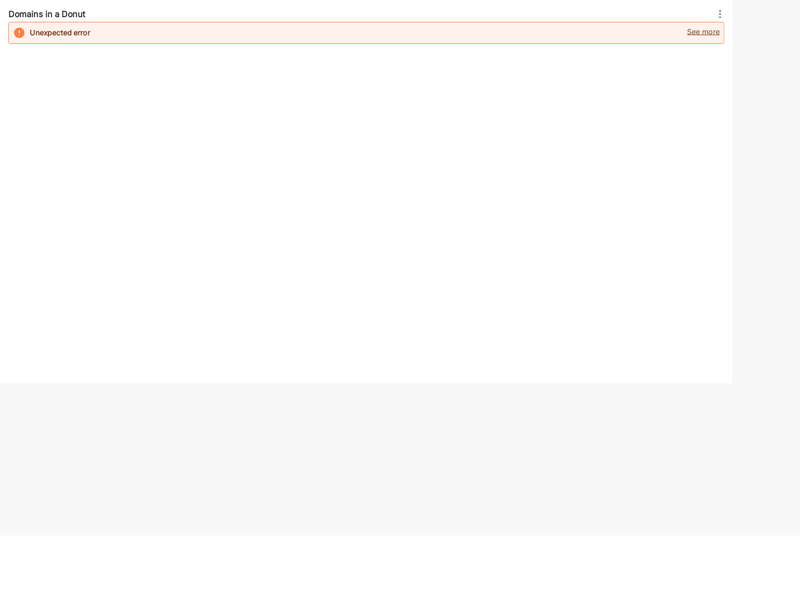
Environment
- superset version: 1.0.1
- python version: 3.8
Checklist
Make sure to follow these steps before submitting your issue - thank you!
- I have checked the superset logs for python stacktraces and included it here as text if there are any.
- I have reproduced the issue with at least the latest released version of superset.
- I have checked the issue tracker for the same issue and I haven’t found one similar.
About this issue
- Original URL
- State: closed
- Created 3 years ago
- Comments: 22 (13 by maintainers)
Thanks for your reply @junlincc.
As I mentioned in the previous message, I am not certain how to reach the top-right corner in the headless Chrome where this scrrenshot is from – when I open the actual URL which is being scrrenshoted (essentially
/superset/dashboard/4/?standalone=true) the chart works without issues. This particular chart uses the Athena connection.However, when trying the very same URL in a private window (without Superset’s session cookies), I was able to reproduce the issue (i.e. I got the same “Unexpected error” as in the screenshot above). As such, it seems this is a permissions issue in the end. Sorry for not starting with that – it would be great if the error message could be a bit more descriptive in this regard.
That said, I am still not sure how to resolve this issue and would very much appreciate any further pointers. The
THUMBNAIL_SELENIUM_USERvariable is set to theadminuser in our config and hence I was under the impression permissions should not be an issue. Theadminuse is also the owner of this dashboard – I am not exactly sure what further permissions could they need.I would be very grateful if you could provide some more pointers.
Thanks!