angularfire: signInWithRedirect does not redirect back to app
Version info
Windows 10 64 Ionic 4 Cordova 8 Android 7 (26)
{
  "name": "appTest",
  "version": "0.0.1",
  "author": "Ionic Framework",
  "homepage": "http://ionicframework.com/",
  "private": true,
  "scripts": {
    "start": "ionic-app-scripts serve",
    "clean": "ionic-app-scripts clean",
    "build": "ionic-app-scripts build",
    "lint": "ionic-app-scripts lint"
  },
  "dependencies": {
    "@angular/animations": "5.2.11",
    "@angular/common": "5.2.11",
    "@angular/compiler": "5.2.11",
    "@angular/compiler-cli": "5.2.11",
    "@angular/core": "5.2.11",
    "@angular/fire": "^5.0.0",
    "@angular/forms": "5.2.11",
    "@angular/http": "5.2.11",
    "@angular/platform-browser": "5.2.11",
    "@angular/platform-browser-dynamic": "5.2.11",
    "@ionic-native/core": "~4.12.0",
    "@ionic-native/splash-screen": "~4.12.0",
    "@ionic-native/status-bar": "~4.12.0",
    "@ionic/storage": "2.1.3",
    "cordova-android": "7.0.0",
    "cordova-plugin-browsertab": "^0.2.0",
    "cordova-plugin-buildinfo": "^2.0.2",
    "cordova-plugin-compat": "^1.2.0",
    "cordova-plugin-customurlscheme": "^4.3.0",
    "cordova-plugin-device": "^2.0.2",
    "cordova-plugin-inappbrowser": "^3.0.0",
    "cordova-plugin-ionic-keyboard": "^2.1.2",
    "cordova-plugin-ionic-webview": "^2.1.3",
    "cordova-plugin-splashscreen": "^5.0.2",
    "cordova-plugin-statusbar": "^2.4.2",
    "cordova-plugin-whitelist": "^1.3.3",
    "cordova-universal-links-plugin": "^1.2.1",
    "firebase": "^5.4.2",
    "ionic-angular": "3.9.2",
    "ionicons": "3.0.0",
    "rxjs": "5.5.11",
    "sw-toolbox": "3.6.0",
    "zone.js": "0.8.26"
  },
  "devDependencies": {
    "@ionic/app-scripts": "3.2.0",
    "typescript": "~2.6.2"
  },
  "description": "An Ionic project",
  "cordova": {
    "plugins": {
      "cordova-plugin-whitelist": {},
      "cordova-plugin-statusbar": {},
      "cordova-plugin-device": {},
      "cordova-plugin-splashscreen": {},
      "cordova-plugin-ionic-webview": {},
      "cordova-plugin-ionic-keyboard": {},
      "cordova-plugin-buildinfo": {},
      "cordova-universal-links-plugin": {},
      "cordova-plugin-browsertab": {},
      "cordova-plugin-inappbrowser": {},
      "cordova-plugin-customurlscheme": {
        "URL_SCHEME": "io.ionic.starter",
        "ANDROID_SCHEME": " ",
        "ANDROID_HOST": " ",
        "ANDROID_PATHPREFIX": "/"
      }
    },
    "platforms": [
      "android"
    ]
  }
}
How to reproduce these conditions
- start blank ionic project
- install & setup angularfire
- complete guide: https://firebase.google.com/docs/auth/web/cordova?authuser=2
home.ts
import { Component } from '@angular/core';
import { NavController } from 'ionic-angular';
import { AngularFireAuth } from '@angular/fire/auth';
import { auth } from 'firebase';

@Component({
  selector: 'page-home',
  templateUrl: 'home.html'
})
export class HomePage {

  constructor(
    public navCtrl: NavController,
    public afAuth: AngularFireAuth
  ) {

  }

  login() {
    this.afAuth.auth.signInWithRedirect(new auth.GoogleAuthProvider()).then(() => {
      this.afAuth.auth.getRedirectResult().then(result => {
        console.log('auth result', result);
      }).catch(error => {
        console.log('auth error', error);
      });
    });
  }

  logout() {
    this.afAuth.auth.signOut();
  }

}
home.html
<ion-header>
  <ion-navbar>
    <ion-title>
      Ionic Blank
    </ion-title>
  </ion-navbar>
</ion-header>

<ion-content padding>
    <div *ngIf="afAuth.user | async as user; else showLogin">
      <h1>Hello {{ user.displayName }}!</h1>
      <button ion-button (click)="logout()">Logout</button>
    </div>
    <ng-template #showLogin>
      <p>Please login.</p>
      <button ion-button (click)="login()">Login with Google</button>
    </ng-template>
</ion-content>
Debug output
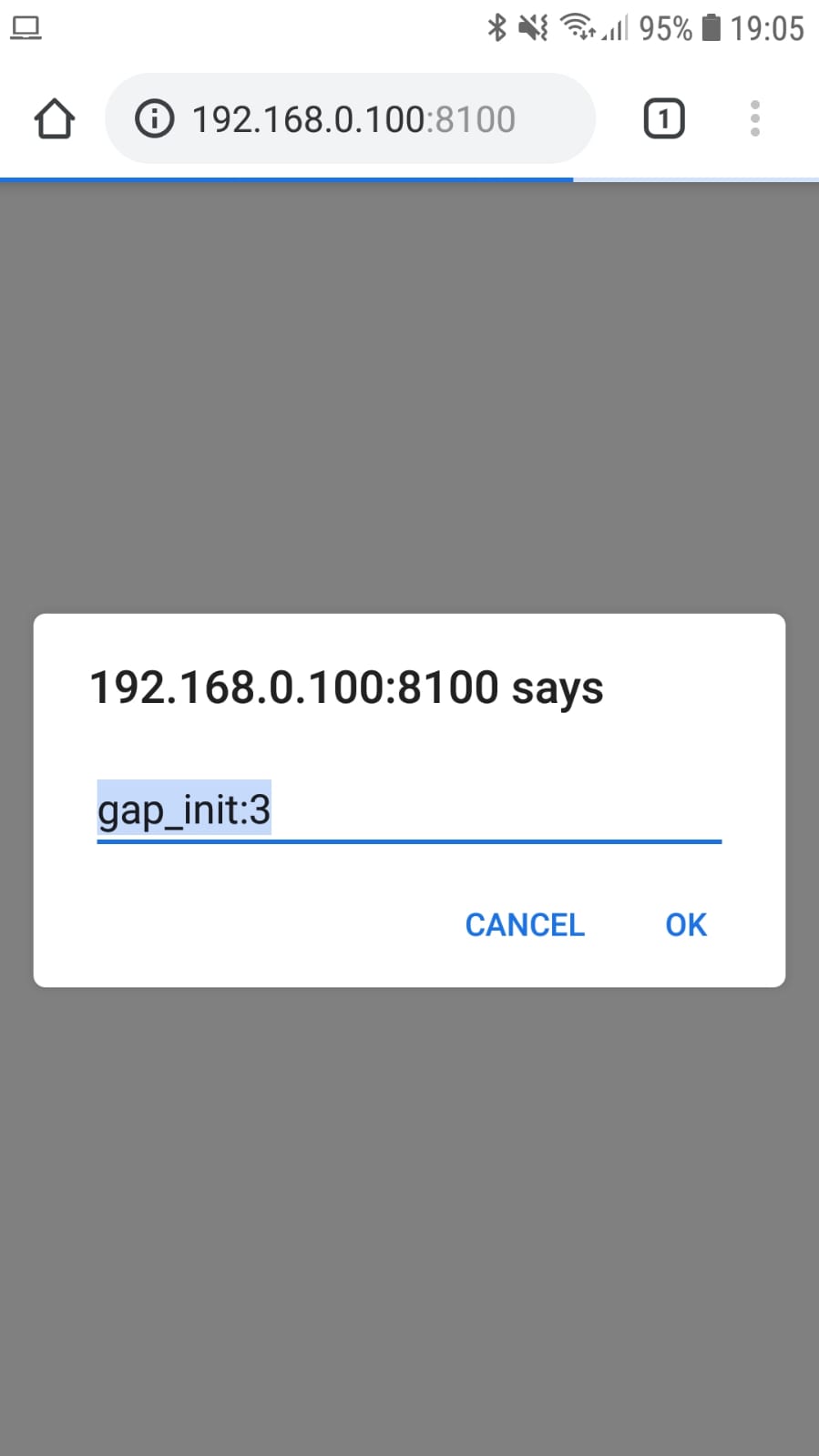
Console is empty. After i logged in on google accounts, it redirects me to here:
Expected behavior
Redirect to app
Actual behavior
Stuck in browser
About this issue
- Original URL
- State: closed
- Created 6 years ago
- Comments: 16 (5 by maintainers)
Anyone still experiencing this issue
<allow-navigation href="*"/>into your config